AI Photo Editor That Turns Words into Edits
Upload a photo, describe the change you want, and our free AI image editor does the rest.
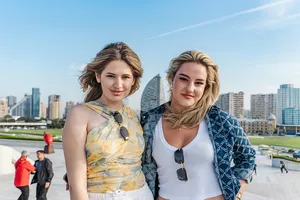
How to Edit a Photo with an AI Photo Editor
Edit your photo in three quick steps.
Upload Your Photo
Drag and drop, paste, or click to upload your image. ClipSnap supports JPG, JPEG, PNG, and WebP files.
Type What You Want
Type the change you want, like "make the pencil red." You can also add a reference image, pick an AI model, or choose an aspect ratio.
Generate and Download
Click Generate to see your edit. Add more prompts to keep refining, then download your image as a PNG.
See What an AI Image Editor Can Do with One Prompt
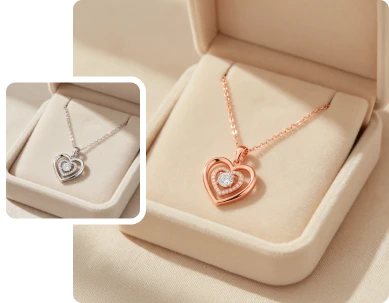
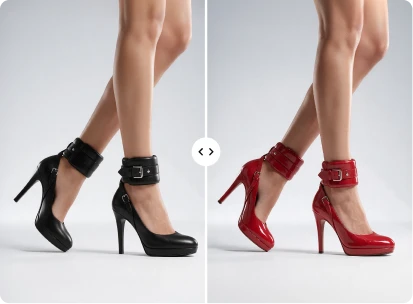
Browse before-and-after examples, each made by describing a single change.

A Free AI Photo Editor Online, Built Around Your Prompts
Prompt-Based Editing
Describe the change in your own words, and the AI edits your photo to match your request.
Reference Image Support
Add a reference image to show the look, color, or style you want your edit to follow.
Choice of AI Models
Pick the AI model that suits each edit and see how different options handle your idea.
Flexible Aspect Ratios
Keep your original shape or switch to square, vertical, or widescreen for each platform.
Targeted Changes
Edits are designed to change only what you describe, so the rest of your photo stays as is.
Free with No Sign-Up
Start editing right away with free AI actions. No account or email is needed to begin.
No Watermarks
Download your edited photos clean, with no watermarks added to your final image.
Private Uploads
Uploaded images are automatically deleted, so your personal and work photos stay private.
Edit with Simple Prompts in an AI Image Editor
You don't need to learn masks, selections, or editing software. Type what you want to change, such as "make the pencil red" or "add soft evening light." ClipSnap applies the edit to your photo. It works as an AI photo editor with prompts written the way you talk.
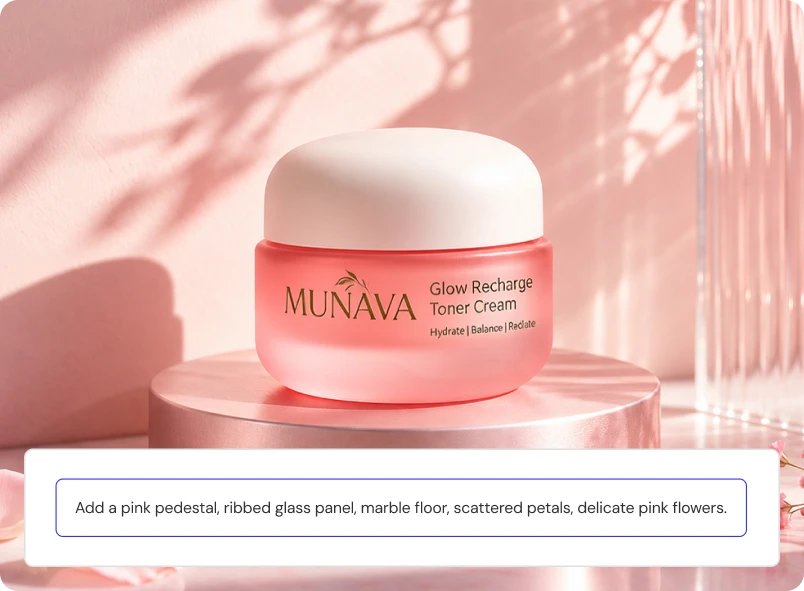
Show the Look You Want with a Reference Image
Some changes are hard to put into words. Add a reference image next to your prompt in the AI photo editor to show the color, style, or finish you want. The AI uses it as a guide, which helps when a short prompt can't capture a specific shade or pattern. It's an AI prompt image editor that follows both your words and your visuals.
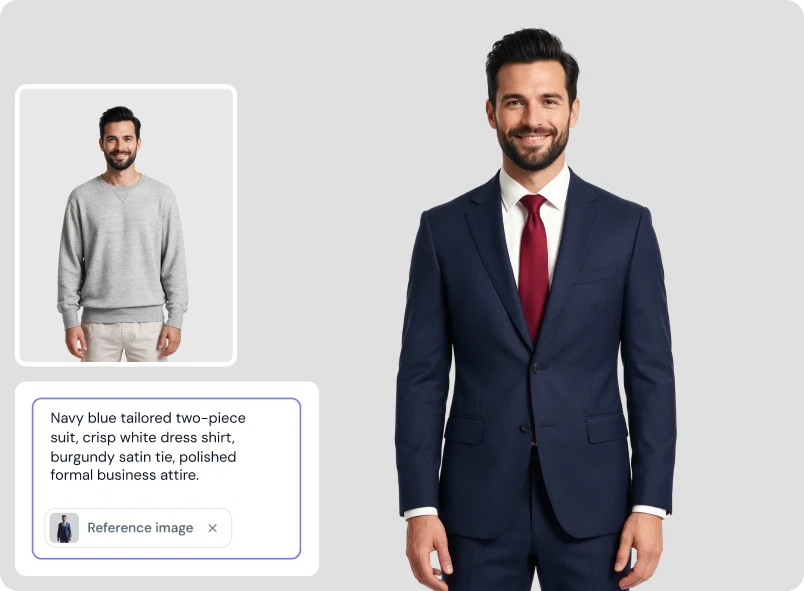
Keep Editing the Same Photo Until It Feels Right
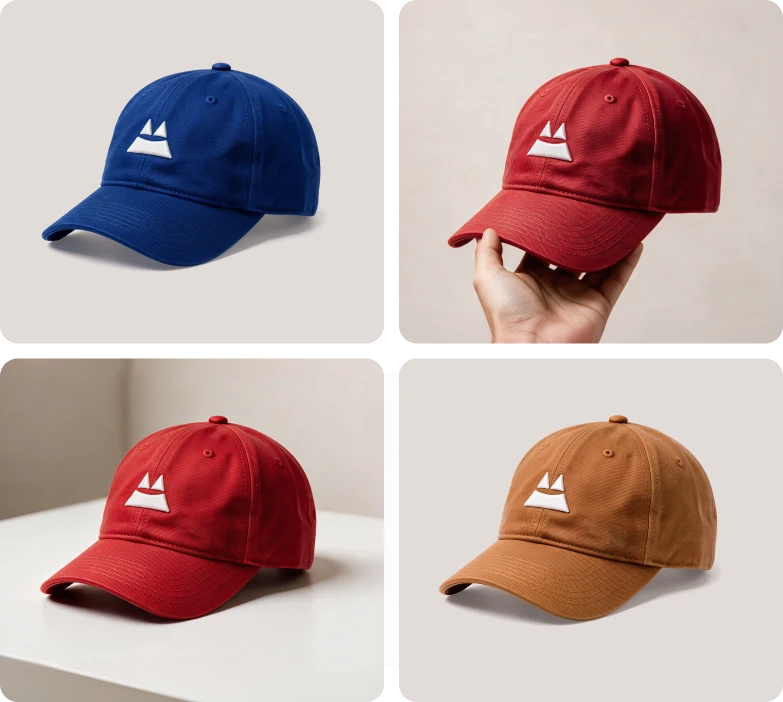
Change a product's color, adjust the lighting, then try a new setting, all on the same image. With ClipSnap's AI photo editor, you never have to start over after one change. Build your edit step by step, and create different versions of the same photo along the way.
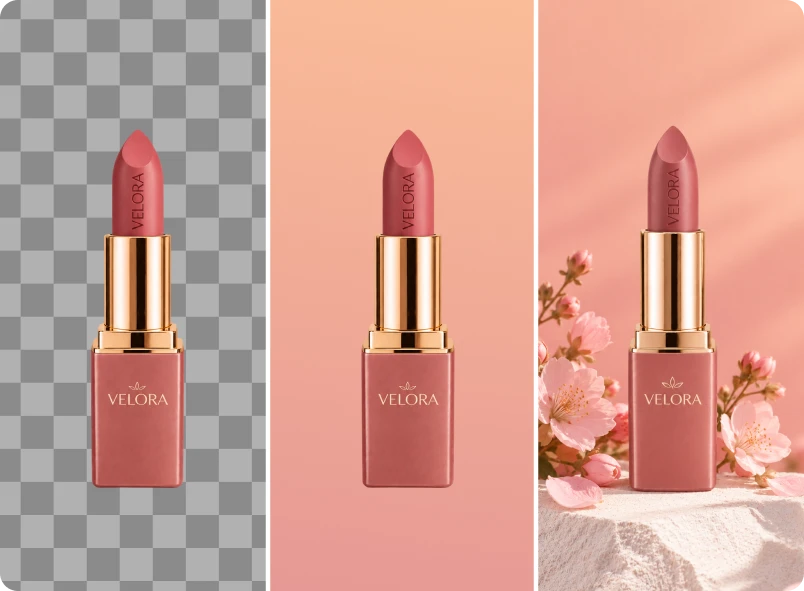
Pick the AI Model and Image Size for Each Edit
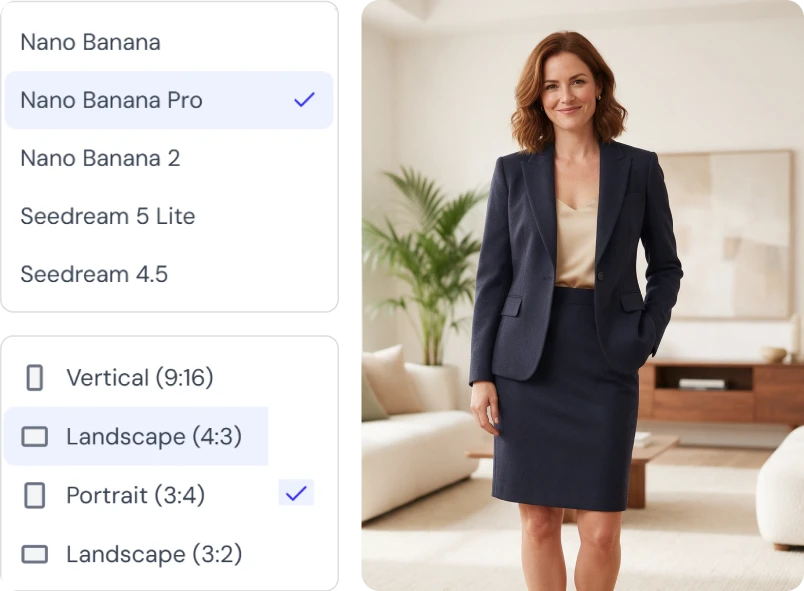
Choose from several AI models and see how each one handles your prompt. Then pick the size your image needs. Keep the original shape, or switch to square for social posts, vertical for stories, or widescreen for banners. It all happens in ClipSnap's AI image editor online, so each edit is ready for where it's going.
AI Photo Editor Use Cases
See how sellers, creators, and marketers use prompt-based editing.
Best AI Photo Editor for Ecommerce Images
Change product colors, try new settings, and create variants from one photo. Your listings stay consistent without a new photoshoot. Try it on your next product photo.
Simple AI Image Editor for Creators
Turn one photo into fresh posts, thumbnails, and stories. Describe the change, pick a square or vertical ratio, and share. Start with your latest photo.
Marketing and Ad Visuals
Adapt campaign images for different audiences and platforms by updating colors, scenes, and details with a prompt. Refresh your next campaign image today.
Personal Photos
Adjust the lighting, mood, or small details in everyday photos without learning editing software. Give one of your photos a fresh look.
Frequently Asked Questions
Built by the team behind FreeConvert, trusted by millions worldwide, ClipSnap brings the same secure and reliable experience to AI-powered photo editing.