Remove Background from Signature
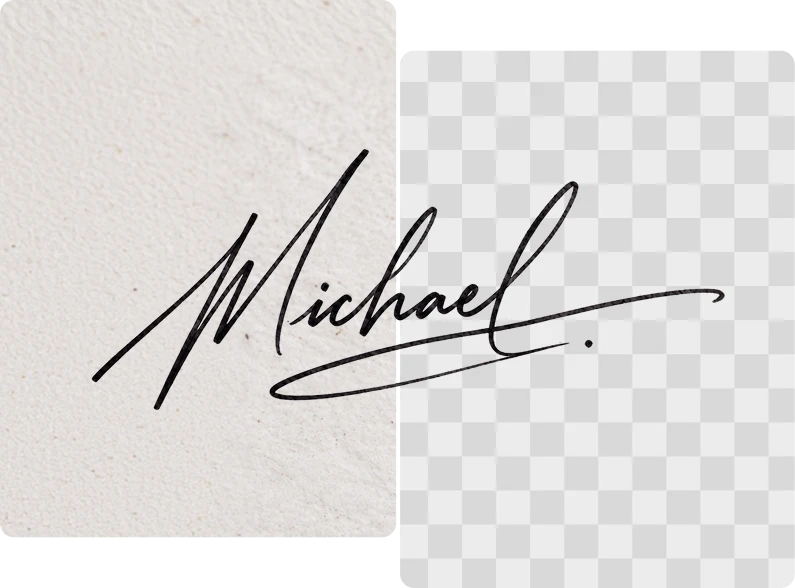
Upload your signature and remove the background in one click. Get a clean, transparent signature ready for any document.


How to Remove the Background from a Signature?
Follow these three easy steps to remove the background from your signature and get a transparent file in seconds.
Upload Your Signature
Click Upload or drag and drop your signature into ClipSnap. JPG, PNG, and WEBP formats are supported.
Remove the Background Automatically
ClipSnap's AI detects your signature and removes the background around it. Your signature stays exactly as you signed it.
Download Your Transparent Signature
Download a clean transparent signature, or swap the background for a solid color like white, black, or a custom shade.
Seamless Editing for Any Signature
High quality background removal for handwritten and digital signatures

Features of the ClipSnap Signature Background Remover
Multiple Background Options
Choose transparent, white, black, or a custom color for your signature background.
Remove Background in Seconds
Upload your signature and get a clean result back in just a few seconds.
Precision Edge Detection
ClipSnap's AI follows the edges of your signature closely for a clean, accurate cutout.
Lossless Quality Output
Your signature stays sharp and clear. Removing the background will not blur or distort it.
Commercial Use Allowed
Use your signature background remover results for business, legal, or personal documents.
Privacy and Data Security
Your images are protected with encrypted transfers. Uploaded files are automatically deleted after processing.
Beginner-Friendly Interface
Simple to use with a clear layout. No design skill or software needed.
Works on Any Device
Compatible with desktop and mobile browsers across iOS, Android, Mac, and Windows.
Remove Background from Signature Online, Fast and Free
ClipSnap's AI removes the background from your signature in one click. Upload your image and download a transparent file, a white background, or a custom color in seconds. No tools or design skills needed.
Create a Transparent Signature in Seconds
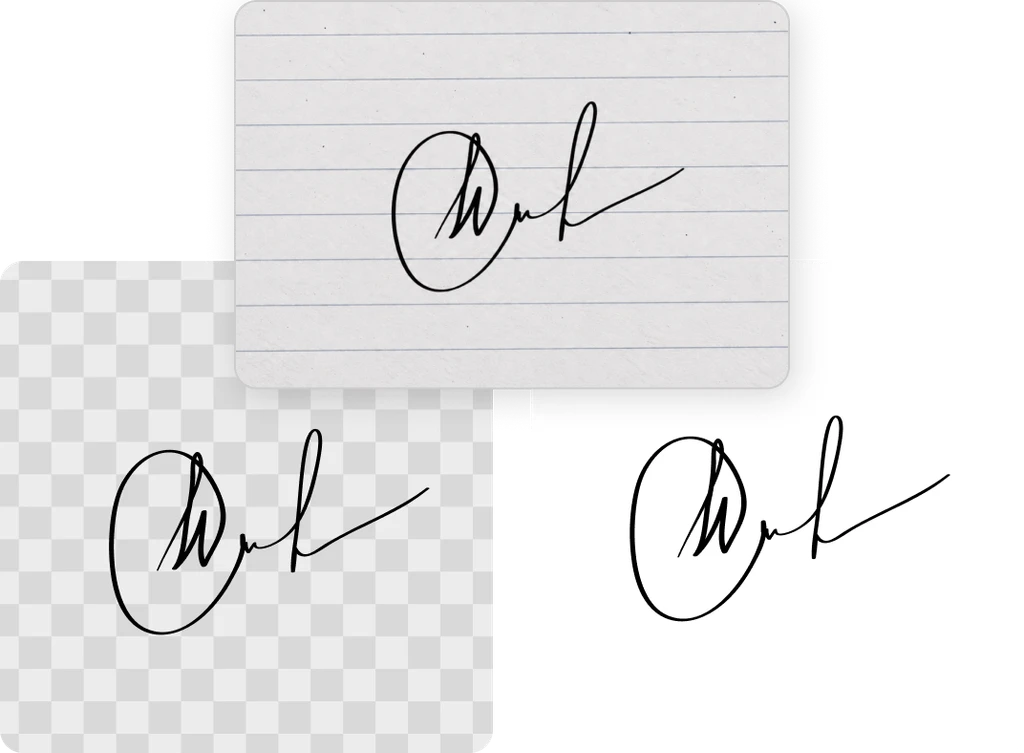
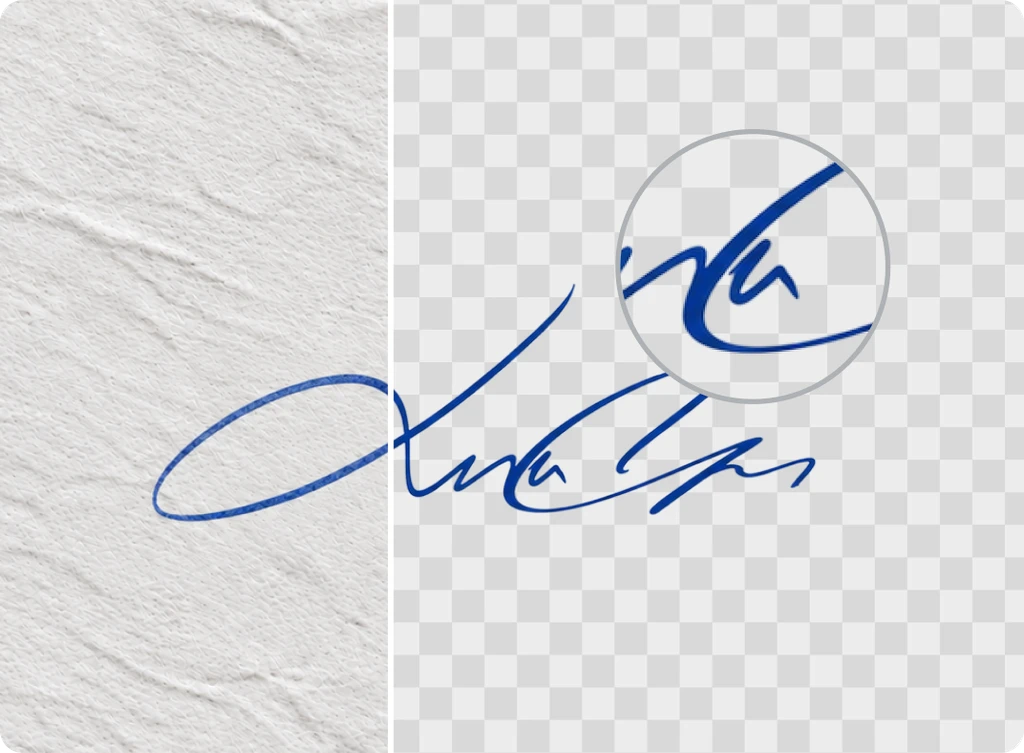
A transparent signature is easier to place on any document. Whether you are adding it to a PDF, a Word file, or a Google Doc, a transparent PNG blends in without a white box around it. Upload your signature once and ClipSnap gives you a transparent file ready to drop into any template or form.

Add a Background Color to Your Signature in One Click
Pick a solid color for your signature background instead of transparent. ClipSnap lets you choose the color in one click. Pick white to match a printed form, or use a custom color to match your brand. Your signature stays the same. Only the background changes.

Remove Background from Scanned or Photographed Signatures
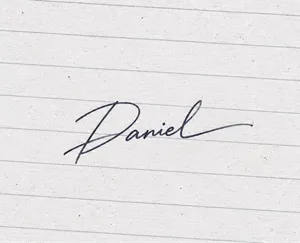
Paper texture, shadows, and lighting can make a scanned or photographed signature look messy in a document. ClipSnap removes the background clutter around your signature so it looks sharp wherever you place it. Upload a photo or scan and download a clean result with zero editing skills needed.
Signature Background Remover Use Cases
Create clean, professional signatures for every document and workflow.

Legal & Contracts
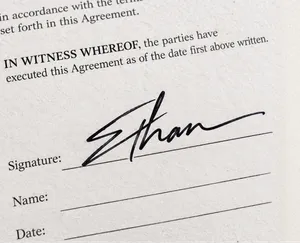
Add a clean signature to contracts and legal documents without a distracting background.
Email Signatures & Letterheads
Drop a transparent signature into your email footer or company letterhead.
Real Estate & Notary
Sign forms, agreements, and disclosures with a clean, professional signature.
HR & Business Documents
Add signatures to offer letters, invoices, and internal paperwork with ease.
Frequently Asked Questions
Built by the team behind FreeConvert, trusted by millions worldwide, ClipSnap brings the same secure and reliable experience to AI-powered photo editing.