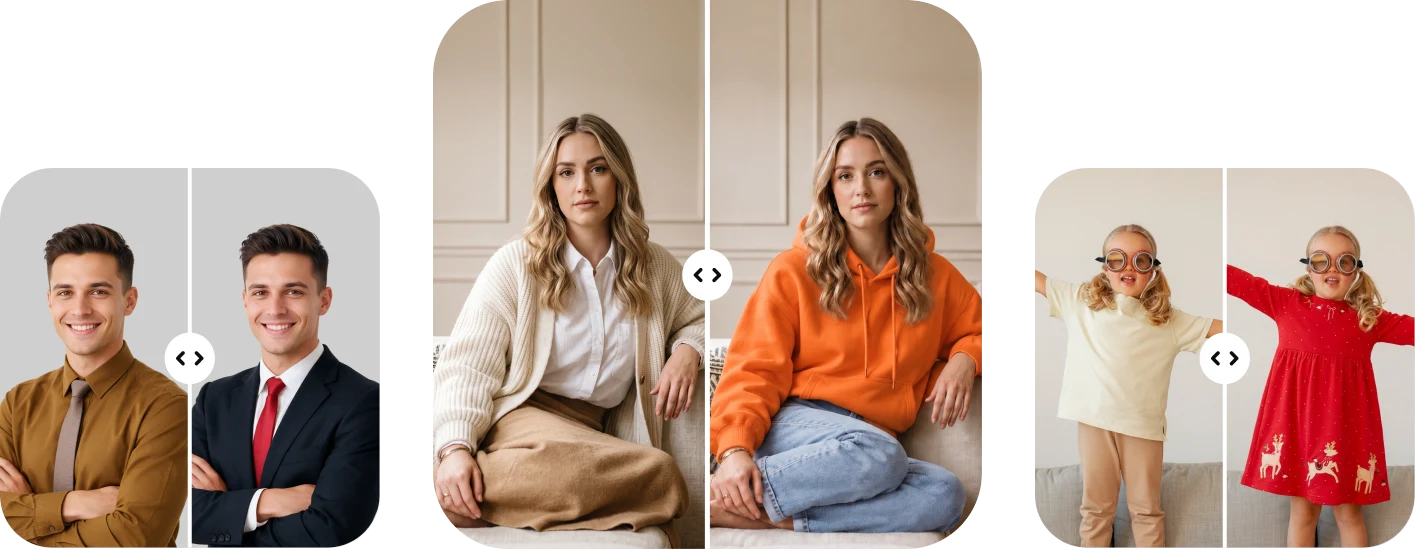
AI Clothes Changer to Change Outfits in Seconds
Swap an outfit, try a new look, or change the clothes in a photo you already have. ClipSnap's free AI clothes changer works on your own photo or a built-in model. No signup needed.
How to Change Clothes in a Photo With AI
Three steps from your photo to a new outfit. No editing skills needed.
Add Your Person
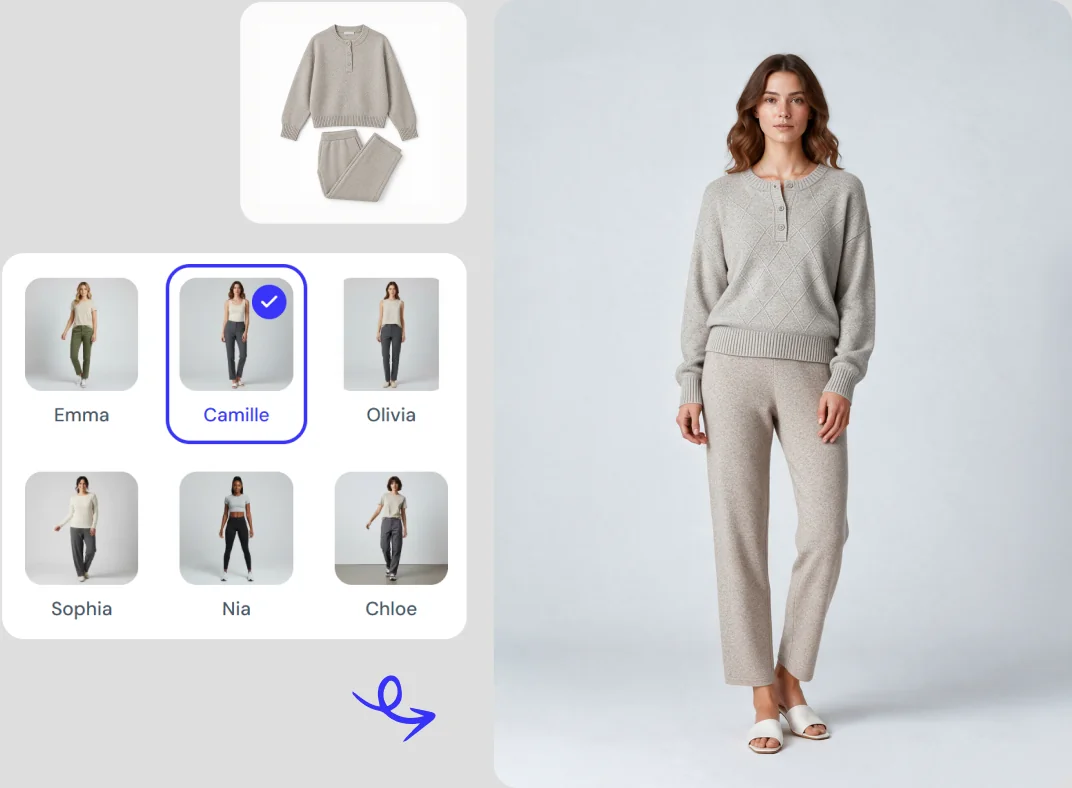
Upload a photo of the person whose outfit you want to change. No photo ready? Choose from ClipSnap's built-in models, with options for men, women, children, and seniors.
Choose the Outfit
Pick a ready-made style, upload a photo of an outfit you want to try, or describe the look you have in mind. You can also pair a description with a reference image to be more specific.
Generate and Download
Click generate and your new look appears in seconds. Download it instantly, or continue in AI edit to refine the result and create new variations.
See What the AI Dress Changer Can Do
Real outfit changes across everyday looks, workwear, special occasions, sportswear and seasonal styles.
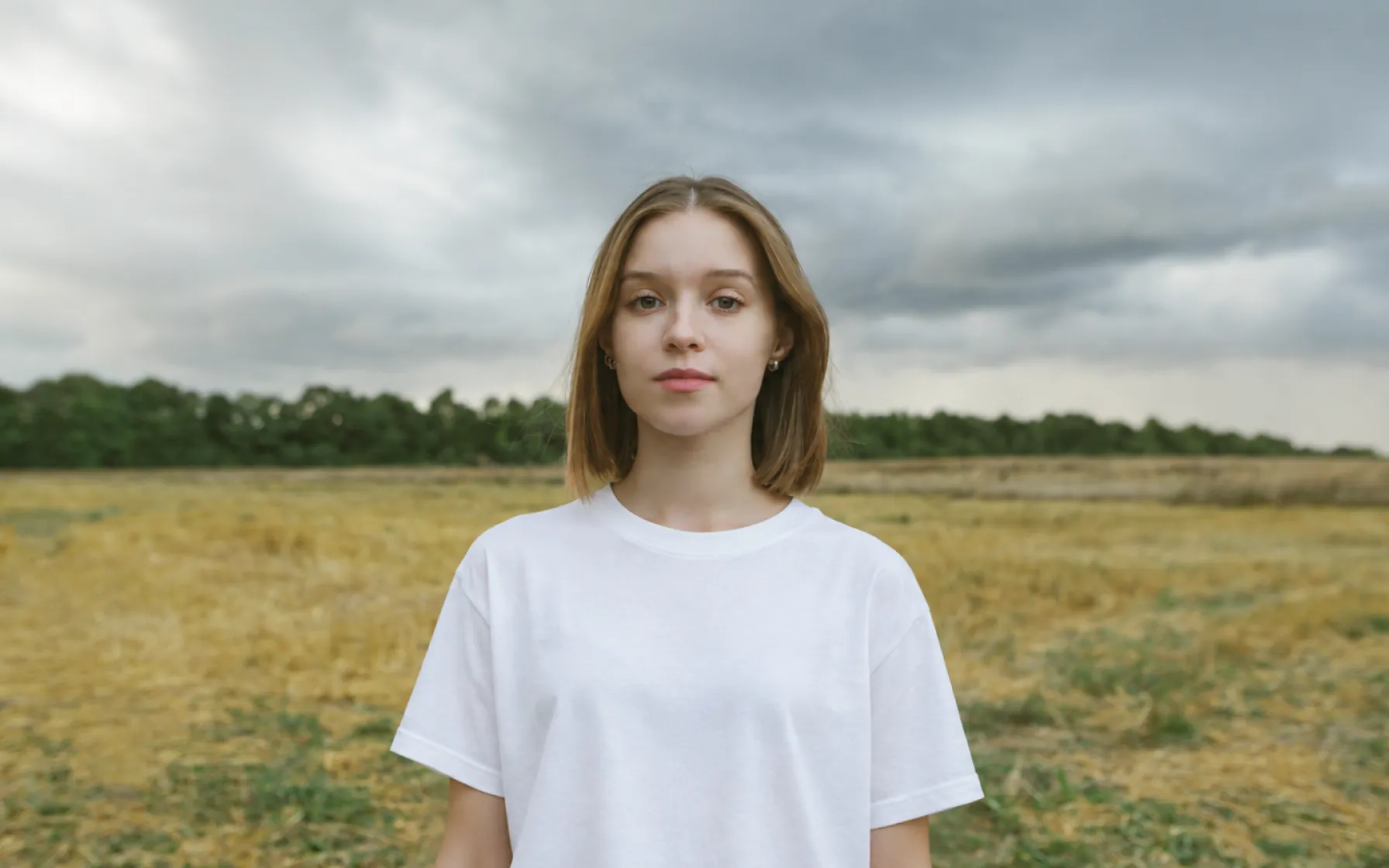
Features of the ClipSnap AI Clothes Changer
Three Ways to Set the Outfit
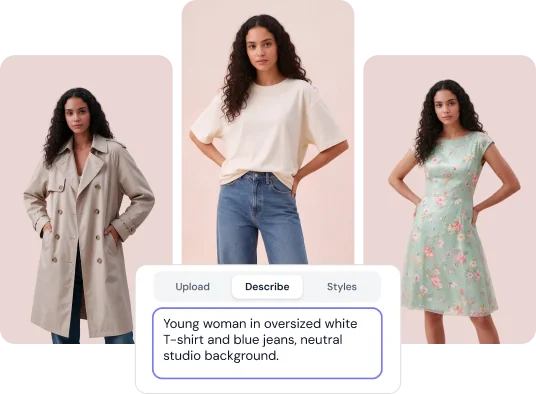
Choose a style, upload an outfit photo, or describe the look you want. Pick whichever is fastest for you.
Built-In Model Library
Choose from ready-to-use models covering men, women, children, and seniors, with a range of looks.
Only the Clothes Change
The face, pose and background stay exactly as they were. The outfit is the only thing that changes.
Outfit Styles for Every Setting
Ready-made looks across everyday, professional, occasion, sport and seasonal categories.
Describe Any Look in Words
Type the outfit you have in mind. Add a reference image when a description alone is not enough.
Refine After Generating
Not quite right? Describe the change you want and generate again without starting over.
Generate Another Take
Use AI edit to create new variations. Try a different color, change the fit, or swap the whole outfit.
Free and No Signup
Get 10 free AI actions every day. No account needed to see your first result.
Three Ways to Change an Outfit With AI
Most outfit change AI tools make you pick one method and stick with it. ClipSnap gives you three. Upload a photo of the clothing you want and the AI applies it to your person. Describe the outfit in plain words when you have an idea but no image. Or start from the style library and browse everyday, professional, occasion, sport and seasonal looks. You can also pair an outfit photo with a description when you need extra direction.
Change the Clothes, Keep Everything Else
A clothes swap is only useful if the person still looks like themselves. ClipSnap changes the clothing and leaves the rest of your image alone. The face stays the same, the pose stays the same, and so does the background. That matters when the photo already works. A product shot with the right lighting or a portrait with the right expression keeps everything you liked about it, with a new outfit on top.
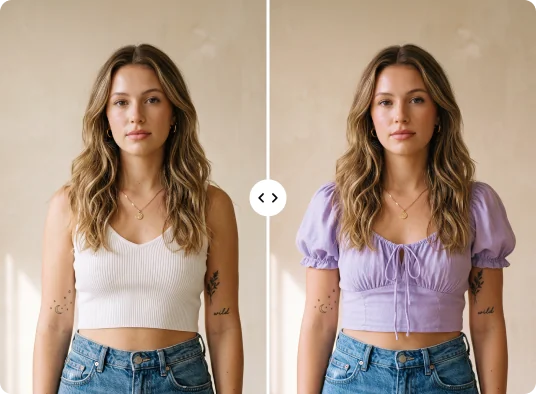
Refine Your Result Without Starting Over
The first result is often close, and sometimes it needs one small change. With ClipSnap you can keep going. Describe what you want different and generate again, whether that is a different color, a looser fit, longer sleeves, or a change to the pose or background. Add a reference image if it helps explain the idea. Keep adjusting until the outfit looks right, then instantly download the result.
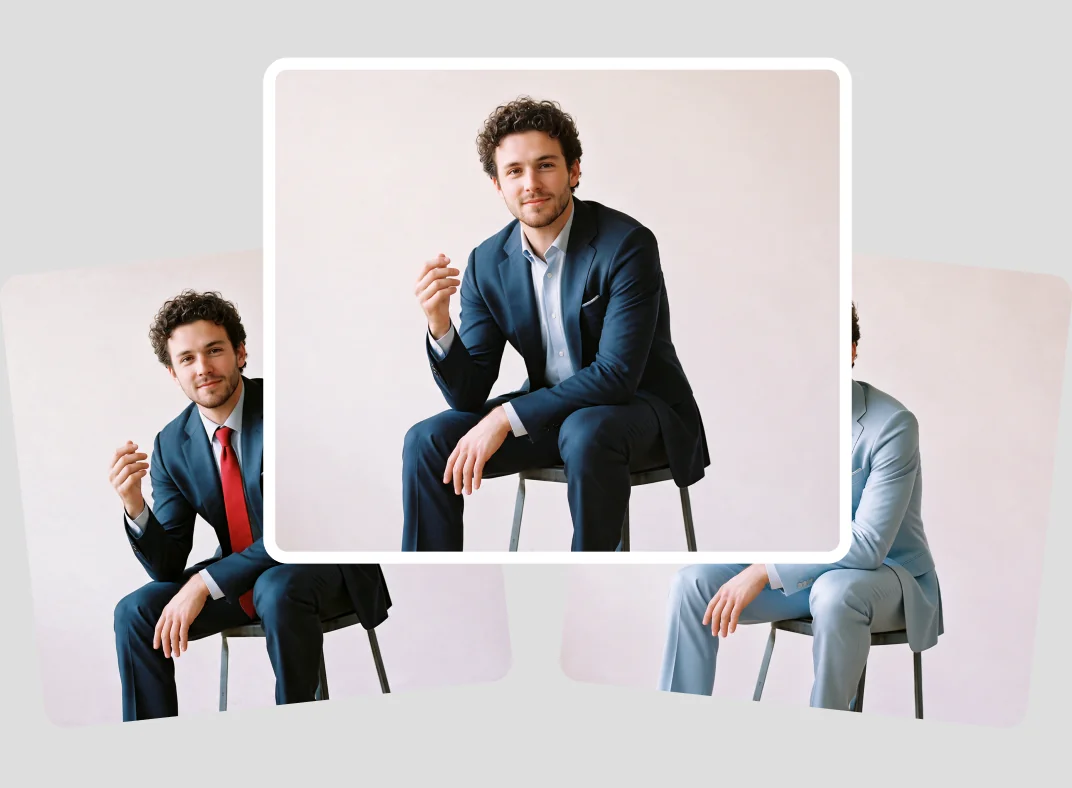
Start With Your Photo or Use a Model
You do not need a photo shoot to start using the AI outfit changer. Upload any photo of a person and ClipSnap works with it, from full body to half body, studio shot to phone photo. JPG, PNG and WEBP files are all supported. If you do not have a suitable photo, use a built-in model instead. The library covers men, women, children and seniors, so you can test a look before arranging photography of your own.
Ready to Change Clothes Online Free?
Upload a photo, pick an outfit, and see the result in seconds. No signup, no cost to try.
Who Uses the AI Clothes Changer
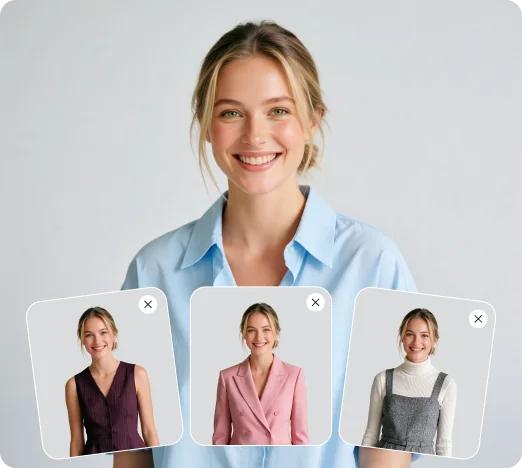
Fashion and E-Commerce Teams
Show the same model in different outfits without booking another shoot. Build out listing images, test styling ideas, and create seasonal variations from photos you already have.
Marketers and Designers
Match the clothing in your visuals to a campaign, a season, or a brand direction. Change the outfit in an existing asset instead of sourcing a new one.
Everyday Users
See yourself in a different outfit before you buy it. Change the clothes in a photo for social media, or switch into something smarter for a profile picture.
AI Image Creators
Already have a generated image you like? Change the clothing with a dress change AI instead of regenerating the whole thing and losing what worked.
Frequently Asked Questions
Built by the team behind FreeConvert, trusted by millions worldwide, ClipSnap brings the same secure and reliable experience to AI-powered photo editing.