Magic Eraser - Erase Objects from Photos
Instantly remove unwanted objects, people, text, and logos from photos using AI.
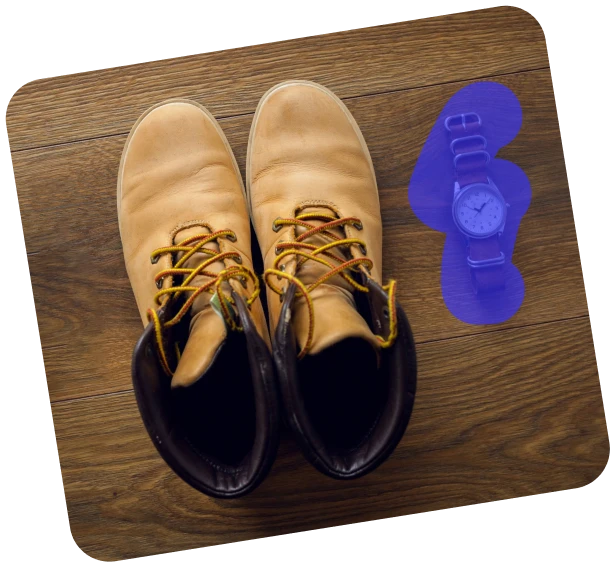
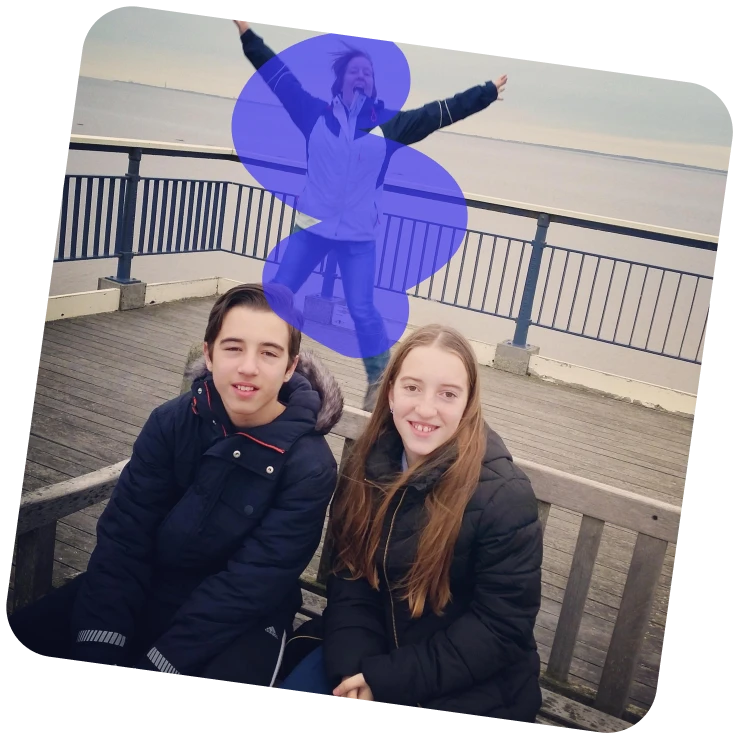



How to Erase Objects from a Photo
Follow these three simple steps to instantly erase unwanted objects with our photo eraser.
Upload Your Photo
Select or drop your image into ClipSnap. Supports JPG, PNG, and WEBP at full resolution.
Brush to Erase
Paint over unwanted objects, people, or text. Adjust the brush size for better accuracy.
Apply and Download
Click Erase to allow AI to remove unwanted objects. Download your cleaned image or keep editing.
What You Can Erase with Magic Eraser
Easily erase people, clutter, text, or distractions from any photo.

Features of ClipSnap Magic Eraser
AI Object Removal
Automatically erase objects, people, and text using advanced AI Eraser technology.
Realistic Edge Blending
AI blends lighting, color, and texture smoothly to produce clean, natural-looking edges in every edit.
Free and Fast
Easily remove unwanted parts instantly and freely, with no watermarks or restrictions.
Multiple Object Erasing
Select and delete multiple objects simultaneously for quicker, smoother, and more efficient image editing.
Adjustable Brush
Refine your erasing with precise brush size control for smooth, accurate, and detailed editing.
Works on All Devices
Use Magic Eraser on any device, whether desktop or mobile, with no installation required.
Multi-Format Support
Upload JPG, PNG, or WEBP files and export high-quality PNG results.
One-Click Retouch
Smooths, fills, and restores erased areas automatically for seamless, high-quality visual results.
Erase Unwanted Objects in Seconds
ClipSnap AI Eraser makes object removal simple. Just upload, brush, and erase. AI takes care of the rest.
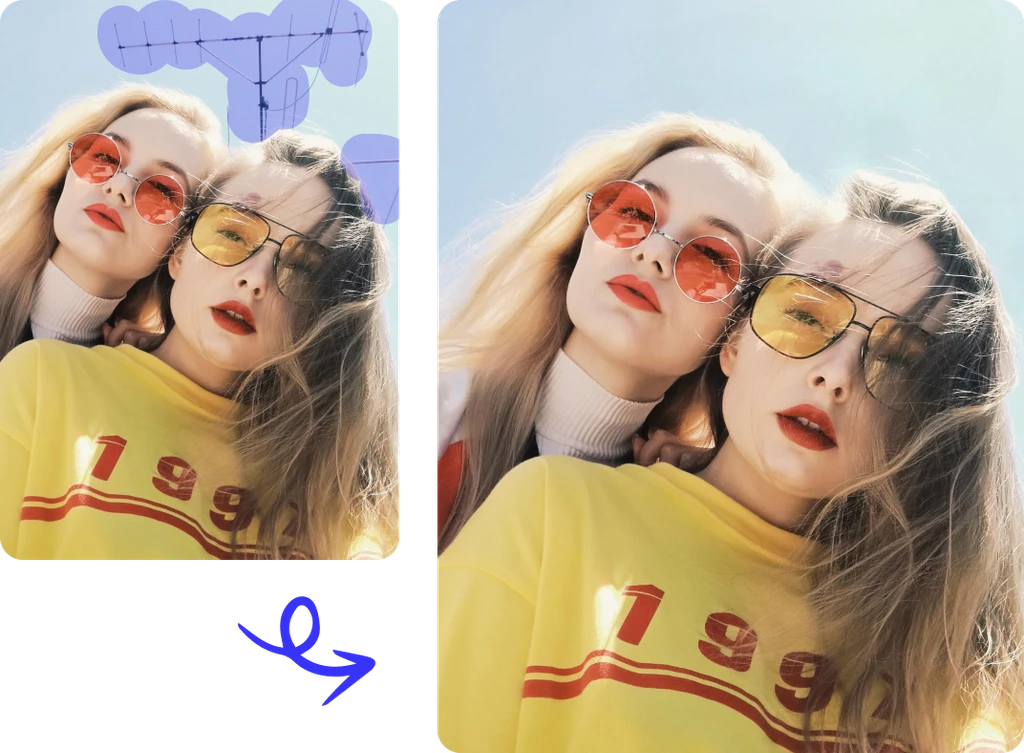
Ideal for Products and Portraits
Remove dust, props, or strangers from your photos using the photo eraser. Create cleaner product listings and portrait shots ready for any platform.
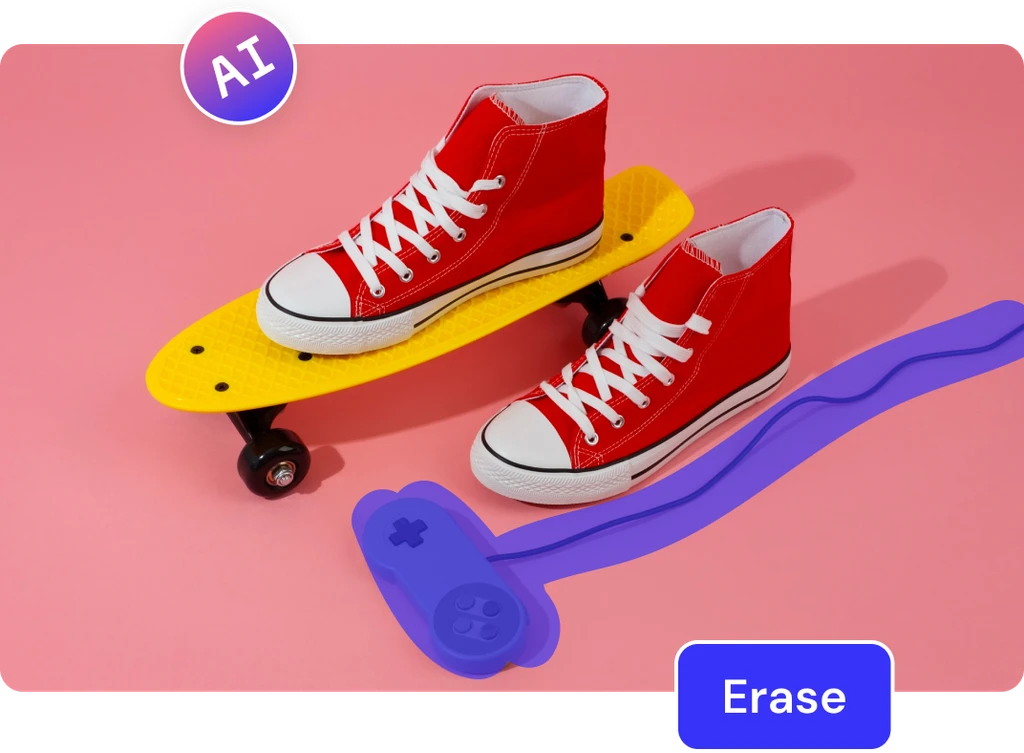
Smart AI for Perfect Fills
ClipSnap uses advanced AI to restore erased areas with accurate color and texture, making your photo look untouched and professional.
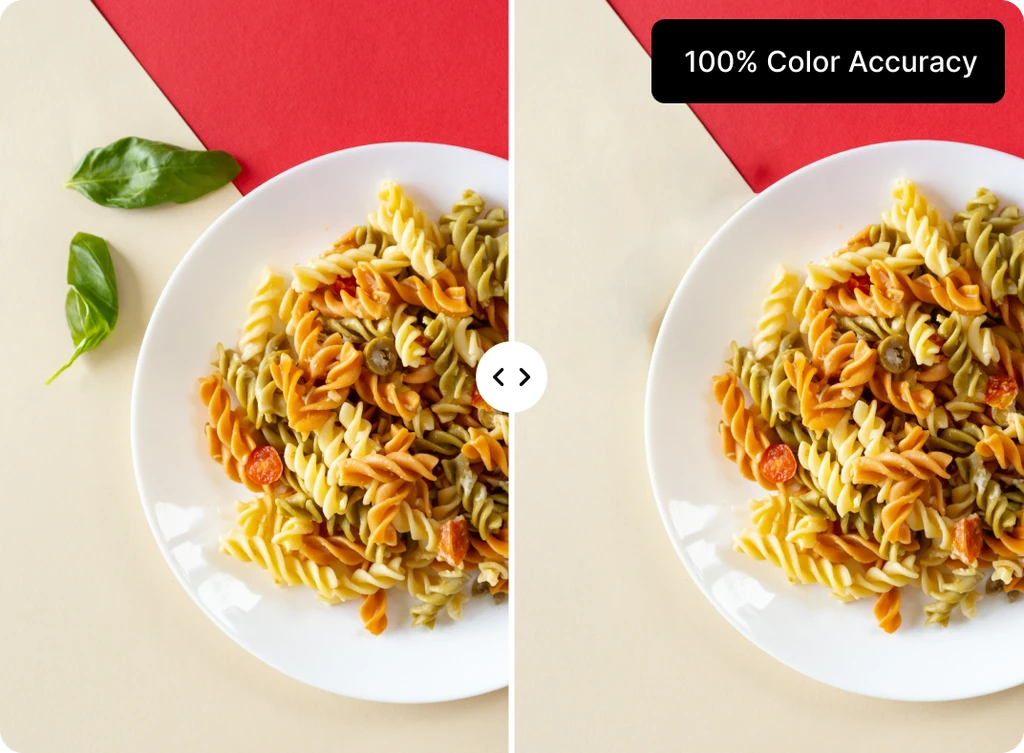
Simple for Everyone
No editing skills required. Magic Eraser's user-friendly design helps anyone quickly create clear, distraction-free photos.
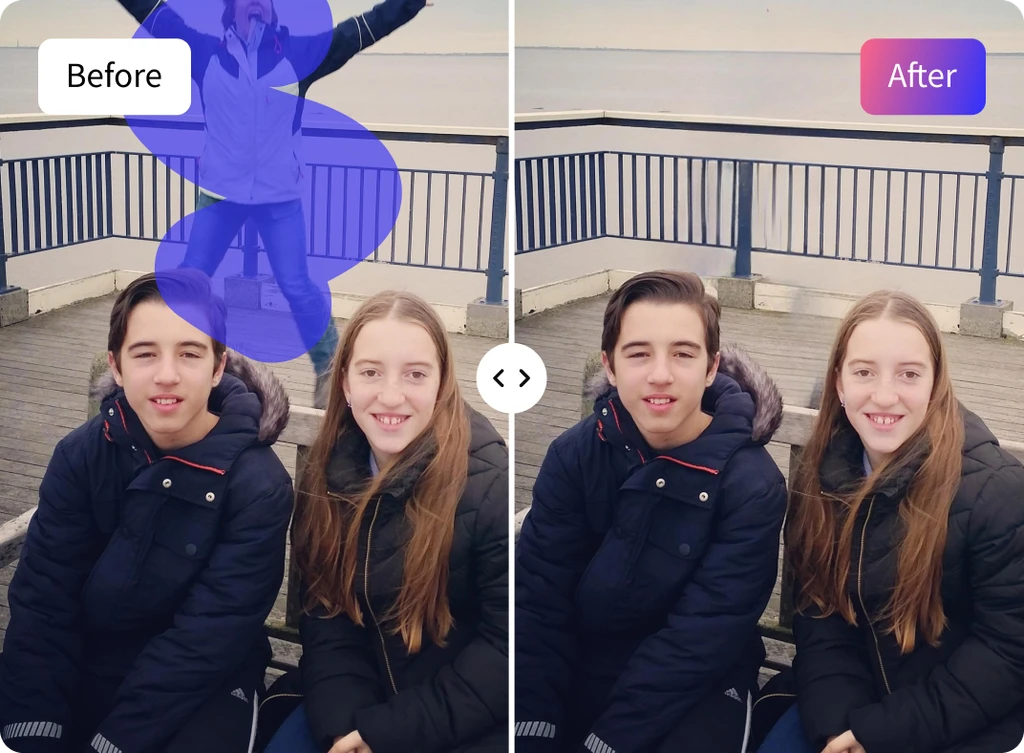
Magic Eraser Use Cases
Effective methods to erase unwanted objects from your photos using AI.
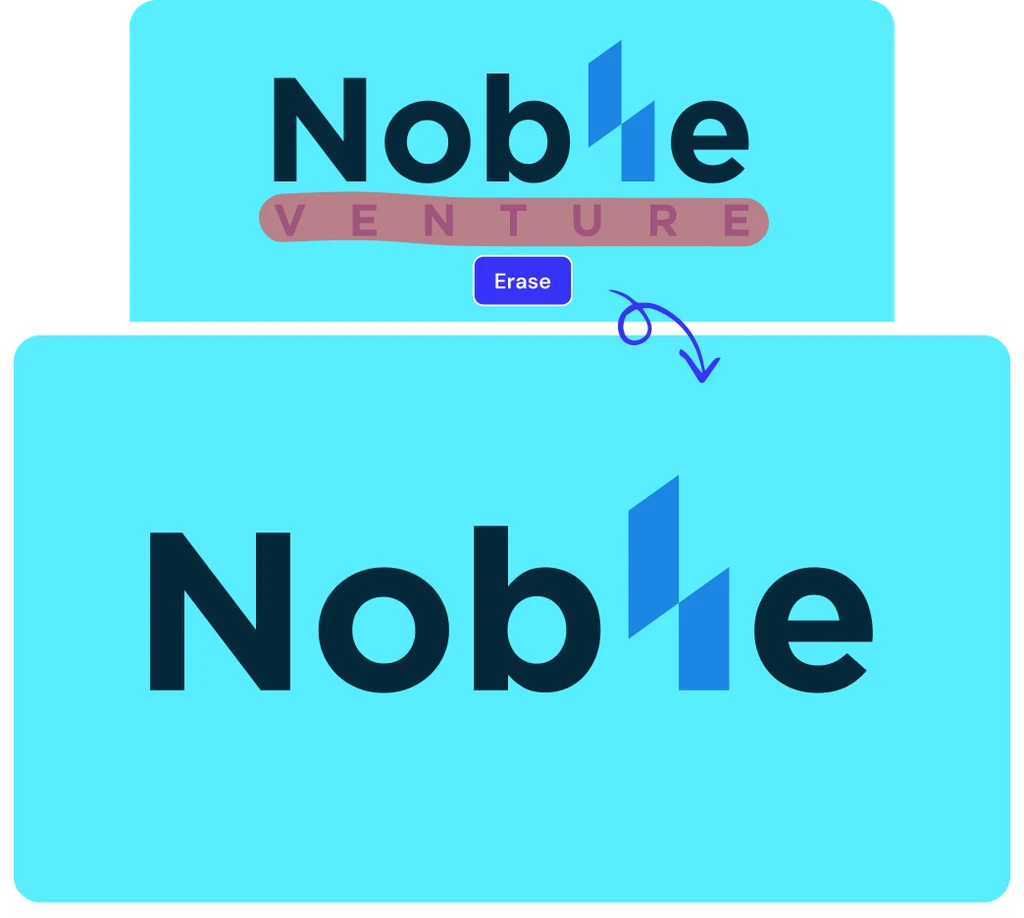
Product Photos
Remove dust, price tags, or props to create clean e-commerce images on Shopify and Amazon.
Portraits and Selfies
Remove people or distractions in the background to stay focused on your subject.
Social Media and Ads
Perfect your posts by removing text, emojis, or unwanted objects from thumbnails and reels.
Logos and Text You Own
Erase old watermarks, logos, or text on assets for which you have editing rights.
Frequently Asked Questions
Built by the team behind FreeConvert, trusted by millions worldwide, ClipSnap brings the same secure and reliable experience to AI-powered photo editing.