Use AI Replace to Swap or Add Any Object
Select any part of your photo, describe what you want, and let AI replace it or add something new.

How to Use the AI Replace Tool
Three steps to swap an object or add a new one.
Upload Your Image
Drop, paste, or pick a file from your device. Supports JPG, JPEG, PNG, and WEBP.
Select the Area
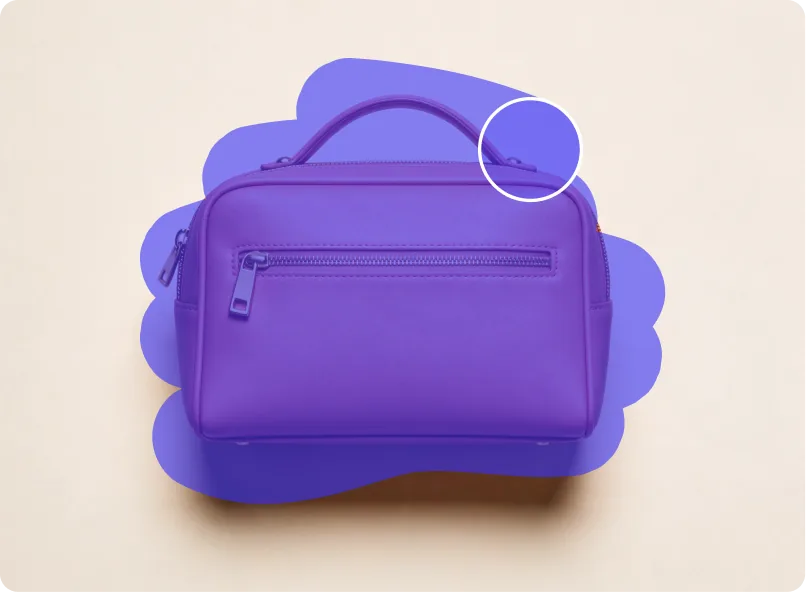
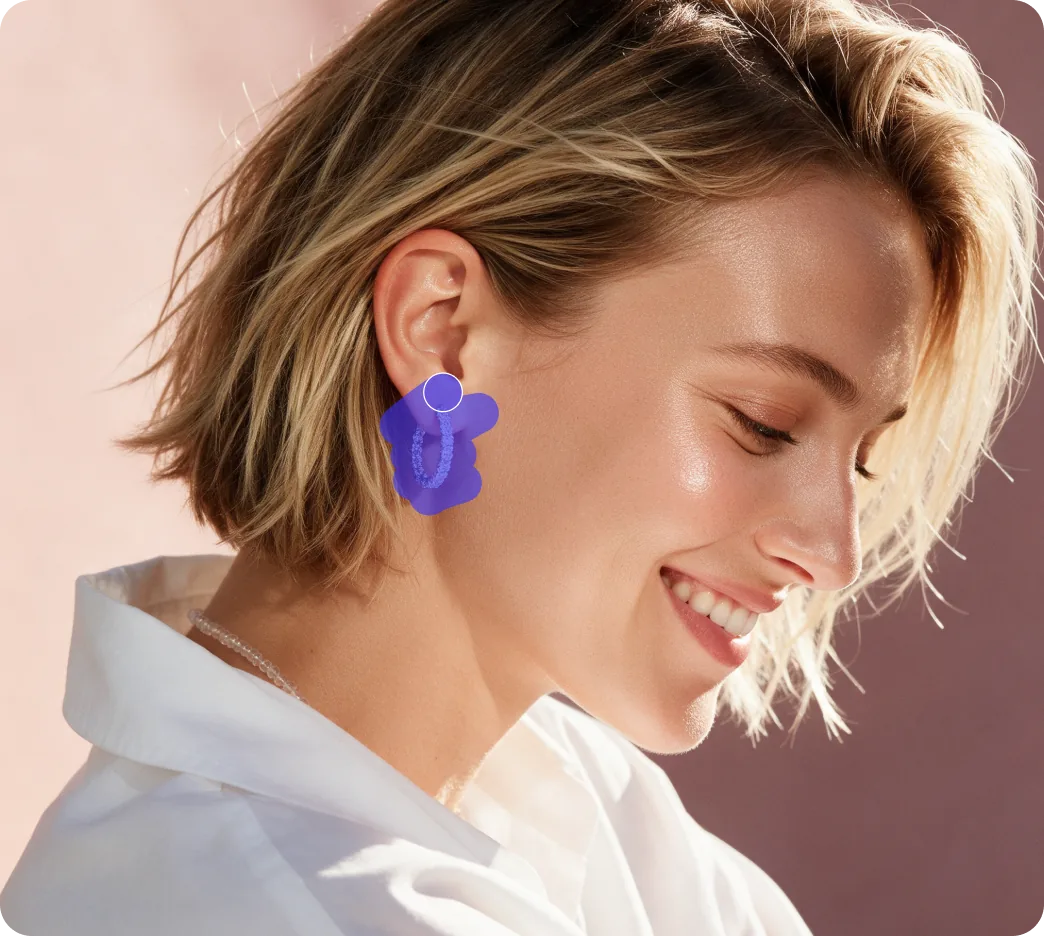
The brush is ready as soon as your image loads. Brush over the object you want to change, or over the empty space where you want something new. Adjust the brush size in General Settings for tighter edges.
Generate and Download
Choose Generate, then describe what you want in the selected area. Click Generate again and the AI replaces it. Download your image, or open the editor to keep working.
What You Can Change in One Selection
Swap an object, add a new one, or adjust a single detail without touching the rest of the image.
Features of ClipSnap AI Replace
Swap Any Object You Select
Brush over a bag, a strap, a garment detail, or a prop, then describe what should take its place.
Add Elements That Were Never There
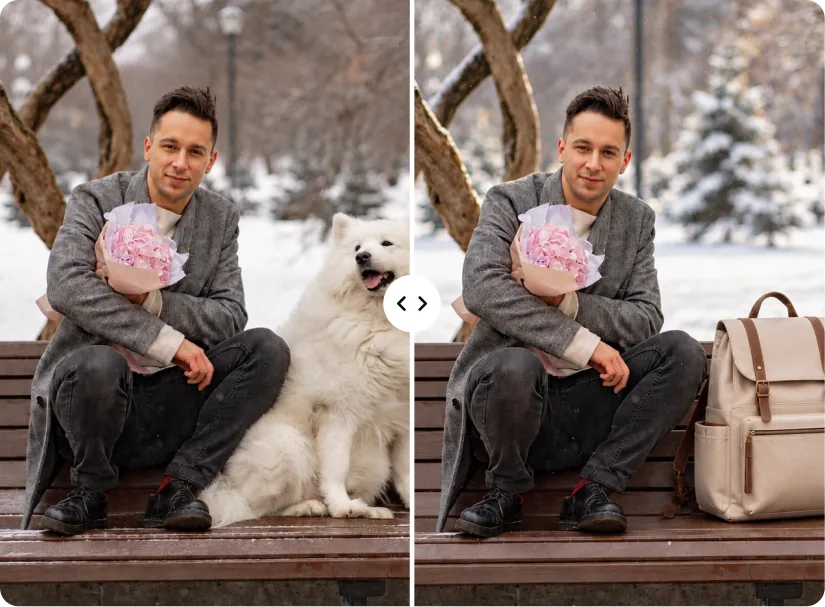
Select empty space and generate something new in it. You are not limited to swapping what already exists.
Adjustable Brush Control
Size the brush in General Settings to match the object. Tight for small details, wide for larger areas.
Erase or Generate, Your Choice
After you brush an area, pick Generate to describe something new, or Erase to clear it instead.
Blends Into the Original Photo
The AI reads the lighting, angle, and colour around your selection so the new element sits naturally in the scene.
No Account, No Install
Open the page and start editing. Nothing to download, no sign-up before your first result.
Free With No Watermarks
Use the AI replace tool free and download clean images with nothing stamped across them.
Keep Refining in the Editor
Happy with the result? Download it. Want to go further? Carry it into the ClipSnap editor.
AI Replace Works Only on the Part You Choose
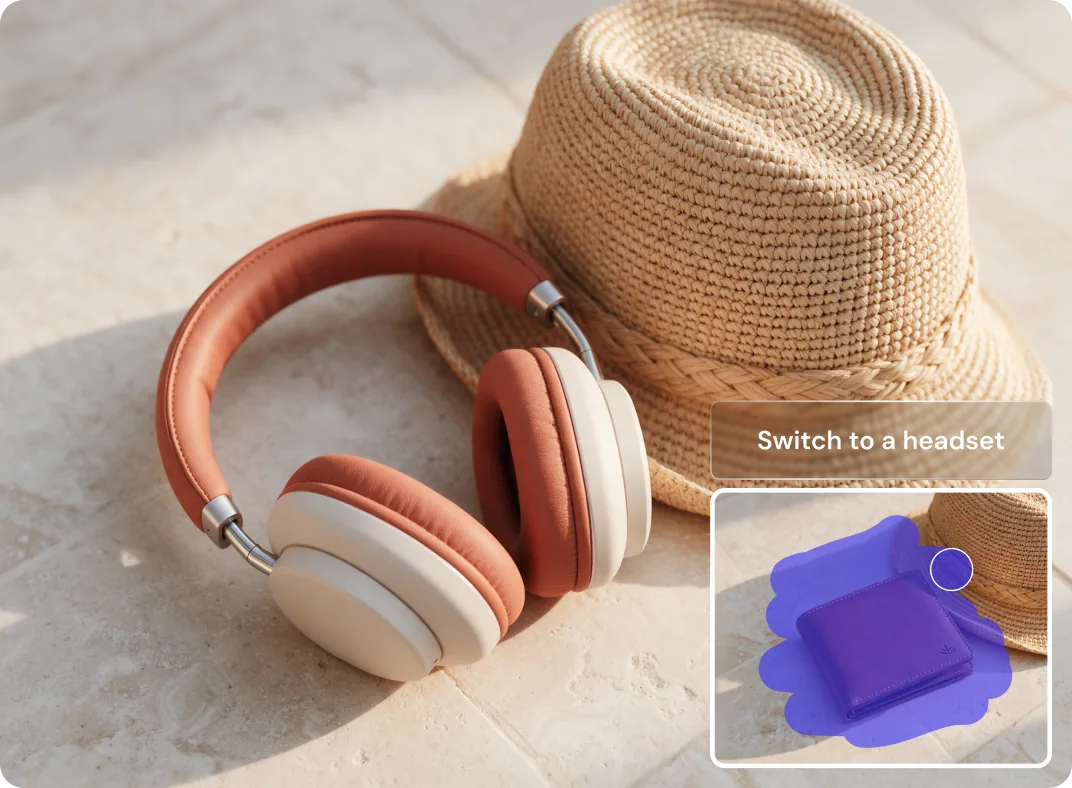
With ClipSnap AI Replace, you decide exactly what changes. Brush over the part you want to update, and everything outside your selection stays the way it is. Select a watch strap and swap the leather for metal, select a handle and try a different finish, or select a label and change the pattern. The rest of your photo keeps its original detail. That makes the AI image replacer helpful when you already have a photo you like and just need another version of it.
An AI Image Replacer Built for Product and Brand Photos
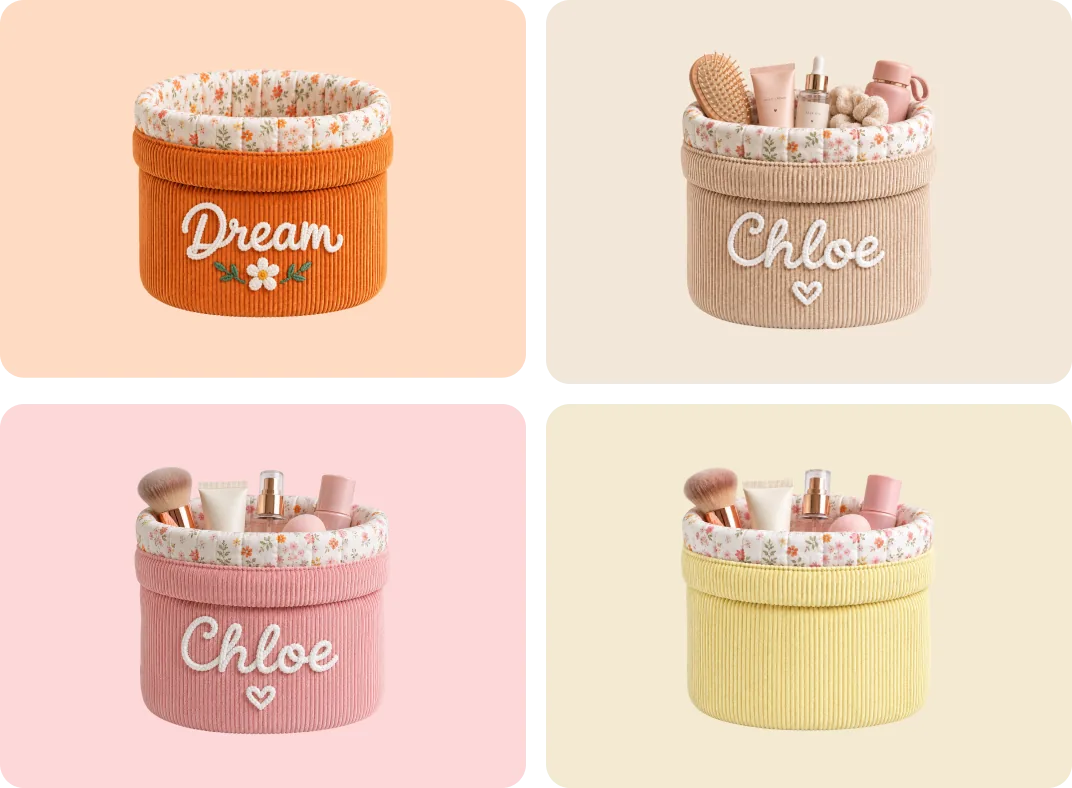
You can start with a product photo you already own and change only the part that is different. No new shoot, and no rebuilding the image from scratch. Swap a strap, a clasp, a handle, or a packaging detail. Try a different material or finish on the same product, or replace the props around it to suit a new campaign. One photo can carry a whole set of concepts. Keep these as visual concepts rather than accurate product records, since AI-generated variations show how an idea could look and not the exact specification of a manufactured item.
Add Something New to a Selected Area
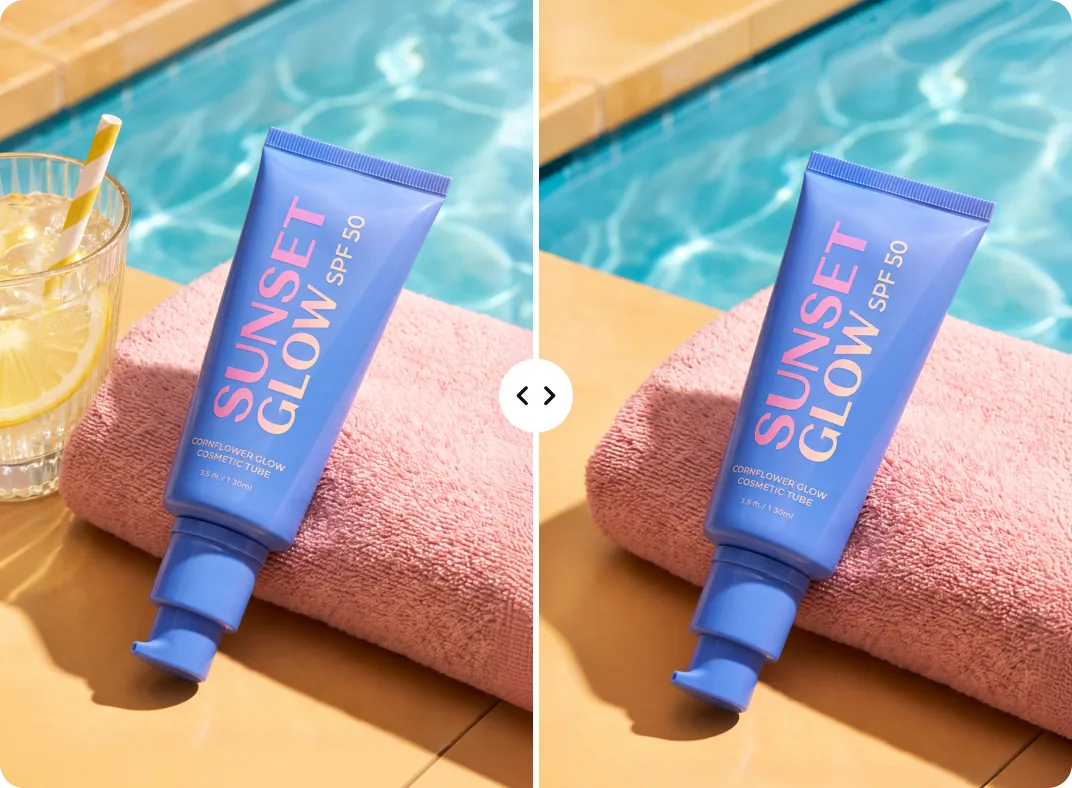
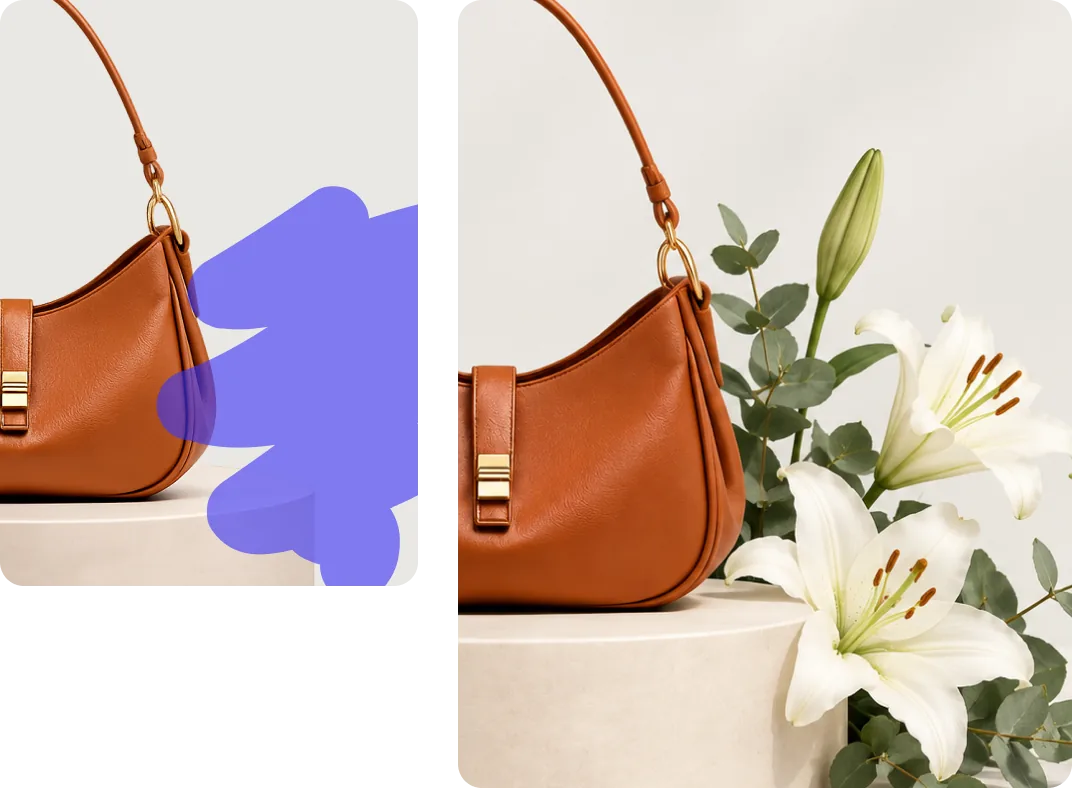
AI Replace is not only about swapping. You can brush over empty space, describe what belongs there, and let the AI generate it inside your selection. Add a prop beside a product, an accessory to a lifestyle shot, or a decorative element to a social post that looked bare. The new element picks up the lighting and perspective around it, so it sits naturally in the scene. You keep the photo that already worked and simply add what it was missing.
Make Several Versions From One Photo
You rarely need just one image. You need the same image in a few versions for different placements. Run AI image replace on the same photo more than once and you have a set. Different props for different seasons, different colours for different audiences, different details for different channels. Every version starts from a photo you have already approved, so your look stays consistent everywhere you publish. There is no account to create and no app to install. Open the AI replace tool online and start.
AI Replace Use Cases
How brands, creators, and marketing teams use an AI photo replacer day to day.
E-commerce Product Images
Change a component, a finish, or a packaging detail on a product you have already photographed. Build listing variations from a single approved shot instead of booking another session.
Fashion and Apparel
Swap a sleeve, a collar, a pattern, or an accessory in an existing photo. Useful for exploring visual directions and content ideas, not for representing how a garment fits in real life.
Influencer and Social Content
Change a prop, an accessory, or a clothing detail and post a fresh version of a photo that already performed. Add elements to fill space in a frame that felt empty.
Marketing and Campaign Creatives
Adapt one creative for several campaigns. Replace individual elements, add campaign-specific objects, and keep a consistent look across the set.
Frequently Asked Questions
Built by the team behind FreeConvert, trusted by millions worldwide, ClipSnap brings the same secure and reliable experience to AI-powered photo editing.