Add a Black Background to Photo

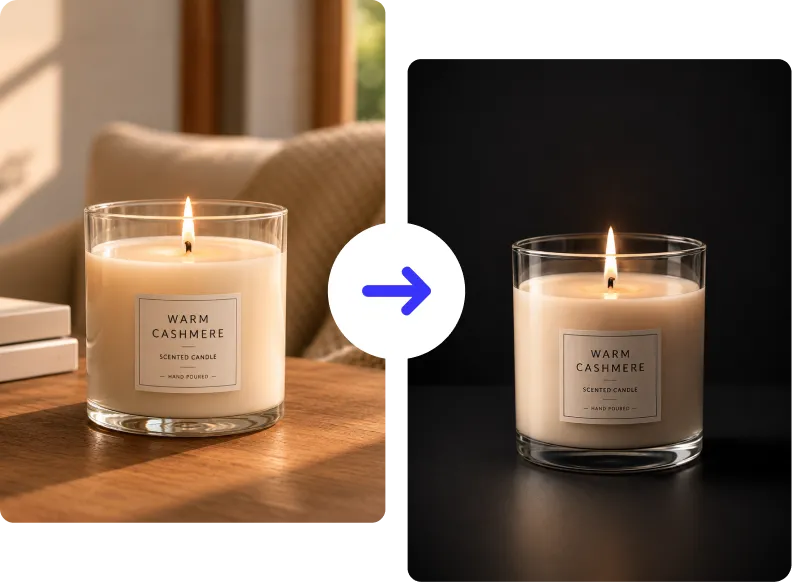


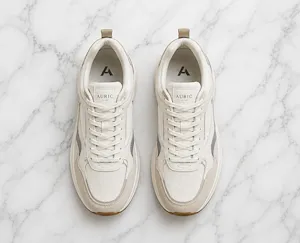
How to Add a Black Background to a Photo?
Follow these three easy steps to give any photo a clean, solid black background in seconds.
Upload Your Photo
Click Upload or drag and drop your image into ClipSnap. Supports JPG, PNG, and WEBP formats at full resolution.
Remove the Original Background
ClipSnap's AI automatically detects your subject and removes the background with sharp, precise edges.
Apply the Black Background
Select the Black Background option to instantly fill the transparent area with pure #000000 black. Download your image in high resolution.
Perfect Uses for a Black Background
From studio-quality product shots to dramatic portraits, see how a black background transforms any image.

Features of the ClipSnap Black Background Tool
AI-Powered Edge Detection
ClipSnap's AI precisely detects your subject and delivers sharp, clean edges on every black background.
One-Click Black Background
Change any photo background to solid black in a single step. No manual selection or design skills needed.
Pure Black Output
Get a true, deep black background every time. Perfect for e-commerce listings, portfolios, and print.
Commercial Use Allowed
Use your black background images freely for business, advertising, or client projects without restrictions.
Privacy and Data Security
Your images are protected with encrypted transfers. Uploaded files are automatically deleted after processing.
Works on Any Device
Use the black background changer online on desktop or mobile. No software installation required.
Ideal for Products and Portraits
From jewelry and electronics to professional headshots, black backgrounds make any subject look premium.
Wide Format Compatibility
Supports JPG, PNG, and WEBP formats, so you can upload and download images that work anywhere.
Add a Black Background to Any Photo in Seconds
ClipSnap's AI black background tool instantly transforms your photos with a clean, deep black backdrop. Whether you're working on product listings, headshots, or creative visuals, you can remove your original background and replace it with solid black in one click. No Photoshop. No design skills. Just fast, high-quality results.
Make Products Look Premium and High-End
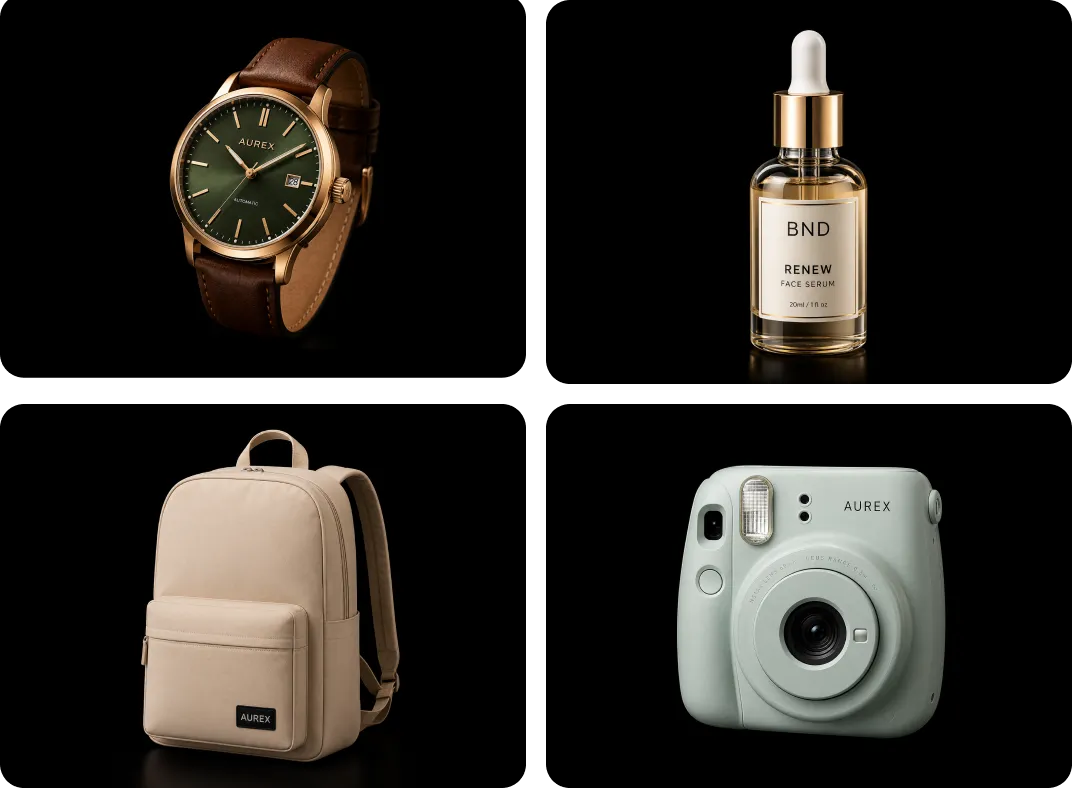
A black background removes all visual noise and puts your product front and center. It creates contrast, depth, and a luxury feel that catches the eye immediately. Ideal for jewelry, electronics, watches, cosmetics, and any product where premium presentation drives more clicks and conversions.
Professional Black Background for Portraits
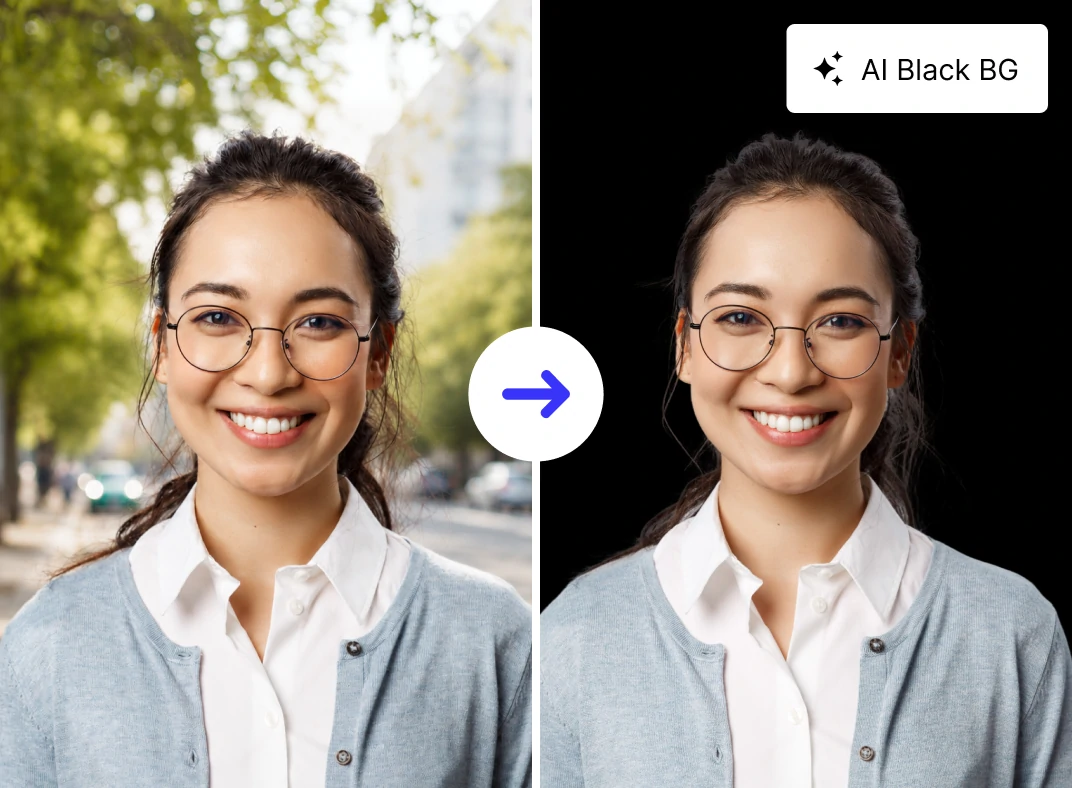
Turn ordinary photos into dramatic, studio-quality portraits with a solid black background. Great for LinkedIn headshots, acting portfolios, and resume photos, a black background creates a bold, focused look that highlights your subject and eliminates distractions. Upload your photo and get a polished result instantly.
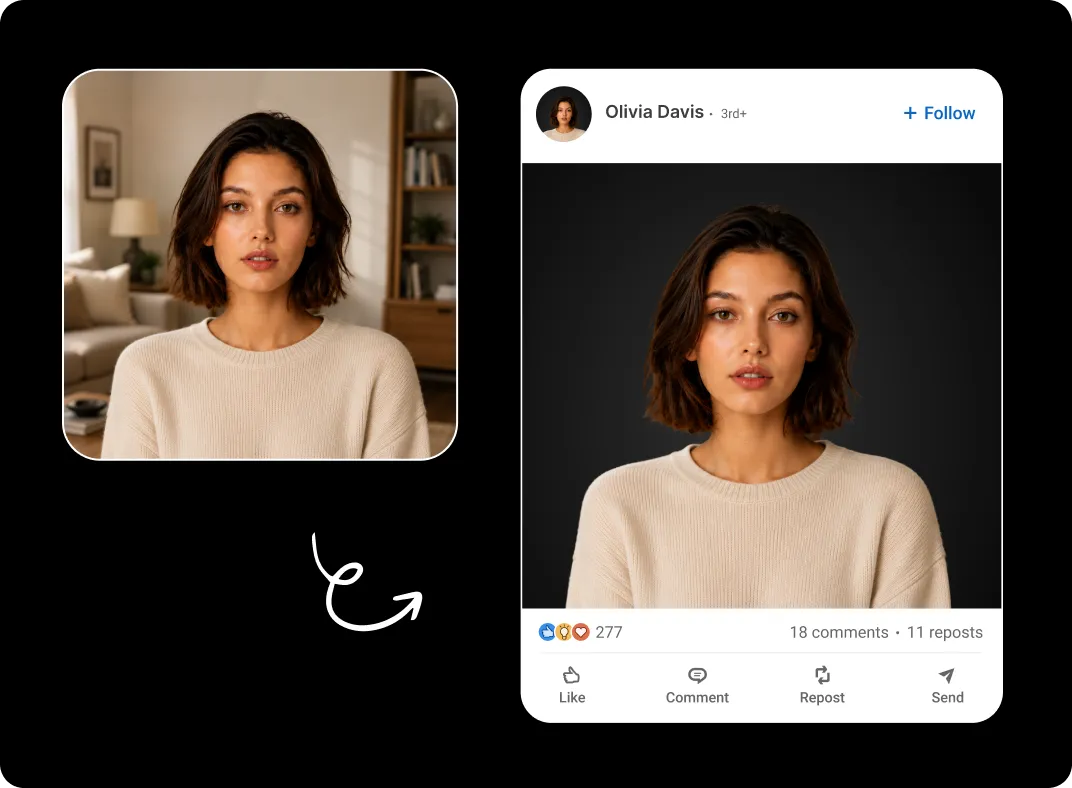
AI Precision for Clean, Sharp Results
Powered by advanced AI, ClipSnap detects your subject with high accuracy, sharpens edges, and applies a smooth, even black background with no jagged lines or leftover artifacts. The result is a distraction-free image with strong contrast and true color accuracy, ready for any platform or print format.

Black Background Use Cases
Add a black background to photos for any professional purpose using AI.
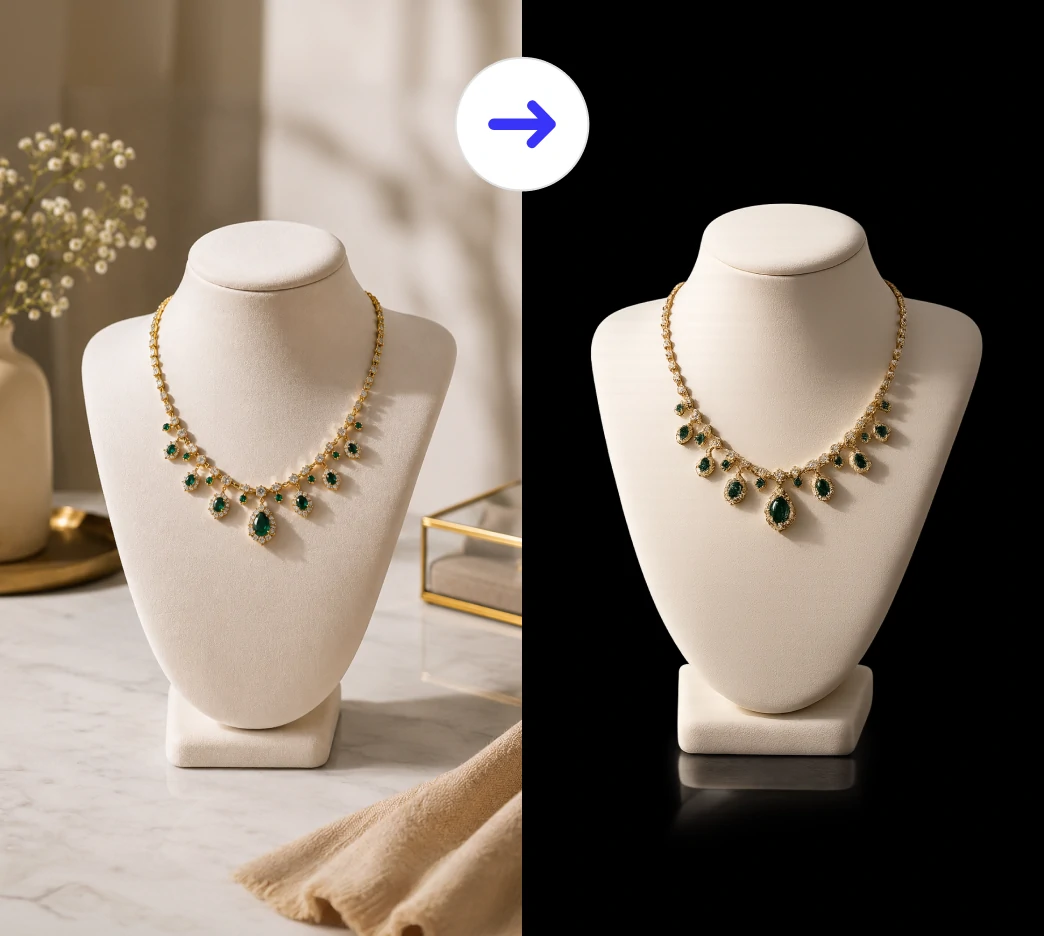
E-Commerce Product Photos
Professional Headshots
Jewelry and Luxury Products
Creative and Artistic Photography
Frequently Asked Questions
Built by the team behind FreeConvert, trusted by millions worldwide, ClipSnap brings the same secure and reliable experience to AI-powered photo editing.