AI Hairstyle Changer
Use AI to change your hairstyle and hair color on any photo. Free virtual try on for men, women, and kids.
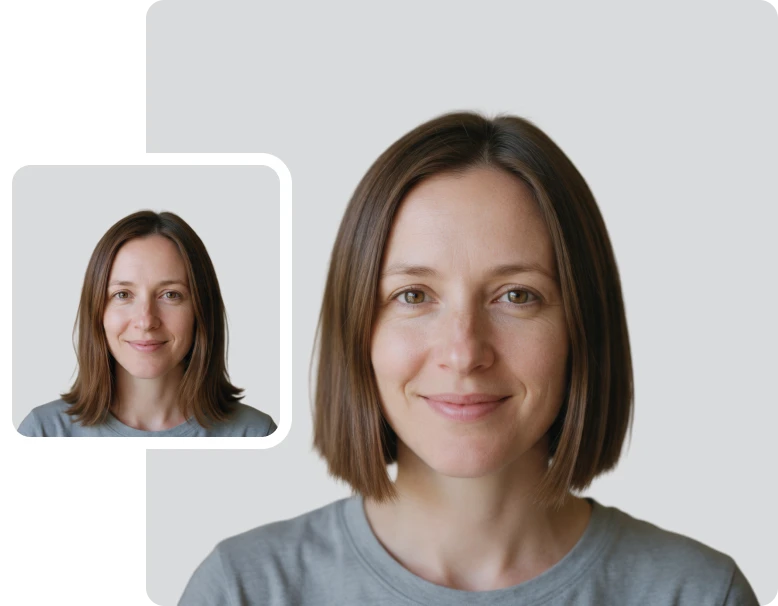



How to Change Your Hairstyle with AI
Follow these 3 easy steps to try on different hairstyles, haircuts, and hair colors on your photo in seconds.
Upload Your Photo
Drag & drop, paste, or select the photo you want to use. ClipSnap's AI hairstyle changer supports JPG, PNG, JPEG, and WEBP formats. For realistic results, choose a clear, front-facing photo where your face and hairline are easy to see.
Pick a Hairstyle, Color, and Volume
Choose a style category, then browse visual hairstyle presets. No need to know hairstyle names. Pick a hair color and volume level, or keep your original for any of them. Want something specific? Use Custom mode to describe your hairstyle or add a reference image.
Generate and Download Your New Look
Click Generate and let the AI apply your new hairstyle while preserving your identity. Your image is ready to download instantly as a high-quality PNG. Want to fine-tune it? Open it in the ClipSnap editor with one click.
Virtual Hairstyle Try On for Any Look
Realistic AI hairstyle changes for men, women, and kids

Features of ClipSnap AI Hairstyle Changer
Hairstyles for Everyone
Browse hairstyle presets for men, women, and kids, sorted by length and texture.
15+ Hair Colors
Keep your original color or switch to natural shades, grey and silver tones, or fashion colors.
Hair Volume Control
Adjust volume from flat and sleek to extra volume, or keep your natural look.
Custom Style Mode
Describe the hairstyle you want or add a reference image of a look you love.
Your Identity, Preserved
The AI applies the new hairstyle and preserves your identity. Your face stays yours.
Easy for Everyone
Simple visual presets. No design skills or AI prompts needed to get started.
Fast and Reliable
Generate realistic hairstyle previews in seconds with consistent, high-quality results.
Works on Any Device
Works in desktop and mobile browsers across Windows, Mac, iOS, and Android.
Try On Different Hairstyles Online for Free
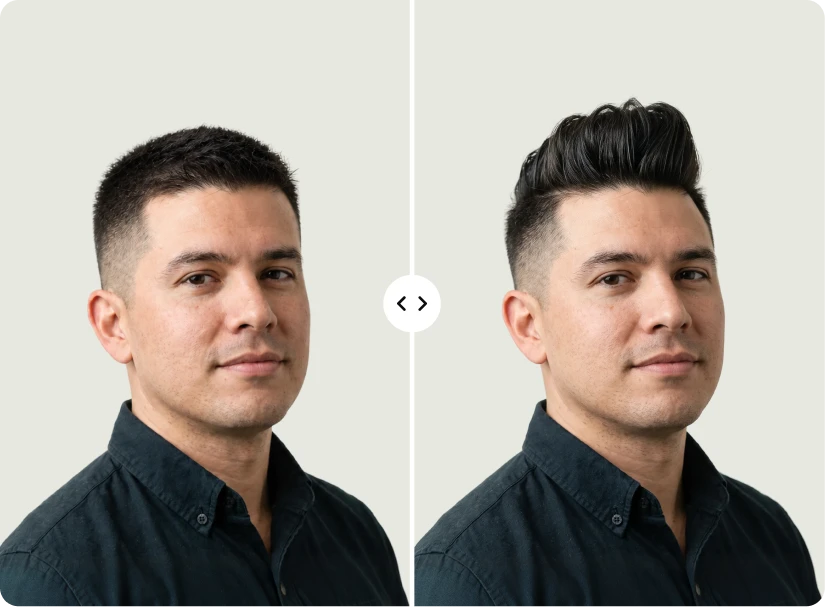
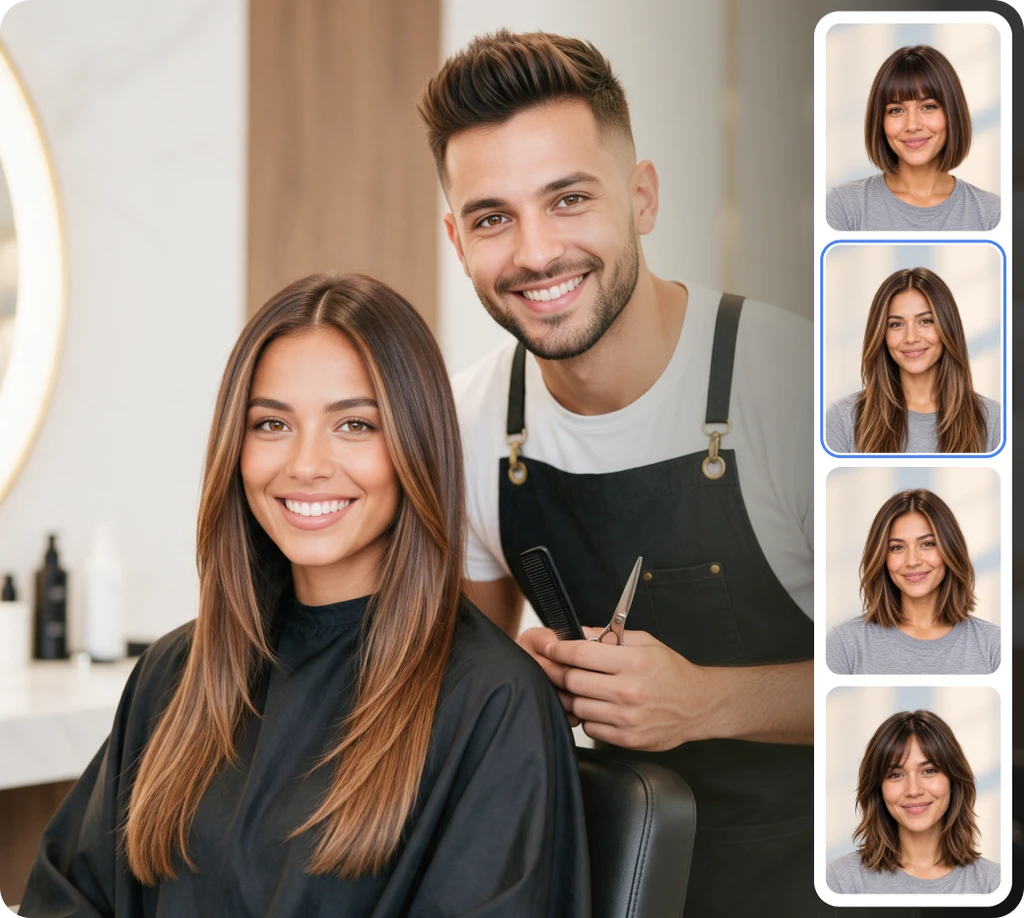
A new haircut is a big decision. Photos of models rarely show how a style would look on you. With ClipSnap's free AI hairstyle changer, you can try on hairstyles with your own picture before you visit the salon. Upload a photo, browse visual presets, and filter styles by short, medium, long, or curly and textured. You do not need to know what any haircut is called. See the look, tap it, and generate a realistic preview in seconds. Try as many styles as you like and compare them until you find the one that feels right.
Preview Your Next Haircut with the AI Haircut Generator
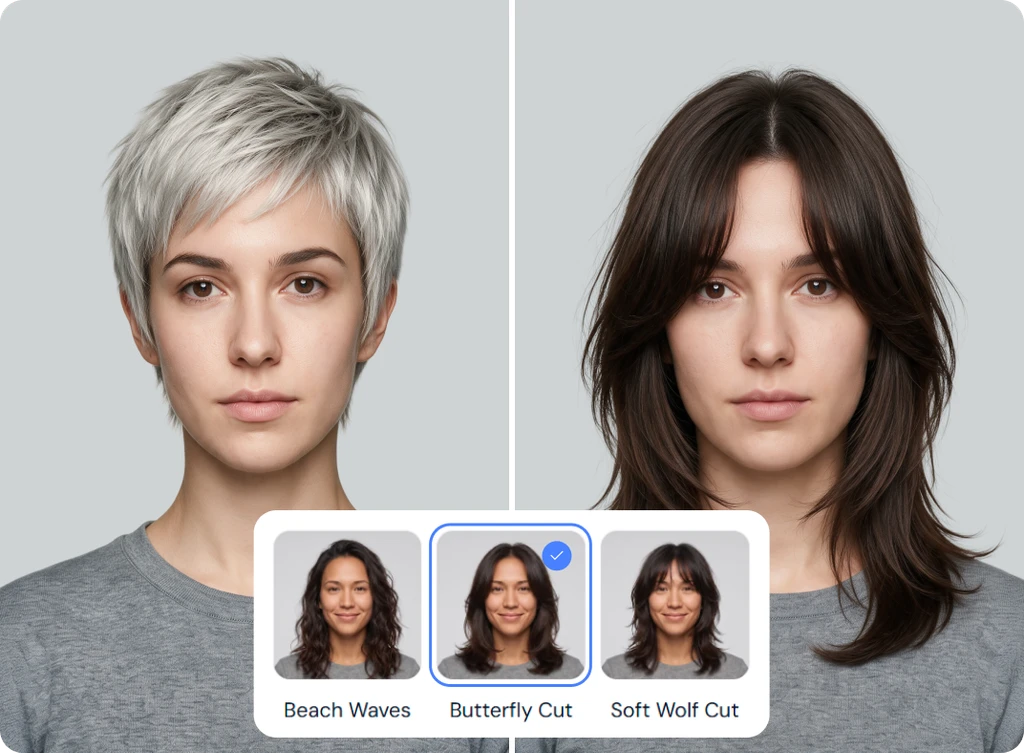
Not sure if a buzz cut, undercut, or pompadour would suit you? Wondering how a pixie, bob, or beach waves would change your look? ClipSnap works as an online hairstyle changer for men, women, and kids. Each style category includes its own preset library, from classic cuts to curly and textured styles like coils, afros, twists, and braids. Parents can even preview a child's haircut before the barber visit. Skip the guesswork and see the result on a real photo of you, not a stock model.
Change Your Hair Color Without Changing Your Cut
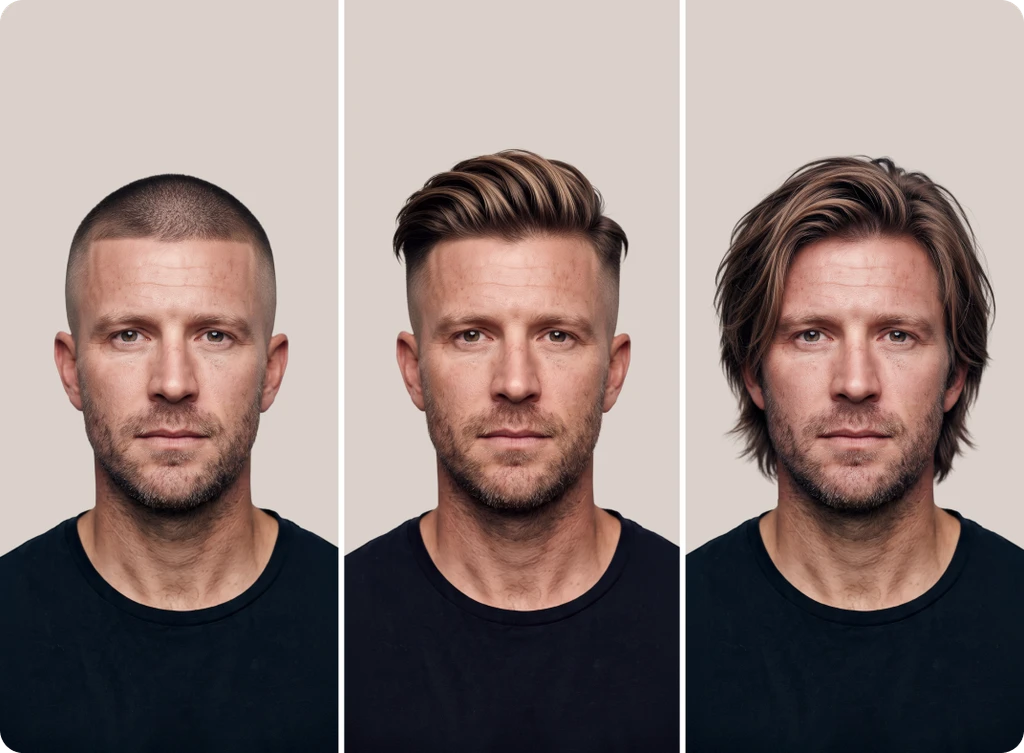
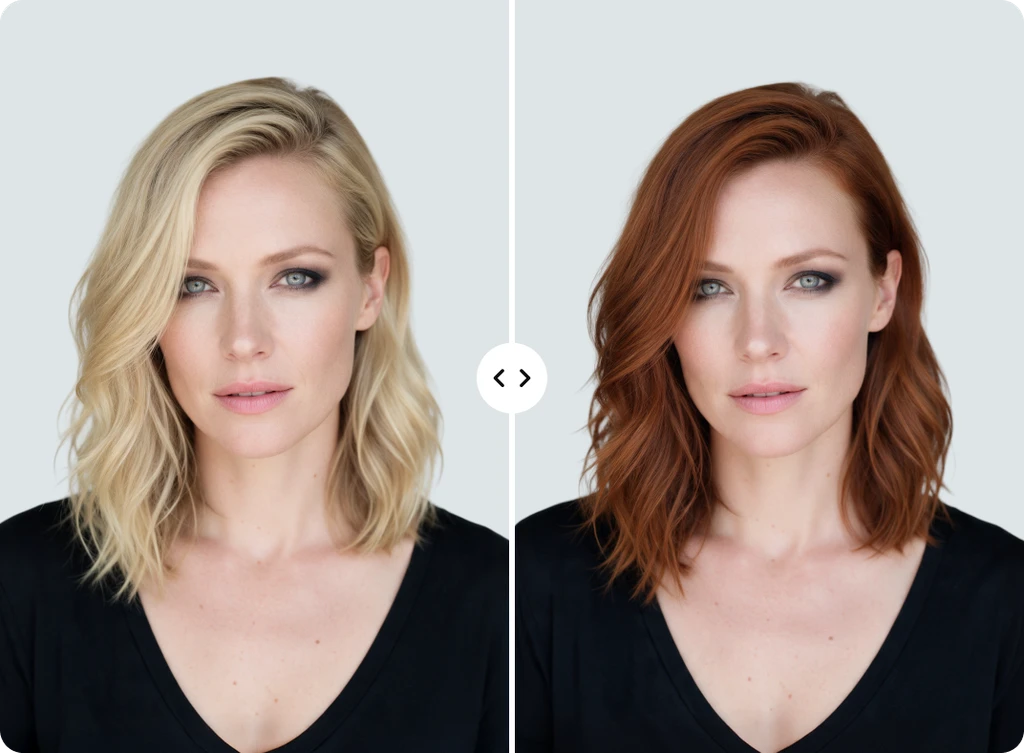
Sometimes the style is right and only the color needs to change. With ClipSnap, hair color is a separate choice from your haircut. Keep your current style and preview 15 hair colors, including natural shades like blonde, brown, and ash brown, grey and silver tones like salt and pepper, and fashion colors like burgundy and platinum. You can also flip it around and try a new cut while keeping your original color. Mix and match style, color, and volume in any combination until the preview matches the look in your head.
Describe Your Dream Hairstyle or Use a Reference Photo
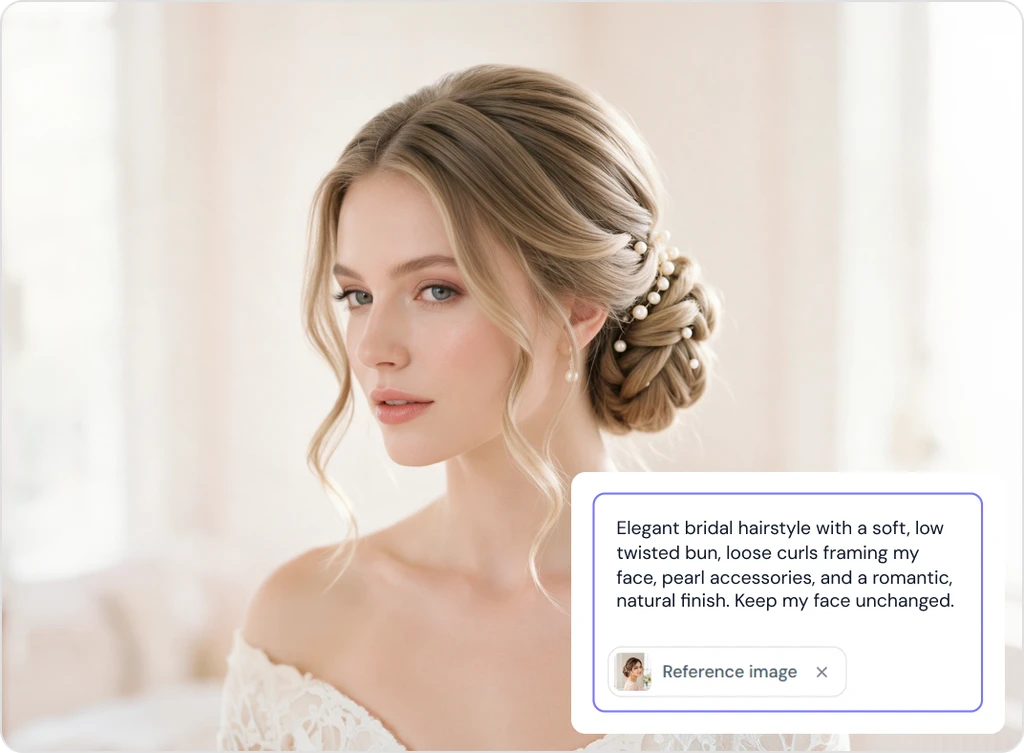
Already know exactly what you want? Switch to Custom mode. Type a short description of the hairstyle you are picturing, or add a reference image of a look you saw online, on a friend, or in an old photo of yourself. The AI hairstyle generator applies that style to your photo so you can see it on you before making it real. It is the same idea as showing a picture to your stylist, except you get to preview the result first.
AI Hairstyle Changer Use Cases
Preview your next look with our virtual hairstyle try on for everyday decisions.
Salon and Barber Visits
Walk in with confidence. Preview the cut and show your stylist exactly what you want.
Social Media and Profile Pictures
Refresh your profile photo with a new style for LinkedIn, Instagram, or TikTok.
Hair Color Decisions
Test blonde, burgundy, or silver before booking a color appointment.
Kids' Haircut Planning
Show your child their new haircut before the salon visit and skip the surprises.
Frequently Asked Questions
Built by the team behind FreeConvert, trusted by millions worldwide, ClipSnap brings the same secure and reliable experience to AI-powered photo editing.