AI Bald Filter to See How You Look Bald
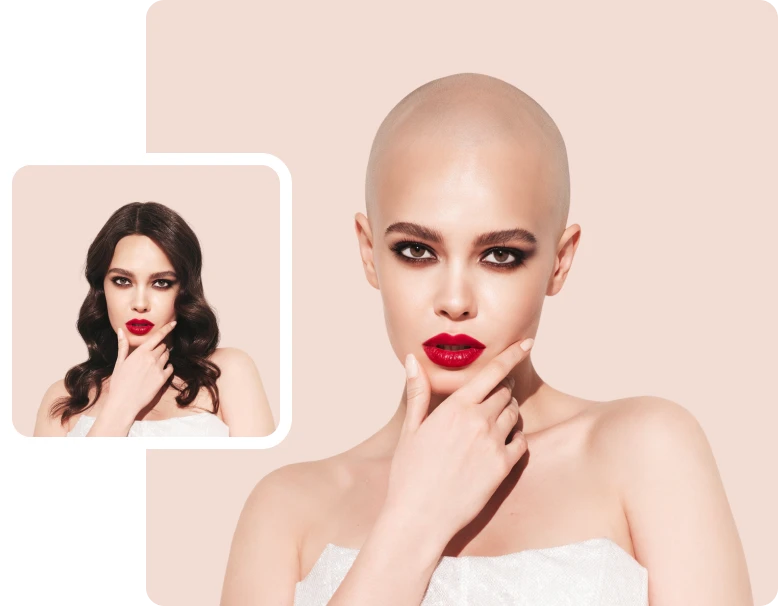
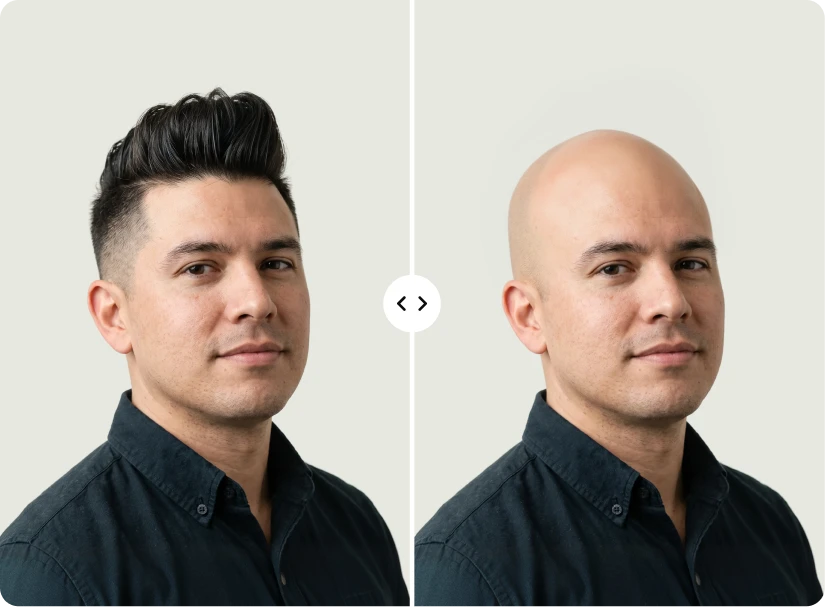
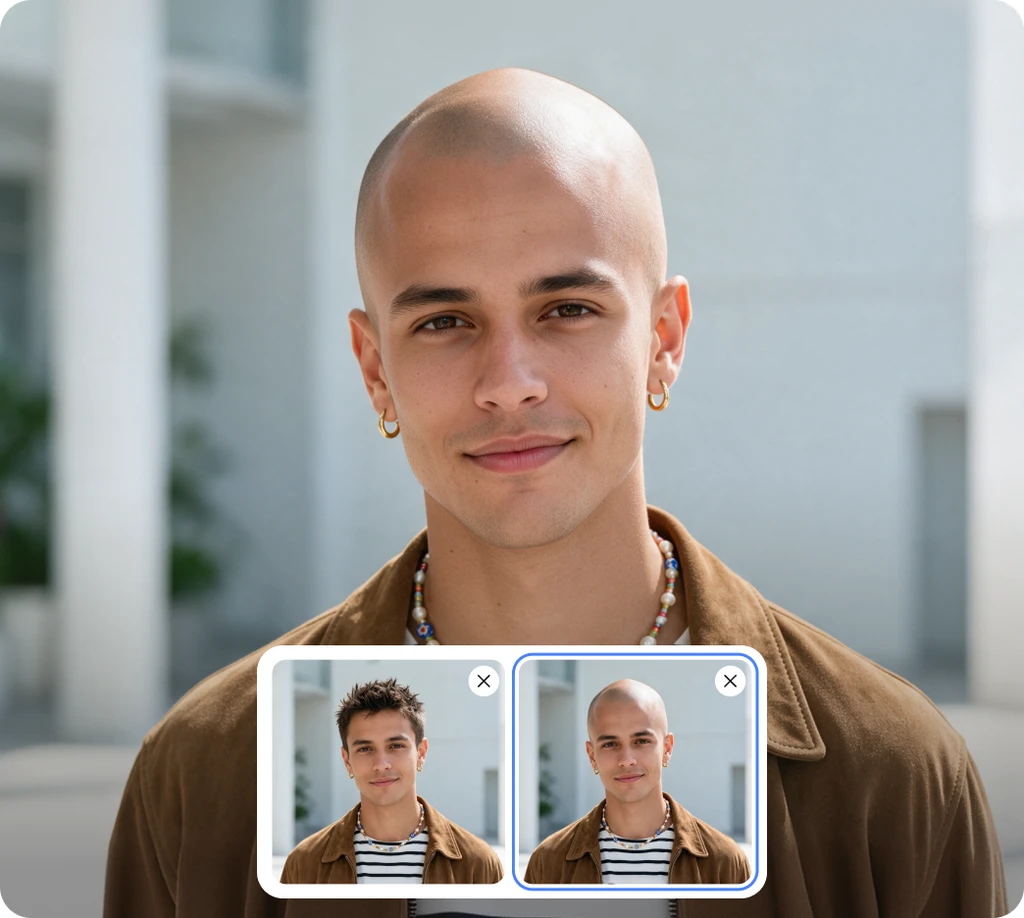
Upload a photo and get a natural bald look. This free bald filter removes the hair on your head and keeps your face, beard, and brows.


How to Use the Bald Filter Online
Follow these 3 steps to see yourself bald and download your new look.
Upload Your Photo
Drag and drop, paste, or click to upload a JPG, JPEG, PNG, or WebP photo up to 30MB. Pick a clear, front-facing shot with your full head and hairline in view.
Click Apply Bald Filter
Click Apply bald filter and the AI removes the hair on your head. It builds a natural scalp that follows your head shape and skin tone, and keeps your face, beard, and brows.
Refine or Download
Your bald photo appears on the result screen. Refine it further with AI Edit, or click Download to save it right away. Open Editor is there if you want more changes.
See the Bald Head Filter on Different Hair Types
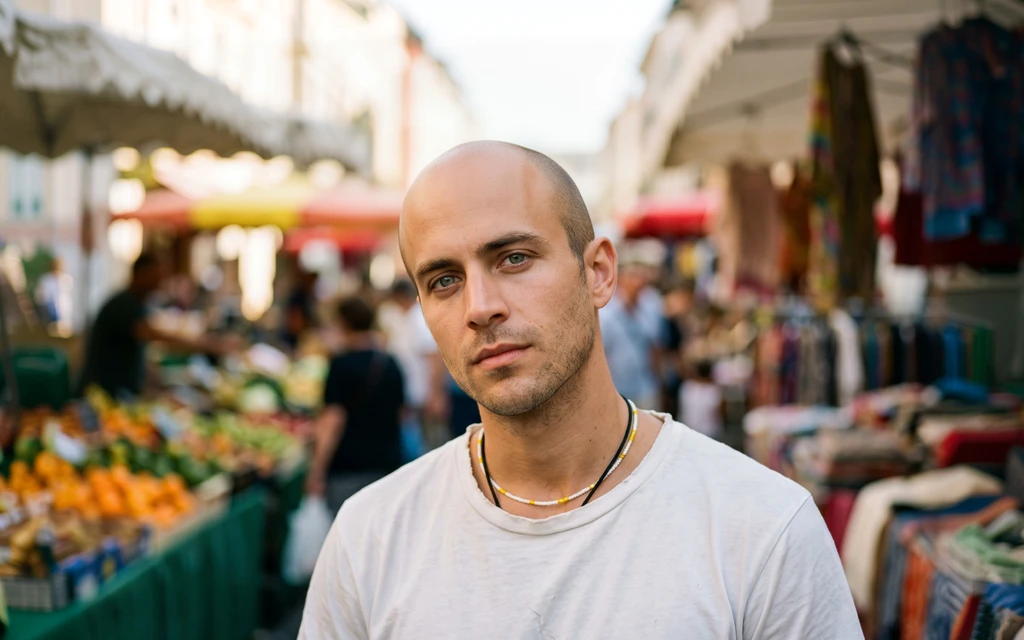
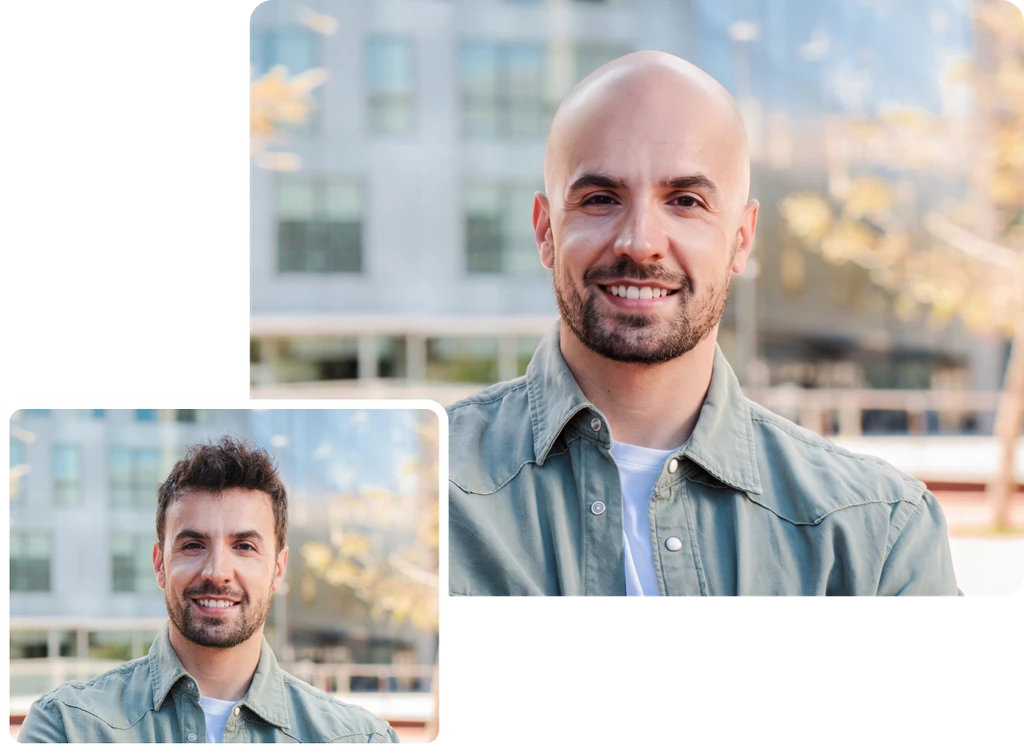
See how short, curly, wavy, and gray hair turn into a natural bald look, with beards and brows left in place.
Bald Filter Features for a Believable Bald Look
Scalp Hair Only
Only the hair on your head is removed. Brows, lashes, and beard are left alone.
Natural Scalp Look
Your new scalp follows your head shape and blends with your skin tone and lighting.
Same Scene, Bald Head
Pose, clothes, and background are kept as close as possible to your upload.
Still Looks Like You
Your facial features and expression come through, so the preview feels personal.
No Settings Needed
No prompts or sliders to set up. Upload your photo and click Apply bald filter.
Free Bald Filter, No Sign-Up
Use the bald filter free in your browser. Just open the page and start right away.
Easy Download
Download your bald photo right away, then share it with friends or post it online.
Refine With AI Edit
Want a small change? Describe it in AI Edit and add a reference image if needed.
A Shaved Head Filter That Looks Natural
Removing hair is only half the job. The harder part is what goes in its place. This shaved head filter rebuilds your scalp to follow the shape of your head, your hairline, and your forehead. It blends the new skin with your natural tone and matches the lighting in your photo. That helps avoid harsh edges where your hair used to be and a scalp that looks pasted on. Just a clean, bald look that feels real at a glance.
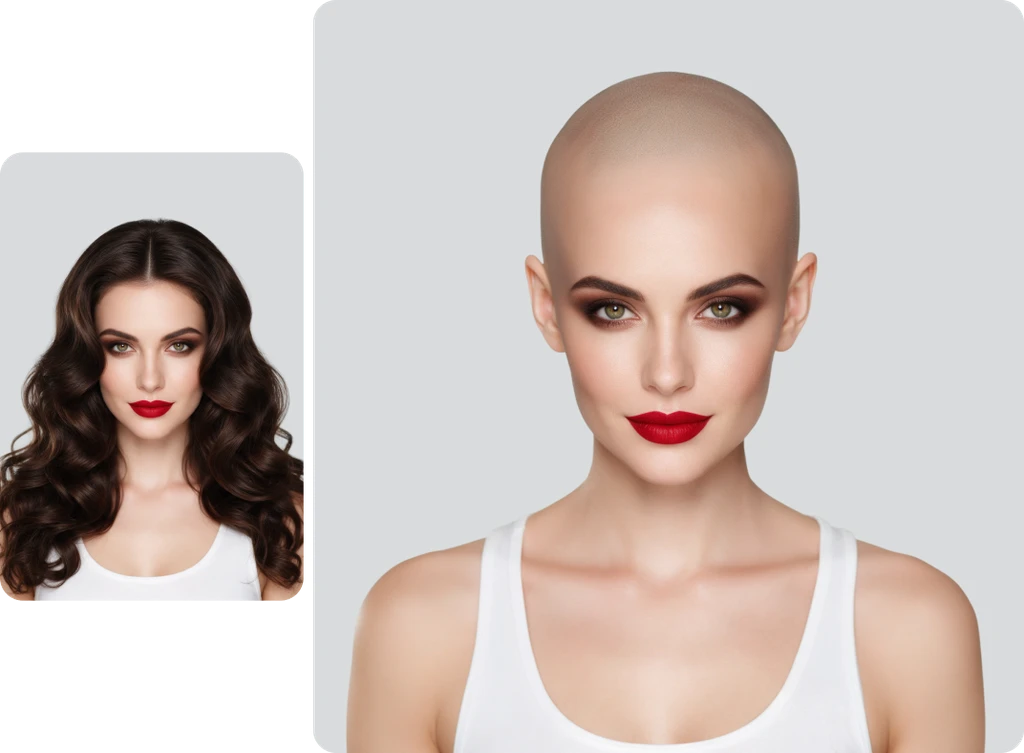
An AI Bald Filter That Still Looks Like You
A bald preview only helps if the person in it is still you. The AI bald filter changes the hair on your head and aims to leave everything else alone. Your eyes, nose, jawline, and expression stay the same. So do your eyebrows, lashes, and beard. That way, the preview shows the real you. Want to see your bald look with a different beard? Download your result, upload it to the Beard Filter, and pick a new style.
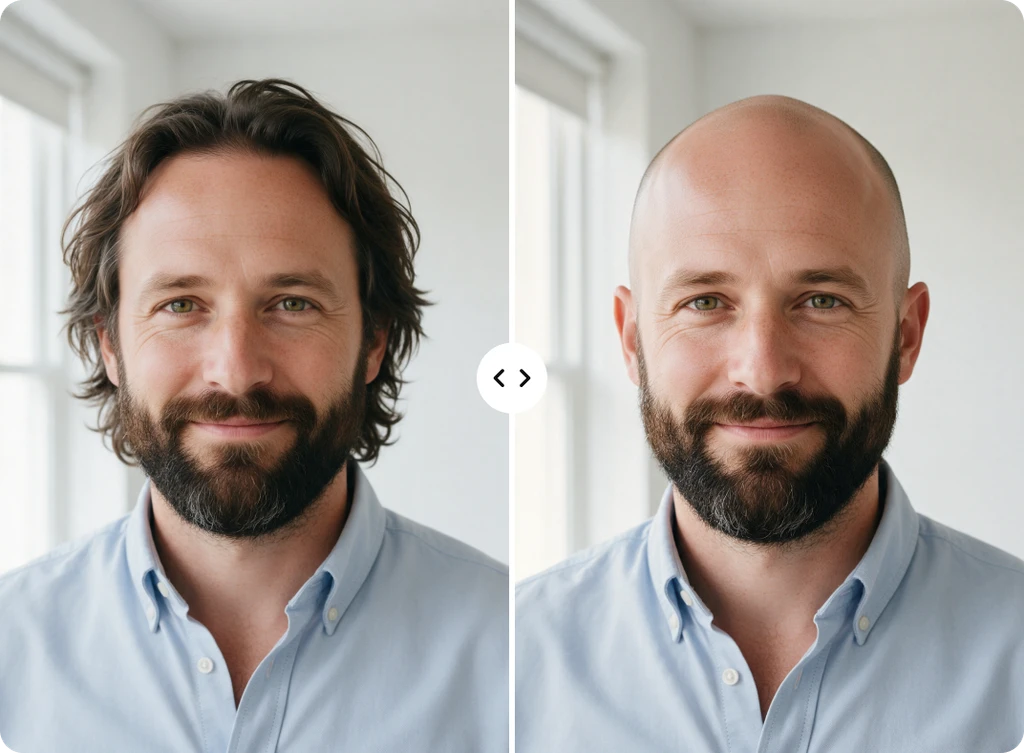
Make Me Bald, for Fun or Before You Shave
How would you look bald? Some people ask before they shave their head for real, since hair takes time to grow back. Others ask just for fun. The bald filter answers both. Preview the change before you commit and get an honest take from people you trust. Or surprise your friends with a before and after in the group chat and enjoy their reactions. Either way, the result looks believable enough to be worth a look.
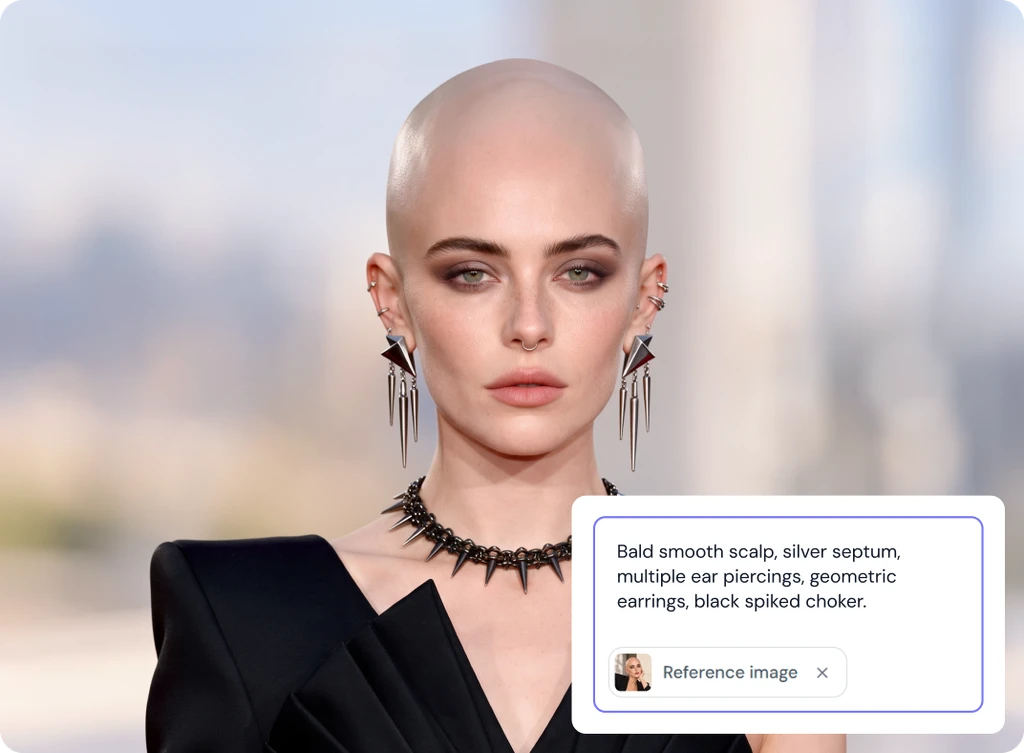
Fine-Tune Your Bald Filter Result With AI Edit
Your first result gives you a clear bald look, but sometimes you want a small change. AI Edit sits right on the result screen, so you can refine your photo before you download it. Describe the change you want in plain words. Add a reference image if it helps show what you mean, then click Generate. This step is always optional. If you already like your bald look, just click Download and you are done.
Ways to Use the Bald Filter
From big decisions to quick laughs, here is how people use it.
Preview Before You Shave
See how you would look bald before you pick up the clippers for real.
Satisfy Your Curiosity
Get a quick answer to what you would look like bald, with no settings.
Fun With Friends
Surprise friends and family with a bald look and enjoy their reactions.
Social Media Posts
Create a before and after that stands out when you share it on social media.
Bald Filter FAQs
Built by the team behind FreeConvert, trusted by millions worldwide, ClipSnap brings the same secure and reliable experience to AI-powered photo editing.