Cleanup Pictures with AI in Seconds
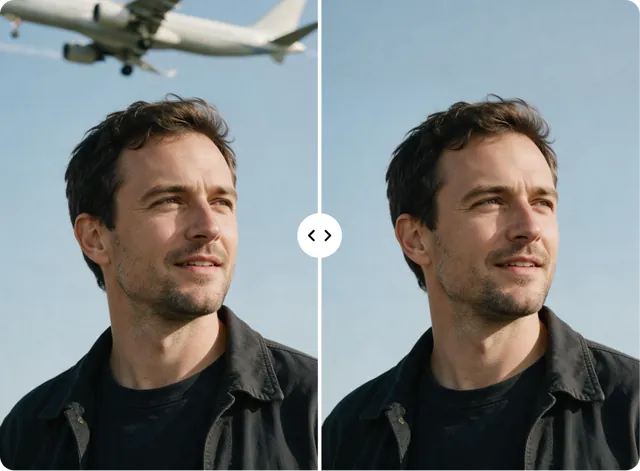
Remove objects, people, text, and marks from any photo. Just brush and clean. No editing skills needed.



How to Cleanup Pictures Online
Follow these three simple steps to clean up your photos with AI.
Upload Your Photo
Select or drop your image into ClipSnap. Supports JPG, PNG, and WEBP files.
Brush Over the Area
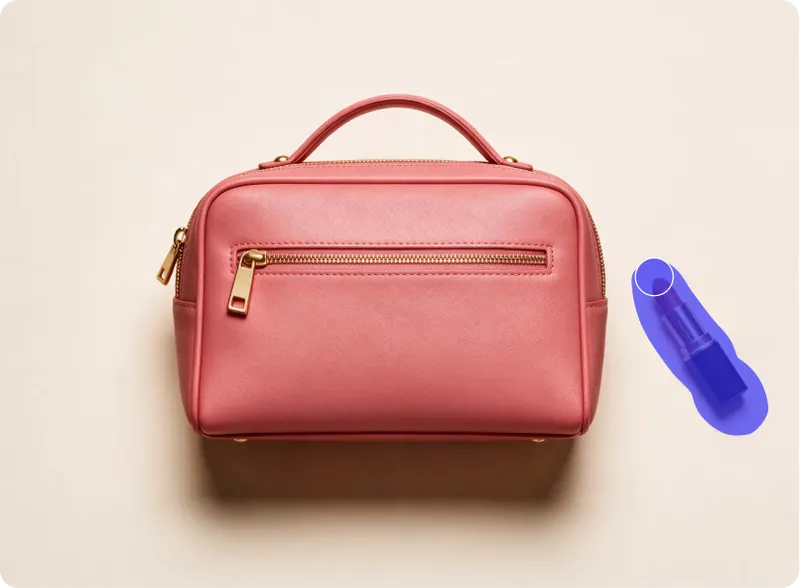
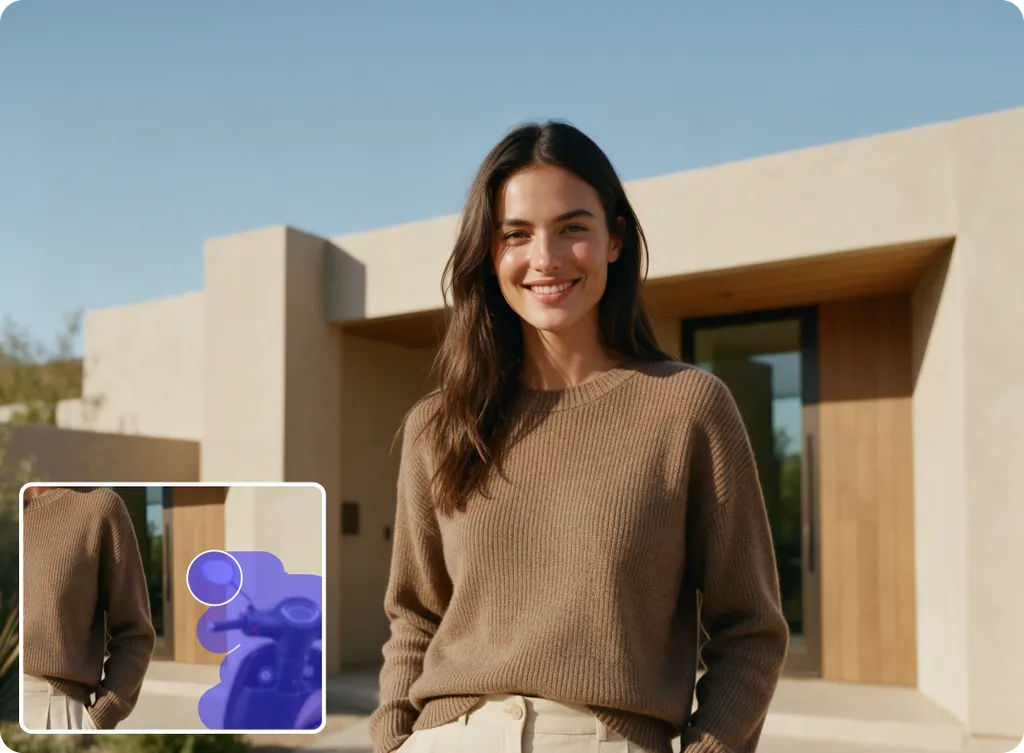
Paint over the object, person, or text you want gone. Adjust your brush size for close, accurate edits.
Clean and Download
Click erase and let AI fill the space with matching color and texture. Download your photo or keep editing.
What You Can Cleanup from a Photo
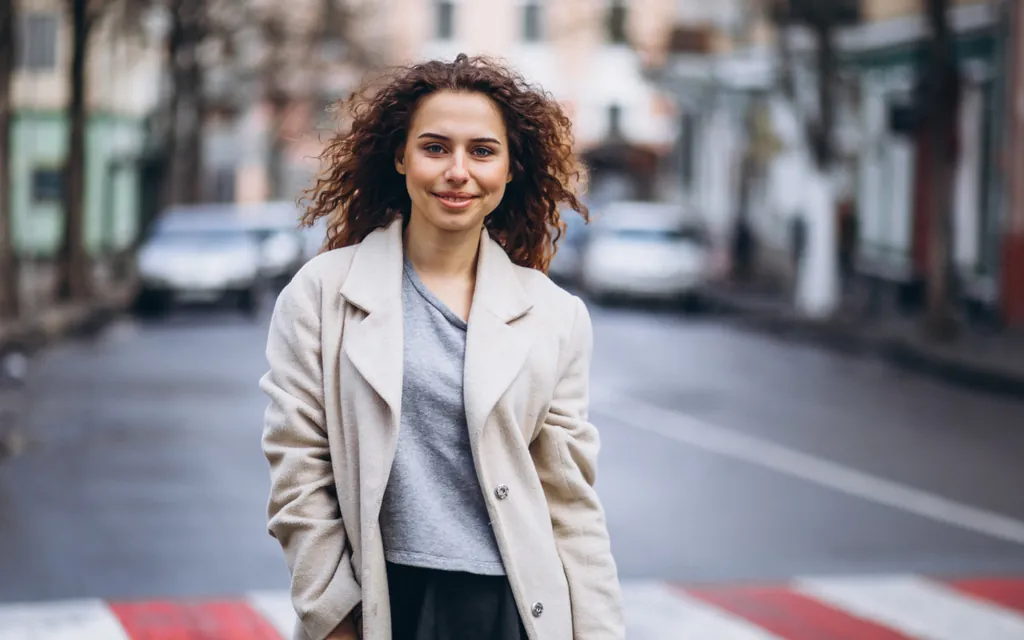
Use AI to remove objects, people, or text and get a clean, ready-to-use photo.
Features of ClipSnap Cleanup Tool
AI Object Removal
Remove objects, people, and text from any photo using AI trained to recognize shapes and edges in exactly the area you mark.
AI Inpainting Technology
ClipSnap uses inpainting, a process that rebuilds the cleaned area with matching color, light, and texture instead of just blurring it out.
Free and Fast
Cleanup pictures for free with no watermarks or sign-up walls slowing you down.
Remove Multiple Objects
Mark several objects at once and clean them all in a single pass.
Adjustable Brush
Control your brush size for tight, accurate marks around small or detailed areas.
Works on Any Device
Cleanup pictures on your phone, tablet, or computer. No app or install needed.
Multiple File Types
Upload JPG, PNG, or WEBP photos and export a clean PNG when you are done.
Image Restoration Model
ClipSnap runs on an AI model trained to understand photo detail, so it restores the marked area with realistic results instead of a flat patch.
Cleanup Pictures in Seconds
No design skills needed. Upload your photo, brush over what you want gone, and let AI handle the rest. Your clean photo is ready to download in seconds.
Edit Right in Your Browser
Cleanup pictures without downloading an app or creating an account. Open ClipSnap, upload your photo, and start cleaning right away.
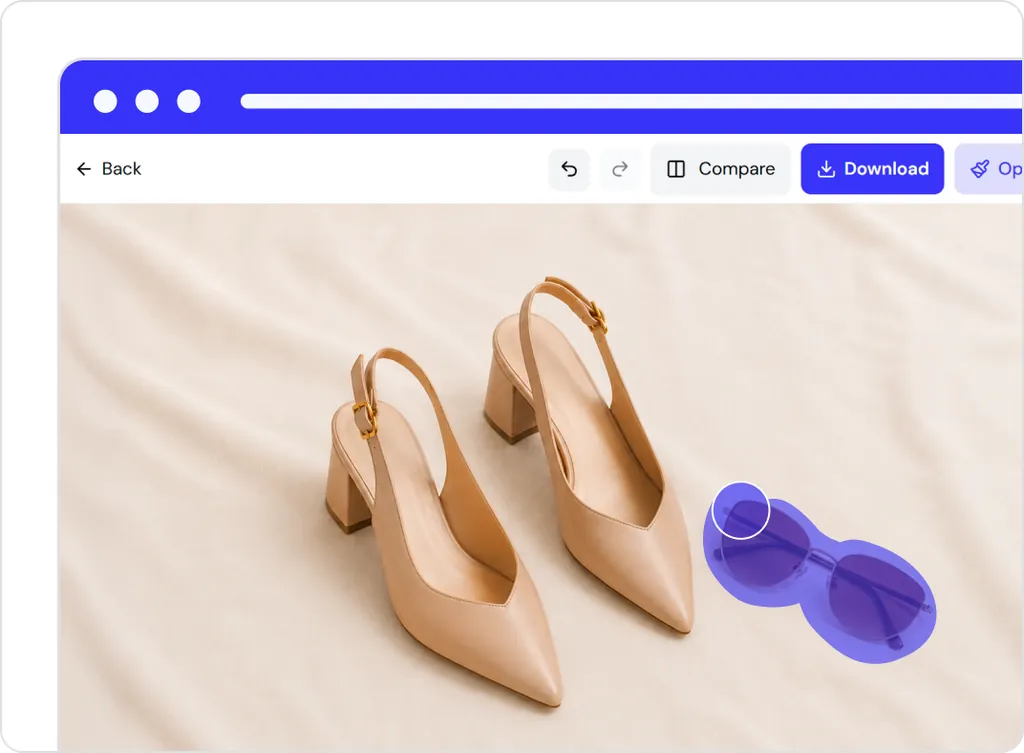
A Clean Workspace, No Clutter
ClipSnap keeps the tool simple. No pop-ups, no extra menus, and no distractions. Just your photo and the tools you need to clean it up.
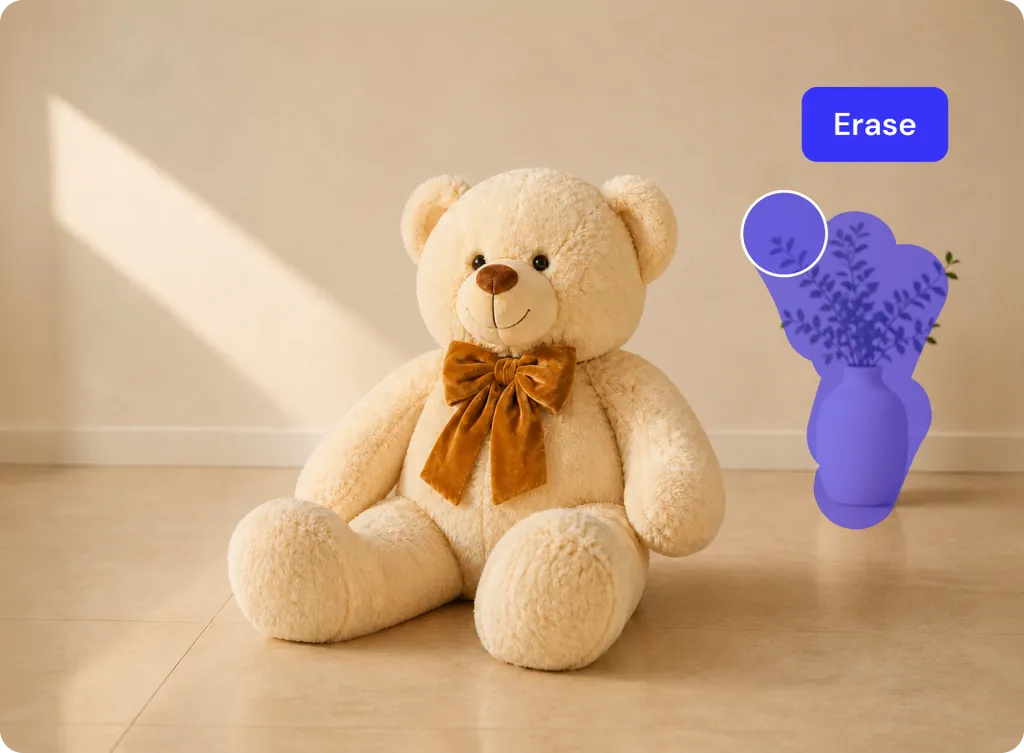
AI That Matches Color and Texture
ClipSnap studies the area around your mark and fills it with matching color, light, and texture. The result looks like the object was never there.
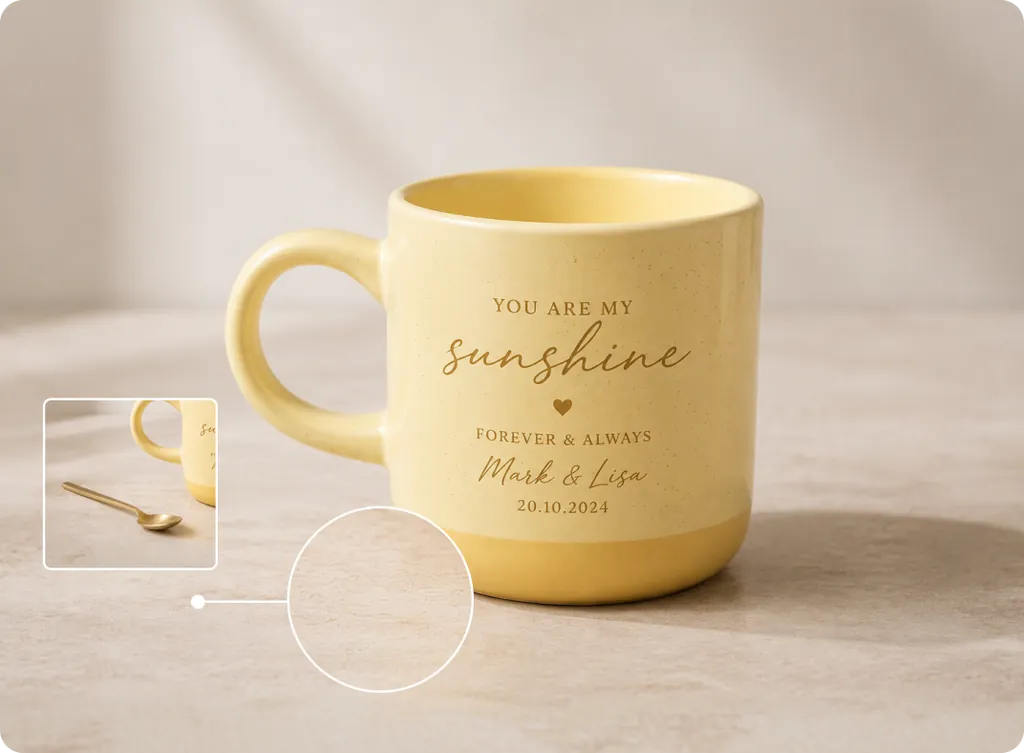
Ways to Cleanup Pictures with AI
Practical ways people use ClipSnap to clean up their photos.
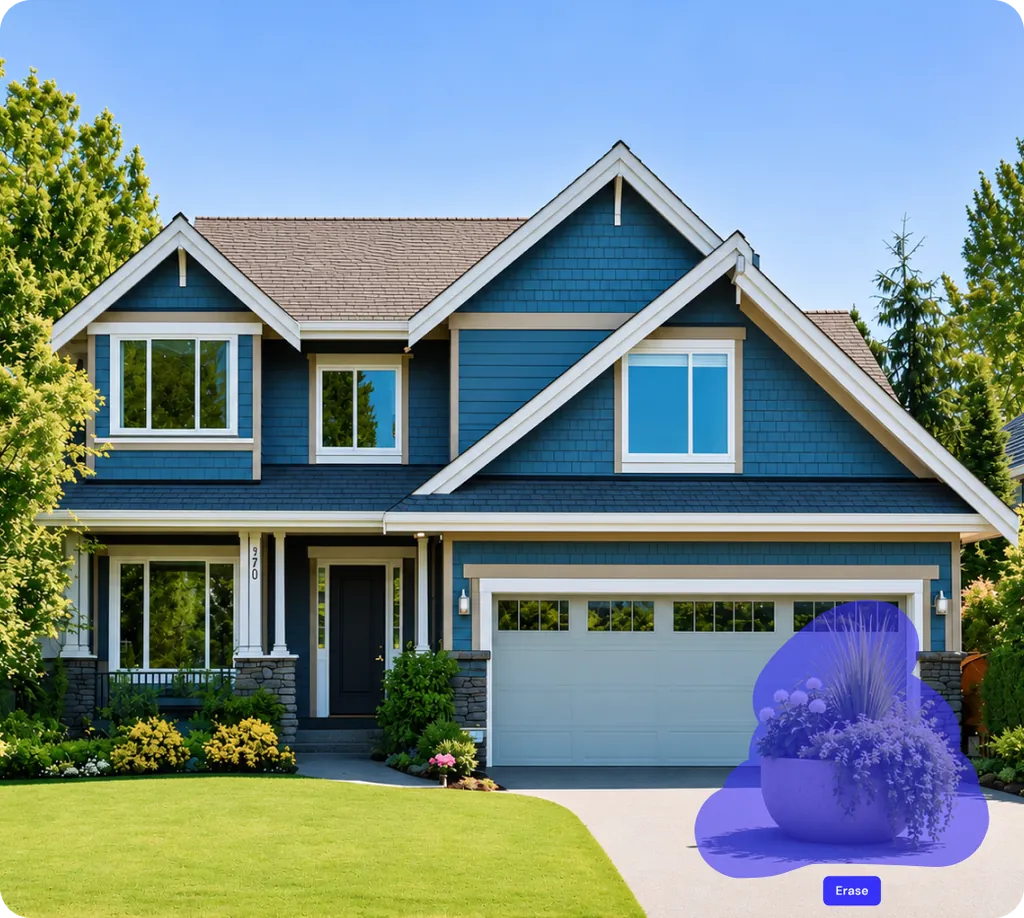
E-Commerce Photos
Remove dust, tags, or props from product shots to create clean listings for online stores.
Real Estate Photos
Clear clutter, cars, or power lines from property photos so buyers can focus on the space.
Portrait Retouching and Social Media
Remove strangers, shadows, or distractions from portraits and social media posts before you share them.
Text, Marks, and Logos You Own
Clean up old text, stamps, or logos on photos and assets you have the rights to edit.
Frequently Asked Questions
Built by the team behind FreeConvert, trusted by millions worldwide, ClipSnap brings the same secure and reliable experience to AI-powered photo editing.