AI Outpainting Beyond the Frame
Add AI-generated surroundings beyond your image's edges. Pick a new ratio or size, then download instantly. No account needed.
How to Use AI Outpainting
Three quick steps to outpaint your image online for free.
Upload Your Image
Upload a JPG, JPEG, PNG, or WEBP image. The AI outpainting tool reads its colors, textures, and lighting to understand the scene before adding anything new.
Choose Your New Size
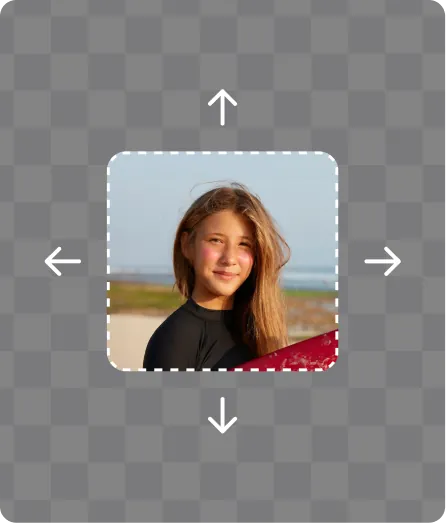
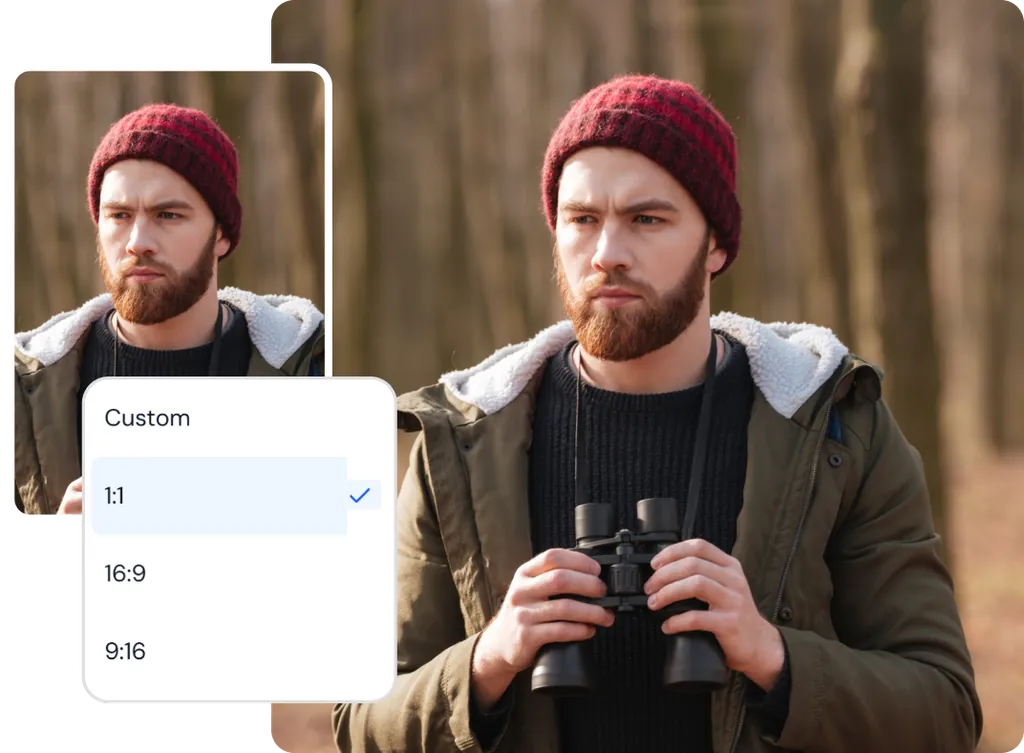
Pick a preset ratio like 1:1, 16:9, or 9:16, or type a custom width and height. You can also drag the canvas edges. Your image stays centered.
Outpaint and Download
Click Expand to generate new content around your image. Download your result instantly, or open it in the editor if you want to make more changes.
AI Outpainting Results for Real Projects
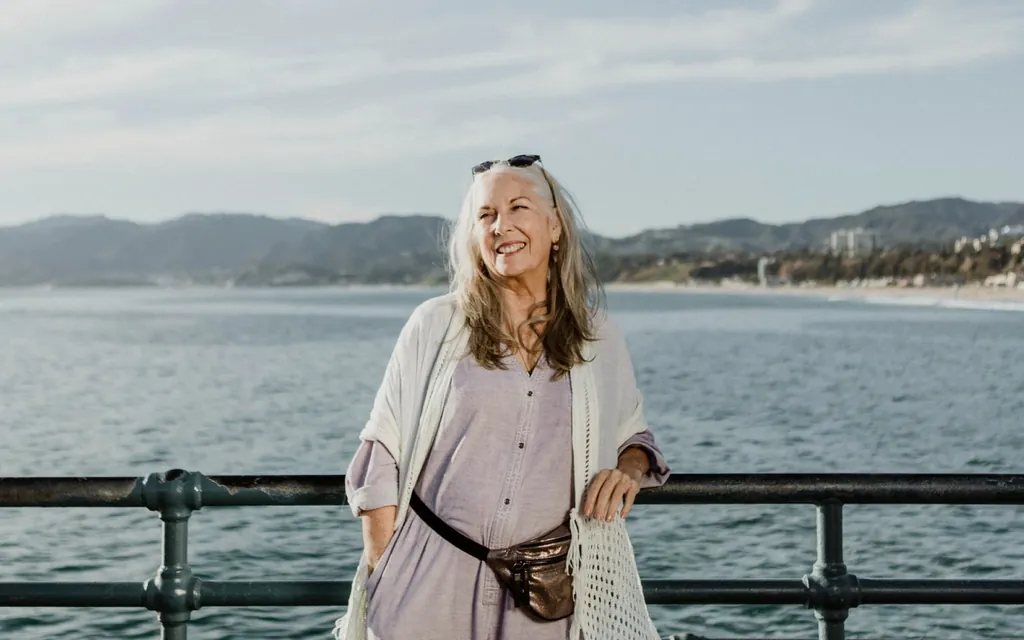
See how AI image outpainting turns one photo into new formats while the original stays untouched.
Features of ClipSnap AI Outpainting
Preset Aspect Ratios
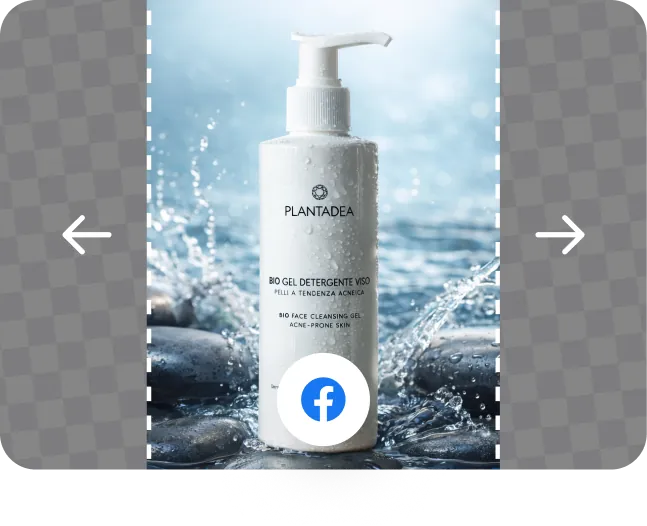
Switch to common formats like 1:1, 16:9, and 9:16 without working out pixel sizes yourself.
Custom Width and Height
Type the exact size you need. Lock the ratio to keep proportions, or unlock it to set each side freely.
Drag to Resize the Canvas
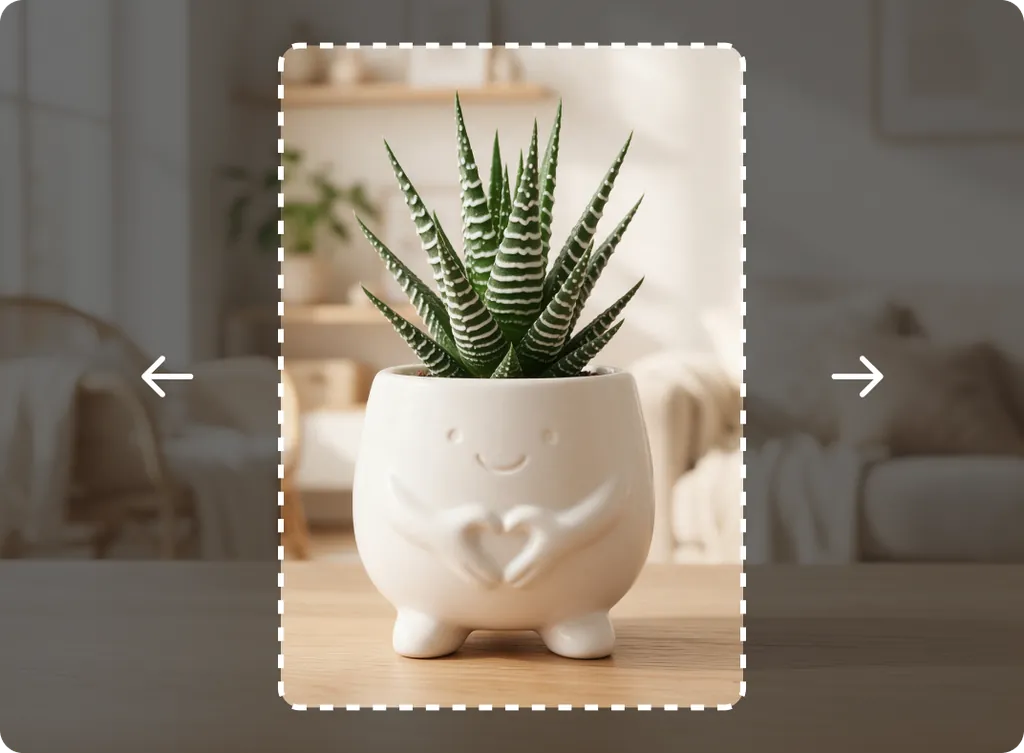
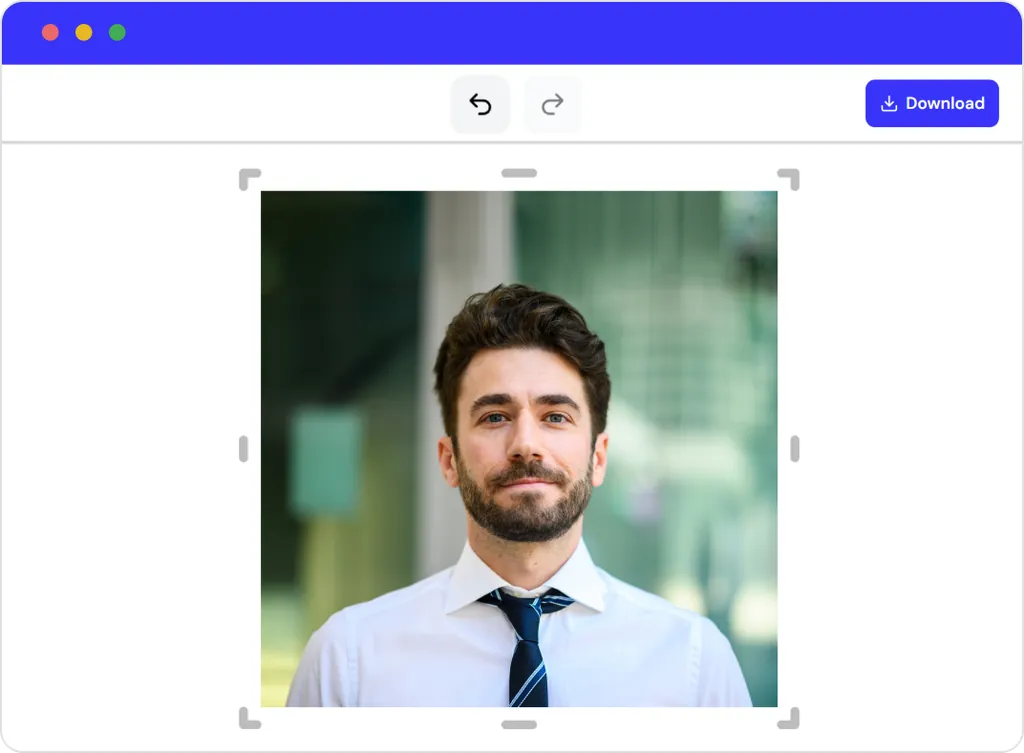
Drag the canvas edges to set a new size by hand. Your image stays centered as the space grows.
Context-Aware Generation
The AI studies colors, textures, lighting, and perspective to create new areas designed to blend with your scene.
Original Image Stays Intact
Outpainting only fills the new space. The image you uploaded is not changed, cropped, or stretched.
Compare, Undo, and Redo
Drag the comparison bar left or right to see before and after, with each size shown. Undo or redo to try another size.
Free AI Outpainting, No Sign Up
Use the AI outpainting tool for free. No account is needed to outpaint or download your image.
Works in Your Browser
Nothing to install. Open ClipSnap in your browser and start outpainting right away.
Natural-Looking Results With AI Outpainting
ClipSnap's AI outpainting tool studies your image before it adds anything new. It reads colors, textures, lighting, shadows, and perspective, then generates surroundings designed to blend with the scene. There is no prompt to write and no manual masking or cloning. Just click Outpaint. The new area is created by AI based on your photo, so you get a natural-looking continuation that fits the original.
AI Image Outpainting for the Exact Size You Need
Choose a preset ratio like 1:1, 16:9, or 9:16 to match a common format fast. Need something specific? Type a custom width and height. Lock the ratio to keep proportions, or unlock it to set each side freely. You can also drag the canvas edges to resize by hand. The width and height update as you drag, so you always know the exact size you are working with.
Keep Your Original Image Untouched
Outpainting AI changes the size without cropping parts off or stretching your photo out of shape. Your uploaded image stays exactly as it is, centered on the larger canvas. The AI only generates content in the new space around it. It can even generate parts of a subject that were cut off, like the top of someone's head. Your subject, product, and key details stay in the frame while the image takes on a new shape.
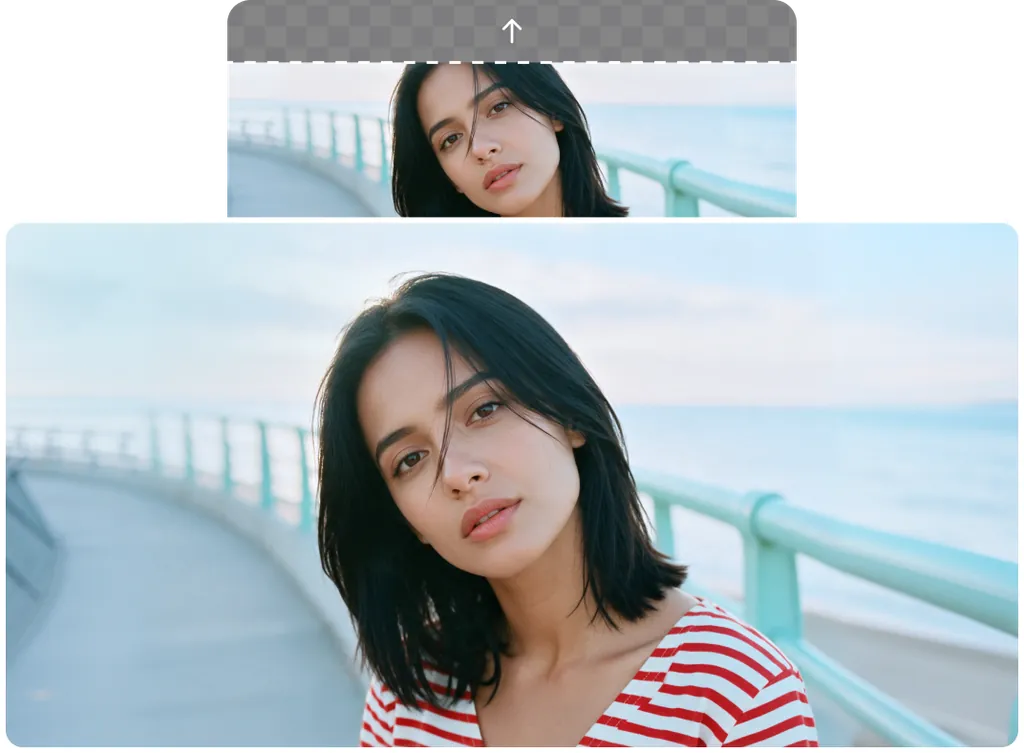
Free AI Outpainting Online With No Sign Up
Outpaint your image for free with no account to create. Try a size, and if you want a different look, use undo and redo to switch between versions. When you are happy with the result, download it instantly with no watermark. Want to keep editing? Open it in the ClipSnap editor. Everything runs in your browser, so there is nothing to install.
AI Outpainting Use Cases
Outpaint images for online stores, social media, marketing, and photography.
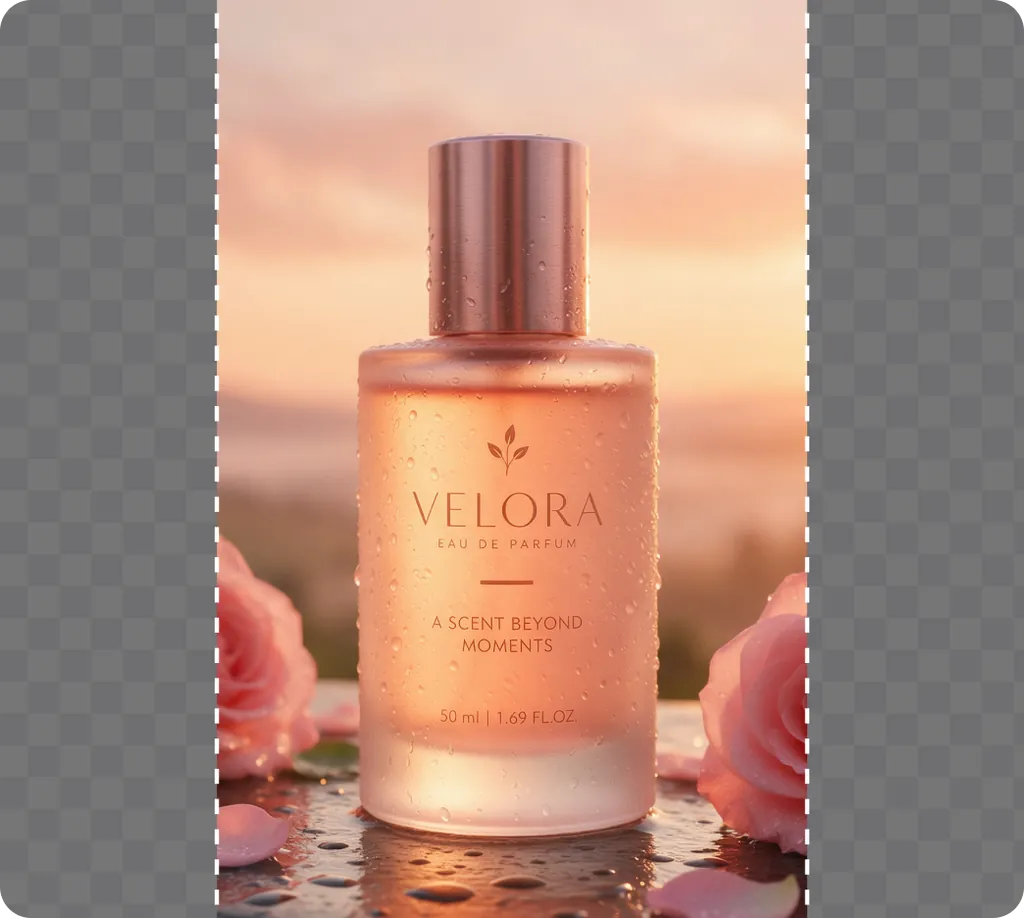
E-commerce Product Photos
Turn tight product shots into wide banners with open background for prices, offers, or calls to action.
Social Media Posts
Outpaint one image into square, portrait, or vertical formats for Instagram posts, Stories, and covers.
Marketing and Ad Creatives
Create negative space for headlines, logos, and campaign messages across different ad sizes.
Photography
Add breathing room around tightly framed subjects, or widen skies, landscapes, and studio backdrops.
Frequently Asked Questions
Built by the team behind FreeConvert, trusted by millions worldwide, ClipSnap brings the same secure and reliable experience to AI-powered photo editing.