Try On a New Beard With the AI Beard Filter
Upload a photo and see yourself with stubble, a goatee, a full beard, a mustache, or no beard at all. Download your new look in seconds.
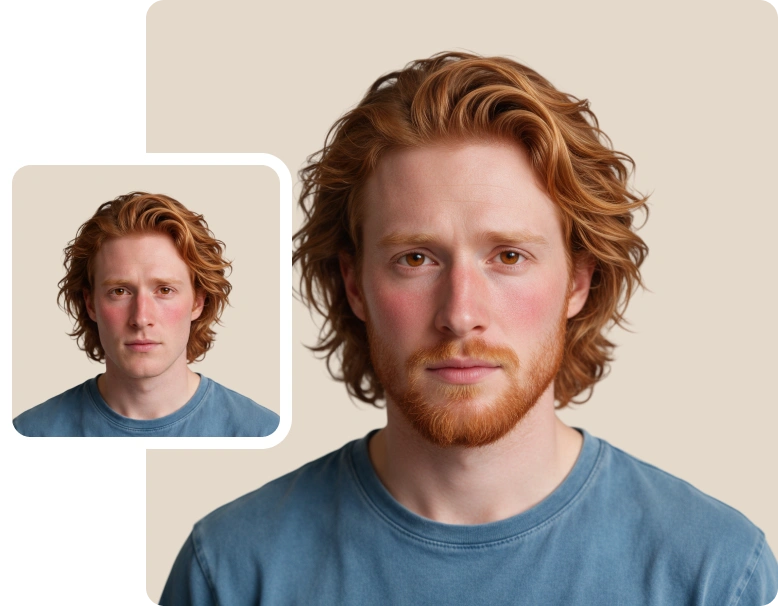



How to Use the AI Beard Filter
Follow these 3 steps to change your facial hair and download your new look.
Upload Your Photo
Drag and drop, paste, or click to upload a front-facing photo. You can also pick one of the sample photos if you want to see how the beard filter works first.
Choose Your Beard Style
Pick a style from the library, or switch to Custom and describe the beard you want. You can add a reference image and choose a beard color to match the look you have in mind.
Generate and Download
Your new facial hair is applied in seconds. Instantly download the result, or open it in the ClipSnap Editor if you want to keep working on it.
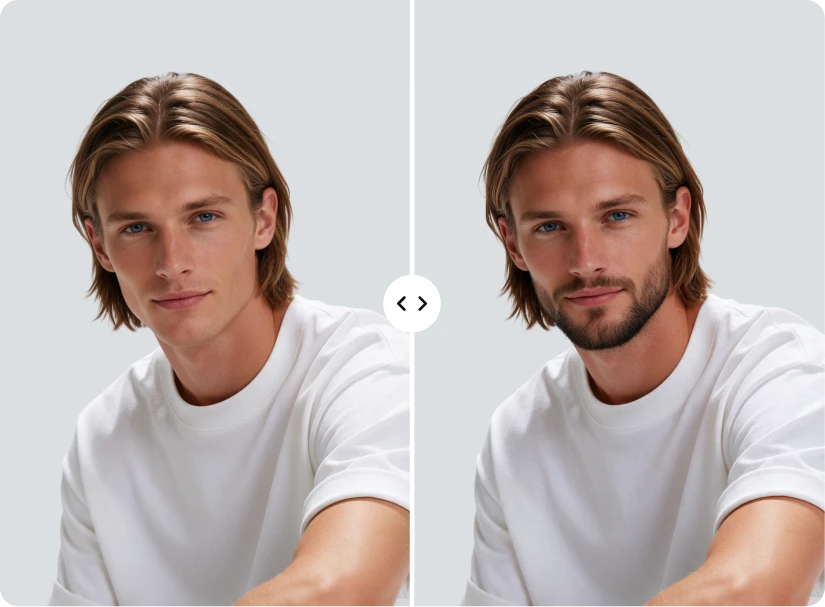
Realistic Beard Filter Results for Every Style
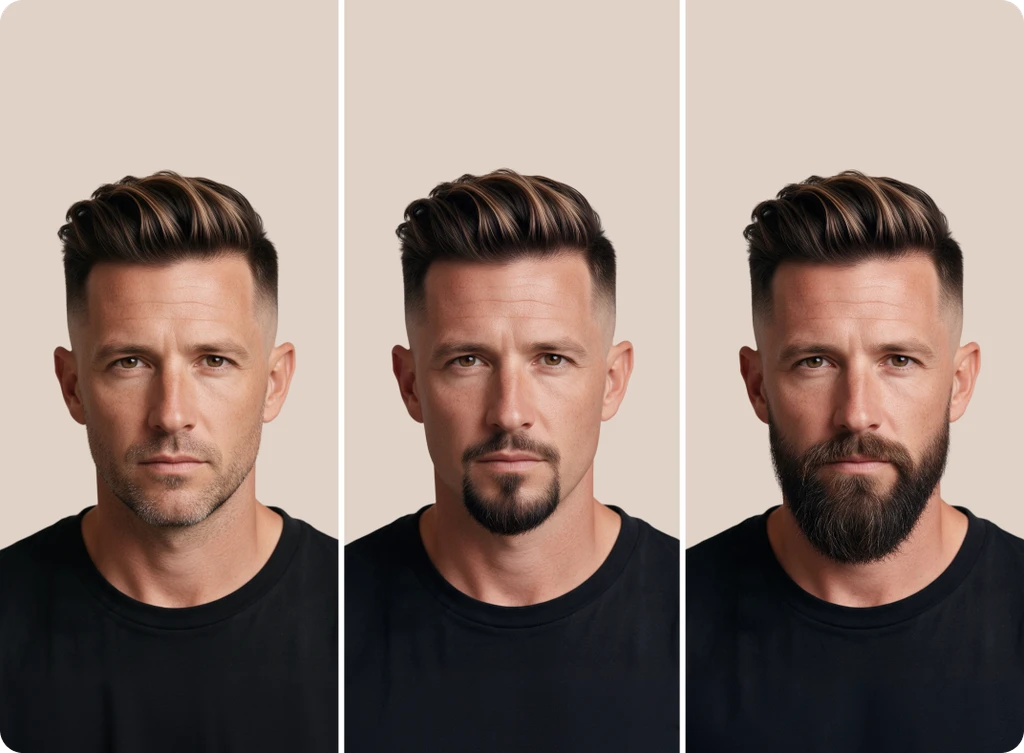
See how stubble, full beards, goatees, mustaches, and a clean shaven look sit on a real face.

Features of the ClipSnap Beard Filter
Beard Styles for Everyone
Try stubble, short beards, full beards, goatees, and mustaches on one photo.
Describe Your Own Beard
Switch to Custom and type the facial hair look you want in your own words.
Use a Beard Reference
Upload a photo of a beard you like and try a similar look on yourself.
Beard Colors to Match
Choose natural shades, greys and silvers, or bolder fashion tones.
Your Face Stays Yours
The AI aims to keep your features and expression exactly as they are.
Clean Shaven Preview
Already have a beard? See yourself without it before you pick up a razor.
Keep Editing in ClipSnap
Open your result in the editor and adjust it further whenever you want.
Works on Any Device
Use the beard filter online from your phone, tablet, laptop, or desktop.
A Beard Simulator for Stubble, Goatees, and Full Beards
Growing facial hair takes weeks, and you only find out at the end whether the shape suits you. A beard simulator removes that wait. Upload one photo and try light stubble, a short boxed beard, a classic goatee, or a full beard side by side. Each style is applied to your own face, not a generic model, so you can compare lengths and shapes properly. Switch between looks as many times as you like until one feels right.
Describe Any Look With the AI Beard Generator
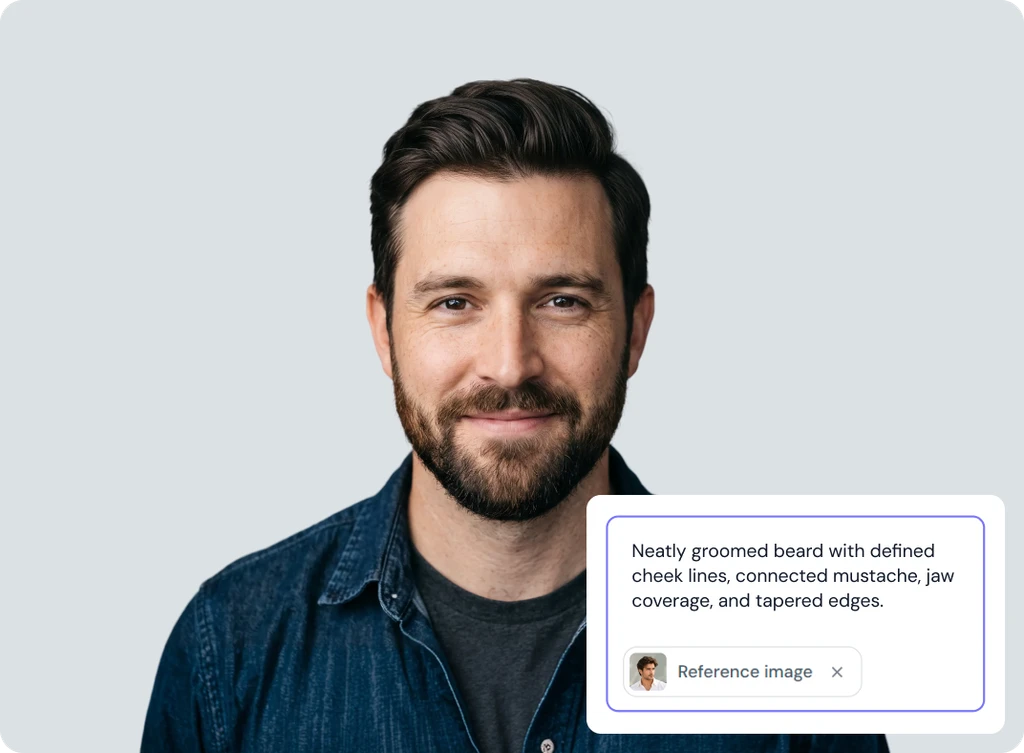
Sometimes the beard you picture is not in a style list. The Custom tab lets you describe it instead. Type what you want, from a short trimmed beard with a sharp line to a long beard with a lighter mustache, and the AI beard generator builds it from your words. You can also add a reference image if you have seen a beard you like. Color and shape can both be described in the same sentence, so you stay in control of the result.
Match Your Beard Color to the Look You Want
Shape is only half of a facial hair style. Color changes how heavy or soft the same beard looks on your face. Pick a natural shade to match your own hair, or try greys and silvers if you want to see how a salt and pepper beard would suit you. Bolder fashion tones are there when you want something different for a profile photo or a social post. Change the color as often as you like without uploading again.
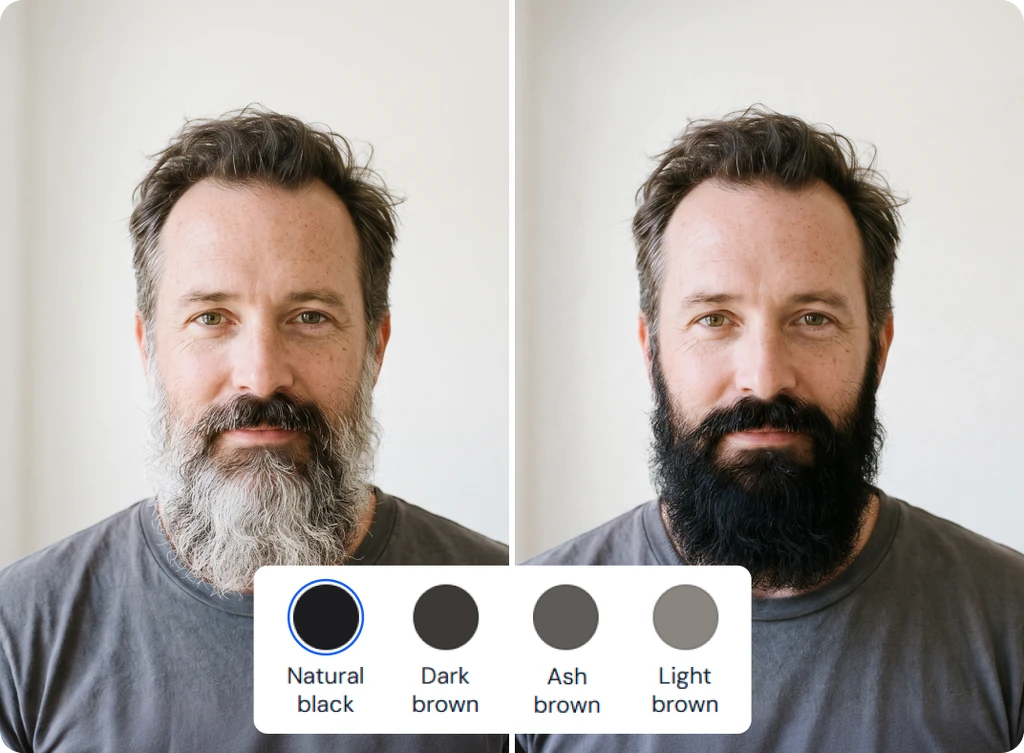
See Yourself Clean Shaven With No Beard Filter
Shaving off a beard you have grown for years is a hard thing to picture. The Clean Shaven style shows you first. Upload a photo and the no beard filter removes your facial hair while keeping your jawline, skin, and expression as they are. It is a simple way to check how you look without a beard before you commit to it. If you decide to keep the beard, switch back to a style and carry on trying looks.
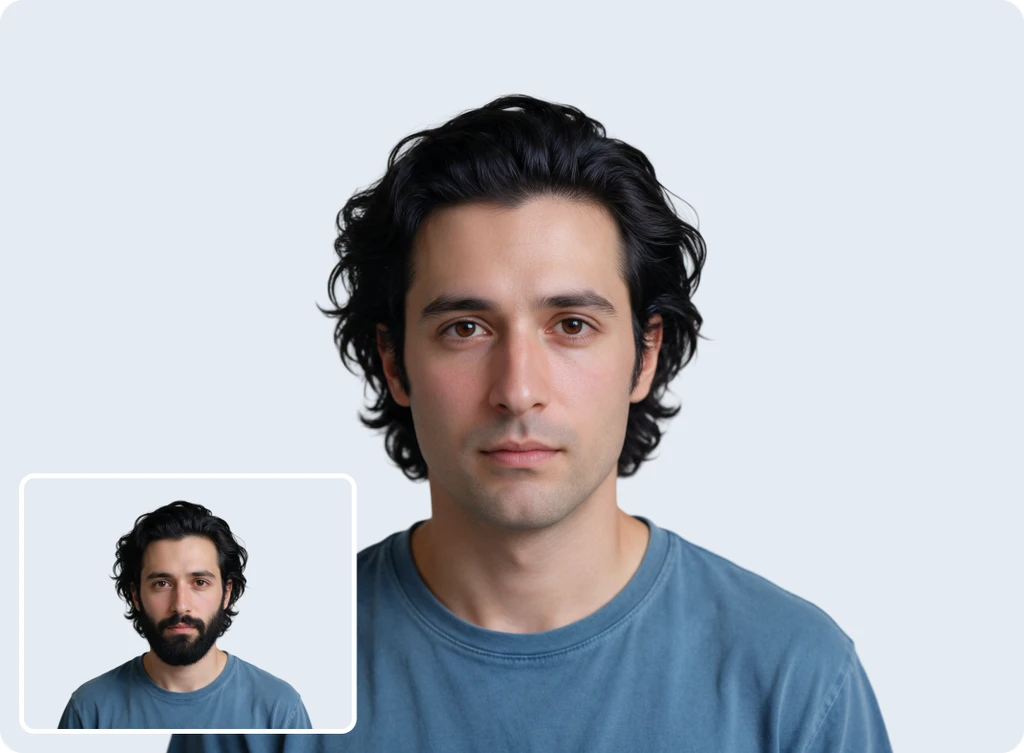
AI Beard Filter Use Cases
See how people use the beard filter before making a change to their facial hair.
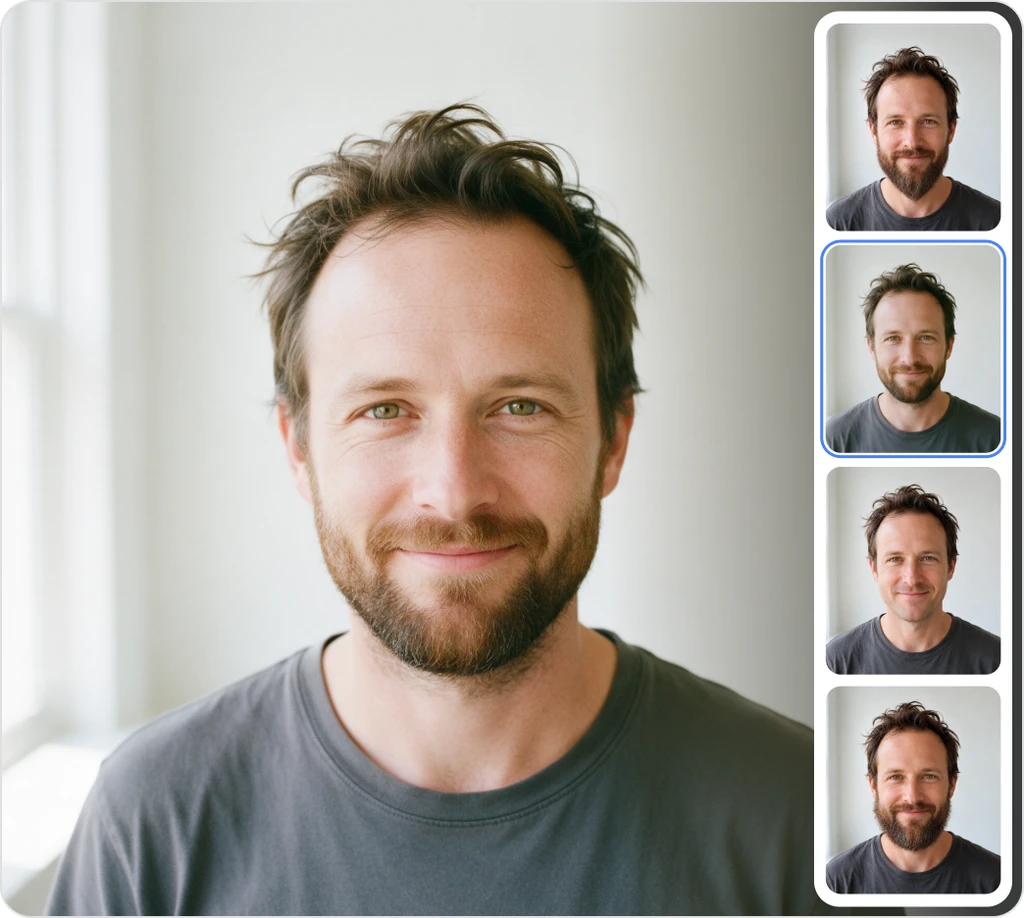
Grooming Decisions
Check how a shape looks on you before you grow, trim, or reshape it.
Profile Photos
Try a sharper look for a work profile, a dating app, or a social account.
Style Comparisons
Put a full beard next to a goatee or stubble and see which one you prefer.
Fun and Sharing
Send friends a mustache or full beard version of yourself for a laugh.
Frequently Asked Questions
Built by the team behind FreeConvert, trusted by millions worldwide, ClipSnap brings the same secure and reliable experience to AI-powered photo editing.