Sharpen Images Online with AI

How to Sharpen an Image Online?
Use AI to sharpen photos online for free and make every image clearer instantly.
Upload your image
Click the upload area, paste, or drag and drop your photo. ClipSnap loads it instantly for sharpening with no sign up or setup needed.
Adjust optional settings
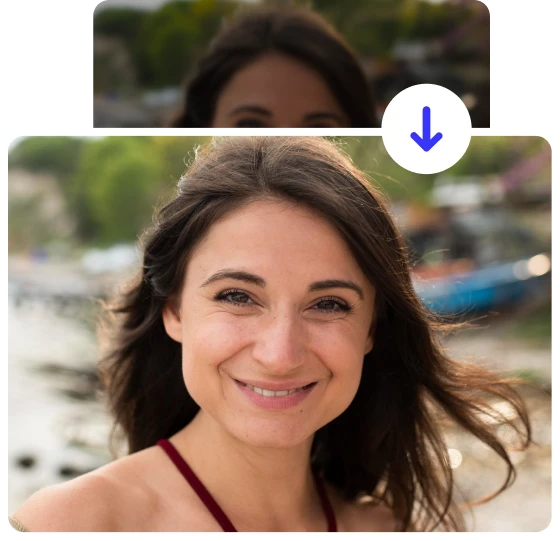
Enable Face Enhancement for portraits or selfies. This option adjusts facial features and maintains a natural skin tone while sharpening the rest of your photo.
Click “Sharpen" to start photo sharpening.
Press the Sharpen button to begin the AI process. The AI Image Sharpener improves existing details, refines textures, and gives your photo a crisp, natural appearance with just one click.
Free online AI tools to sharpen images
Experience the power of AI sharpening across all types of photos.

Powerful AI Image Sharpener Features
AI Detail Enhancement
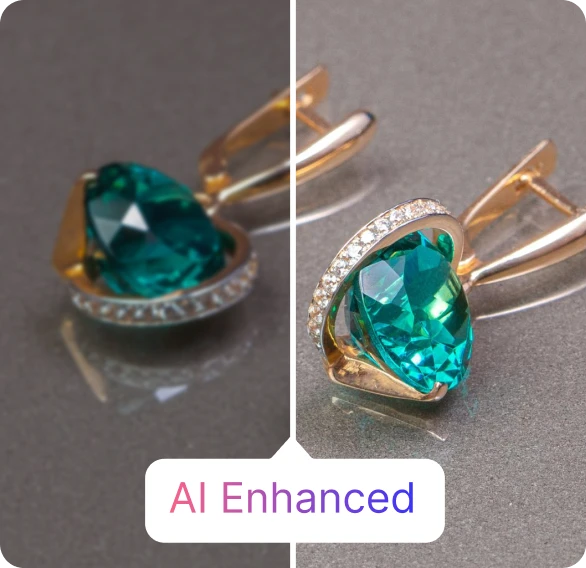
ClipSnap’s AI sharpen image model automatically improves clarity and texture. It enhances photo detail while maintaining a natural appearance.
Clarity and Definition Boost
Make every element in your photo appear more defined and professional with advanced image sharpening technology.
Smart AI Control
The AI adjusts sharpness automatically to keep your photo natural and balanced. Perfect for both beginners and professionals.
Face Enhancement Option
Sharpen portraits naturally by enhancing eyes, hair, and fine details while preserving smooth, realistic skin tones.
Preserve Original Quality
Maintain your image resolution and color while improving sharpness. No quality loss, only better focus.
One-Click Sharpening
No need for Photoshop or technical skills. Upload your photo and sharpen it online free with just one click.
Free and Online
ClipSnap is a fully online image sharpener, requiring no software or installation. Access it anywhere, anytime.
Commercial Use Allowed
All sharpened images are free to use for personal or commercial projects — watermark-free and unrestricted.
Eliminate Pixelation and Bring Clarity Back to Your Photos
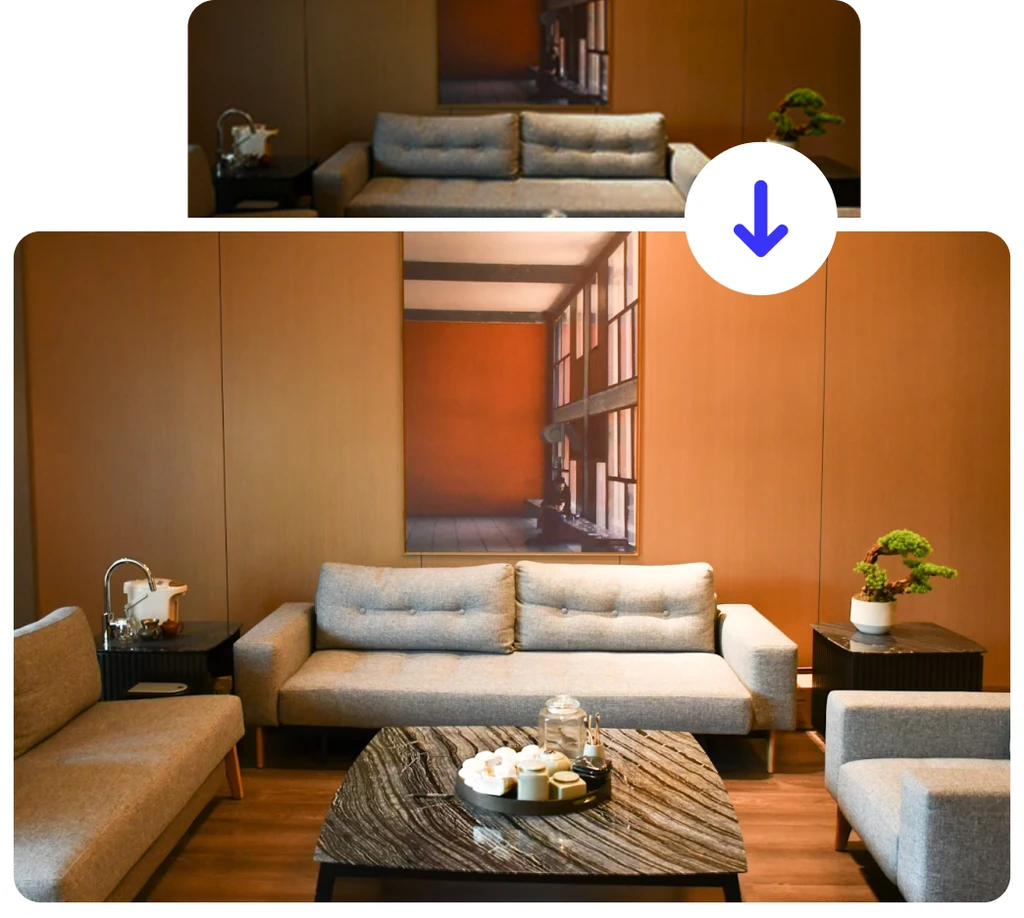
Blurry or pixelated photos can easily ruin a great picture, whether it's a product image, a portrait, or a special memory. This often happens due to poor lighting, camera shake, or low image quality. ClipSnap’s AI Image Sharpener quickly fixes these issues by enhancing details and boosting overall clarity. With just one click, your photo becomes sharp, vibrant, and ready to use without reshoots or editing skills.
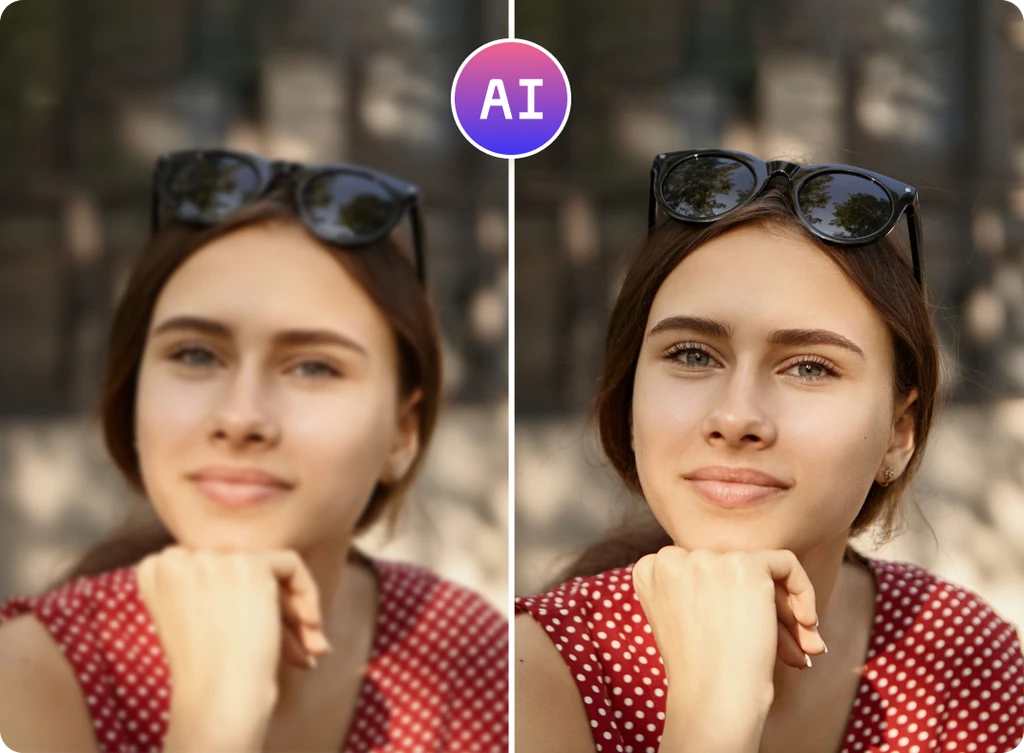
Enhance photo sharpness and clarify unclear details
Even if your photo looks fine at first glance, it might still lack the clarity and fine details that truly make it stand out. ClipSnap’s AI Image Sharpener brings out those hidden details by refining textures and boosting definition without sacrificing natural quality. Whether you want to make fabric patterns pop, highlight facial features, or give your visuals a polished, high-resolution look, this tool helps every image appear cleaner, richer, and more detailed — all with one click.
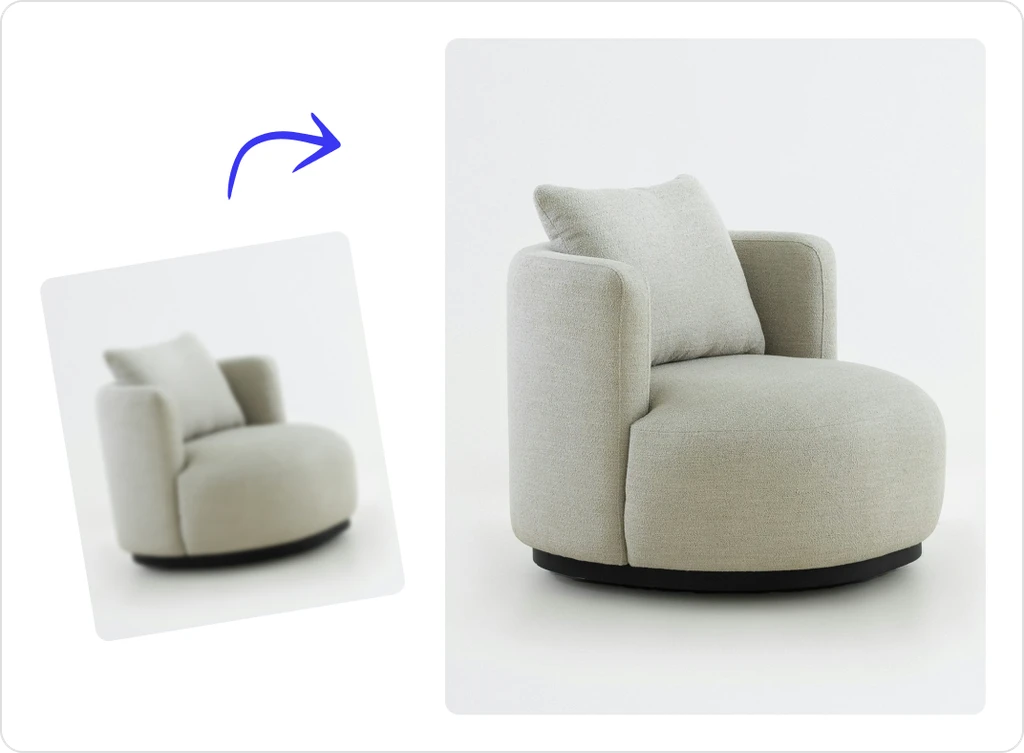
Sharpen Image Online Free with No Editing Skills Needed
ClipSnap’s AI Image Sharpener is built to make photo enhancement effortless for everyone. You don’t need Photoshop or any editing experience to sharpen image online free. Just upload your picture, and the AI automatically enhances clarity and sharpness in seconds. Whether it’s a portrait, product shot, or screenshot, you’ll get clearer, more detailed results instantly. Everything happens online — quick, simple, and completely free to use.
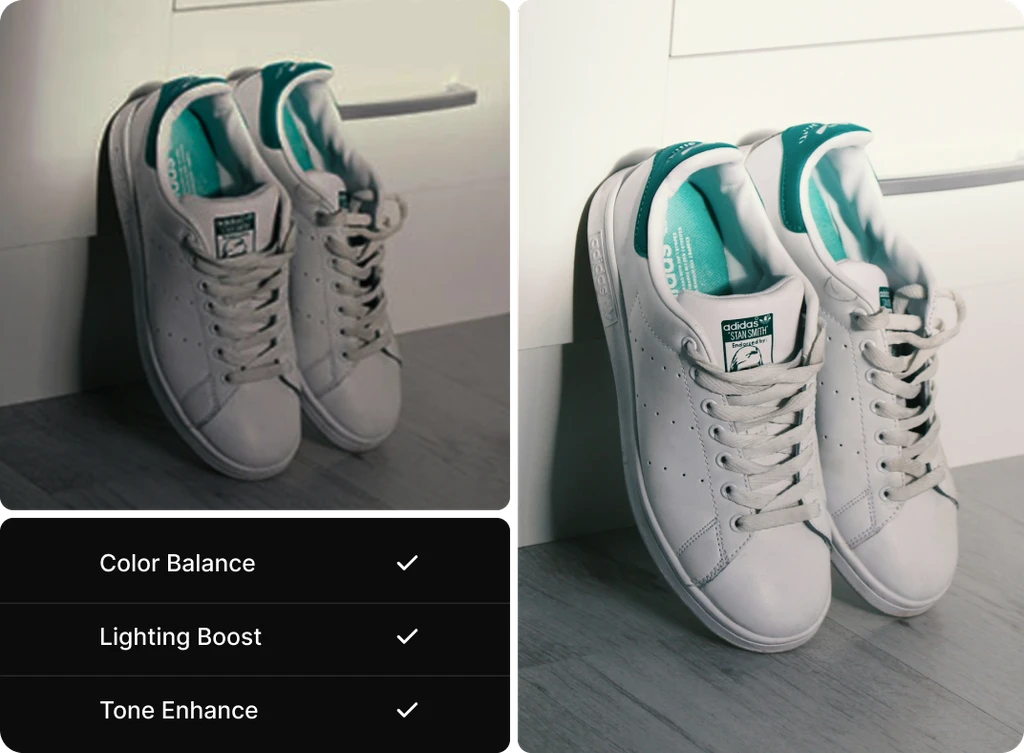
Enhance Faces with AI Precision
Use the Face Enhancement option to sharpen images online. This AI-powered feature enhances eyes, hair, and facial details while maintaining smooth and realistic skin tones. Ideal for profile photos, headshots, and close-ups where clarity is essential.
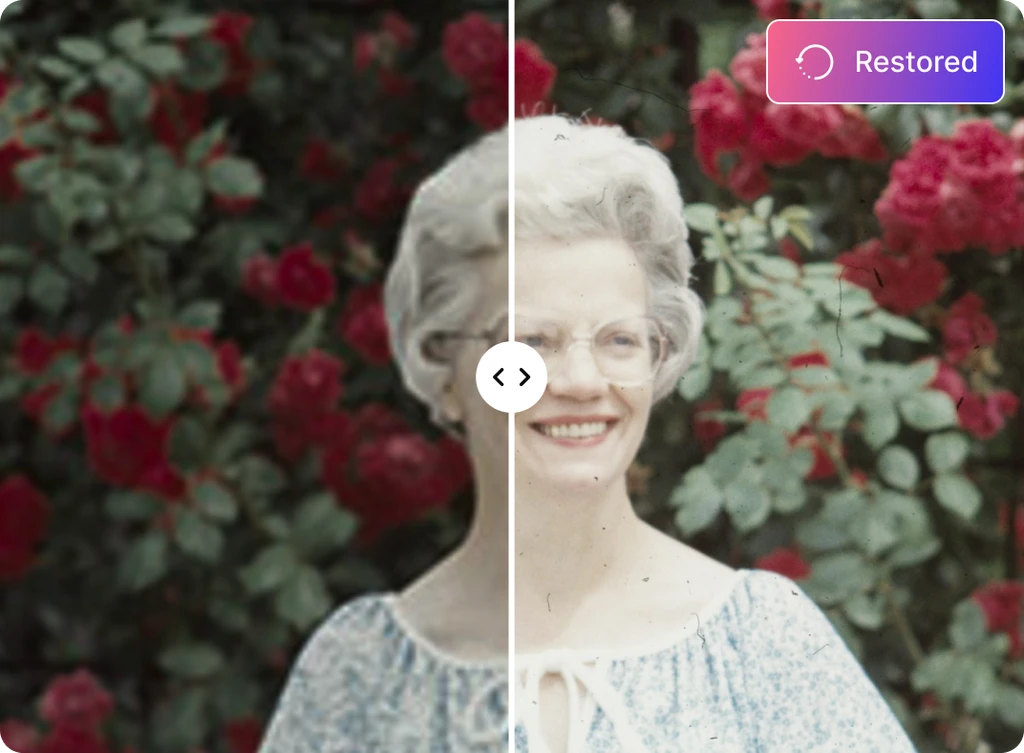
Improve any image with our AI Image Sharpener
Enhance clarity for every photo type and purpose