Unpixelate Images Online Free
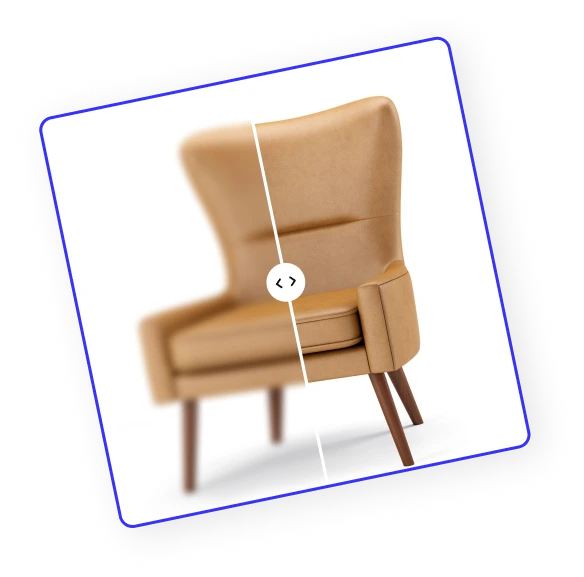
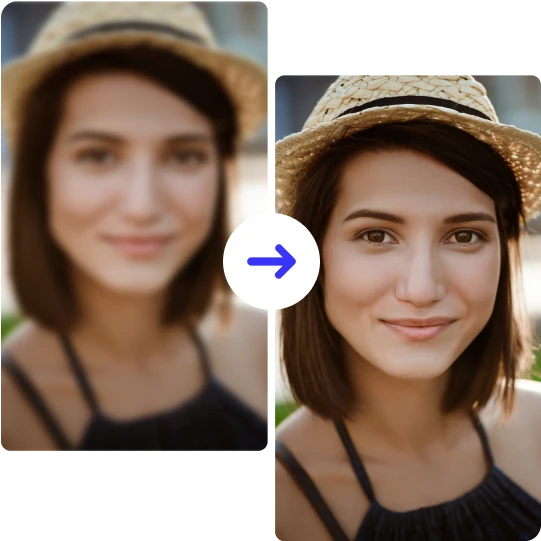



How to unpixelate an image?
Follow these 3 simple steps to unpixelate your photos online for free.
Upload Your Image
Drag & drop, choose a file, or paste from your clipboard to upload. ClipSnap supports JPG, PNG, and WEBP formats for quick access.
Unpixelate with AI (Optional Face Enhance)
Click Unpixelate to smooth your photo instantly. For pictures with people, turn on Face Enhance to rebuild clear and natural-looking facial details.
Download Your Result
Save your unpixelated image in high resolution, perfect for printing, sharing on social media, or adding to creative projects online.
Remove pixelation from photo online free
Make pixelated photos clear online for free and download high-resolution results ready for printing or social media.
Why ClipSnap to Remove Pixelation from Photos?
One Click AI Unpixelate
Unpixelate photo in seconds with a single click. The AI pixelation remover rebuilds clarity while keeping faces and text natural.
Face Enhancement for Portraits
Switch on Face Enhance to unpixelate image details like eyes and skin. Perfect for selfies and family photos.
High Quality Output
Remove pixelation from image online and download sharp, print-ready results at full resolution.
Works in Your Browser
Unpixelate pictures online free with drag and drop or clipboard paste right in your browser. Start fast, no software to install.
Sharp Text and Products
Photo unpixelate makes labels, documents, and product edges clear and readable for eCommerce and marketing shots.
Free to Start
Try unpixelate image online free and see results before you commit. Fast, reliable, and built for everyday photos.
Natural Results without Artifacts
AI photo unpixelate removes pixelation from the image while keeping skin tones, textures, and colors natural. Get clear photos without blocky squares or harsh edges.
Mobile and Desktop Friendly
Unpixelate pictures online free on any device. Use your browser on iPhone, Android, Mac, or Windows to unpixelate images and fix pixelated photos in seconds.
Smooth Pixelated Photos in Seconds
Pixelated photos are frustrating, especially when the moment cannot be redone. Heavy compression, low resolution, or over-zooming can break images into blocky squares and distort faces or text. The quickest way is to unpixelate image online with AI. ClipSnap’s AI pixelation remover rebuilds lost detail and smooths jagged pixel edges in a click, so you can depixelate photo for social, products, and documents.
Unpixelate Images for Clear Product Shots
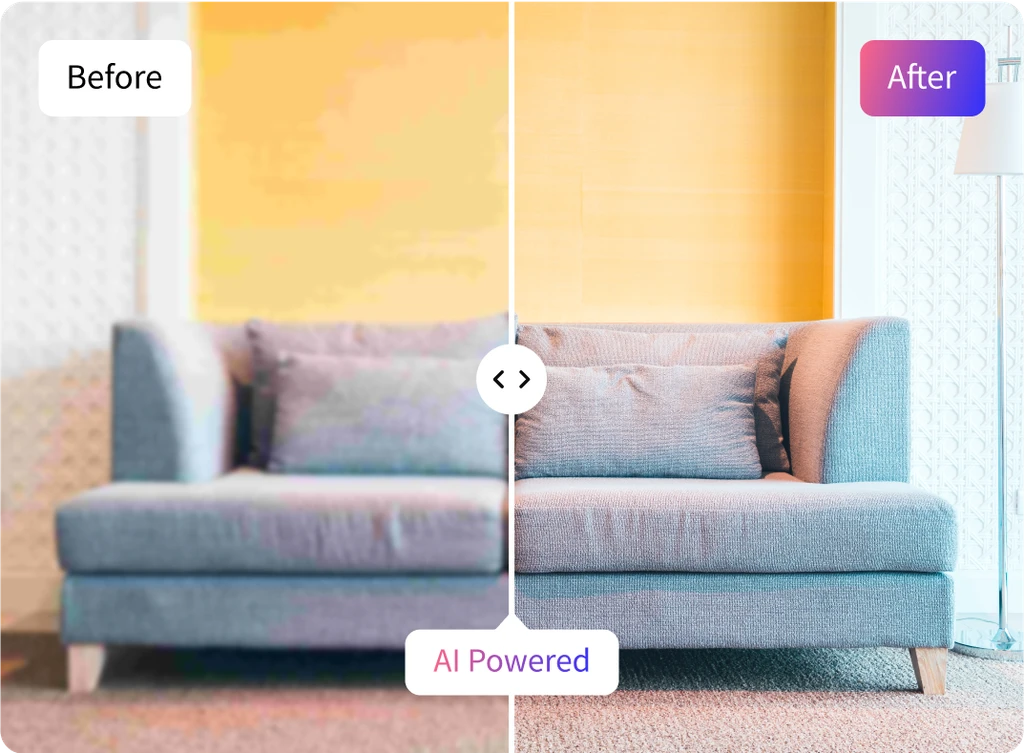
Product photos often turn blocky after resizing or marketplace compression. Low-resolution uploads, screenshots, and aggressive cropping break edges into visible pixels and hide labels. That pixelation costs clicks and buyer trust. The quickest path is to unpixelate product photos online with AI. ClipSnap rebuilds clean lines and readable text so you can publish clear, high-resolution listings without reshoots.
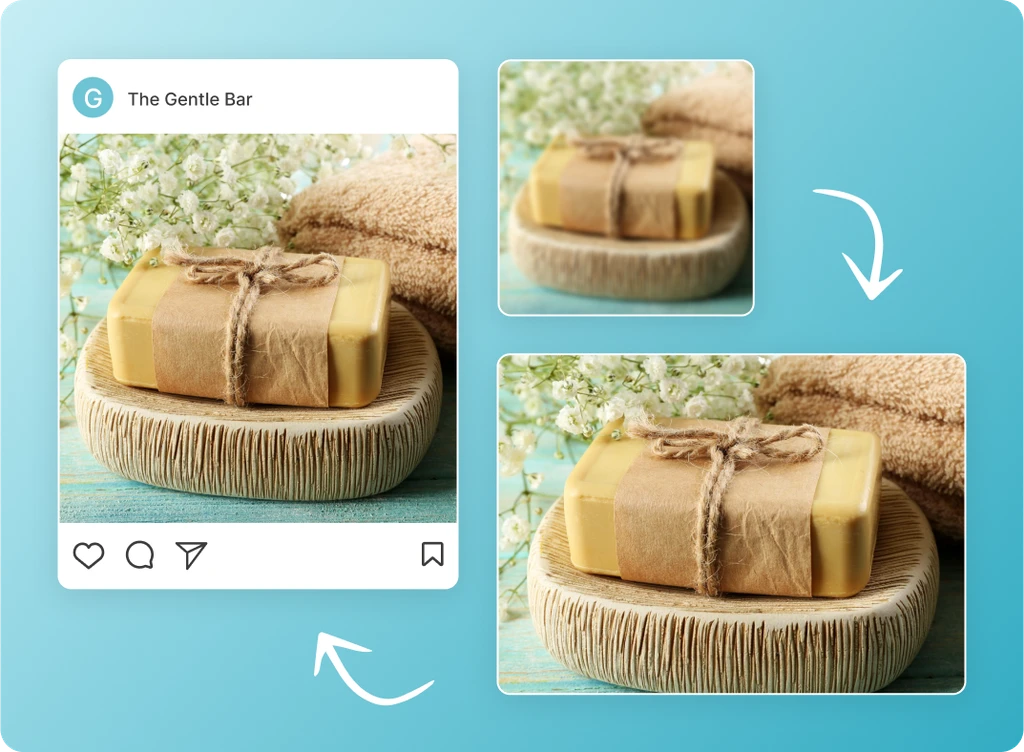
Clear pixelated image with high precision
Unpixelate image online to bring back clear details when low resolution or compression breaks your shot into blocks. Our AI pixelation remover automatically detects and removes pixelation from photos, smoothing jagged edges and enhancing image resolution. It is a photo editor for pixelated shots, perfect to depixelate photo from vacations, events, portraits, or blocky screenshots in seconds.
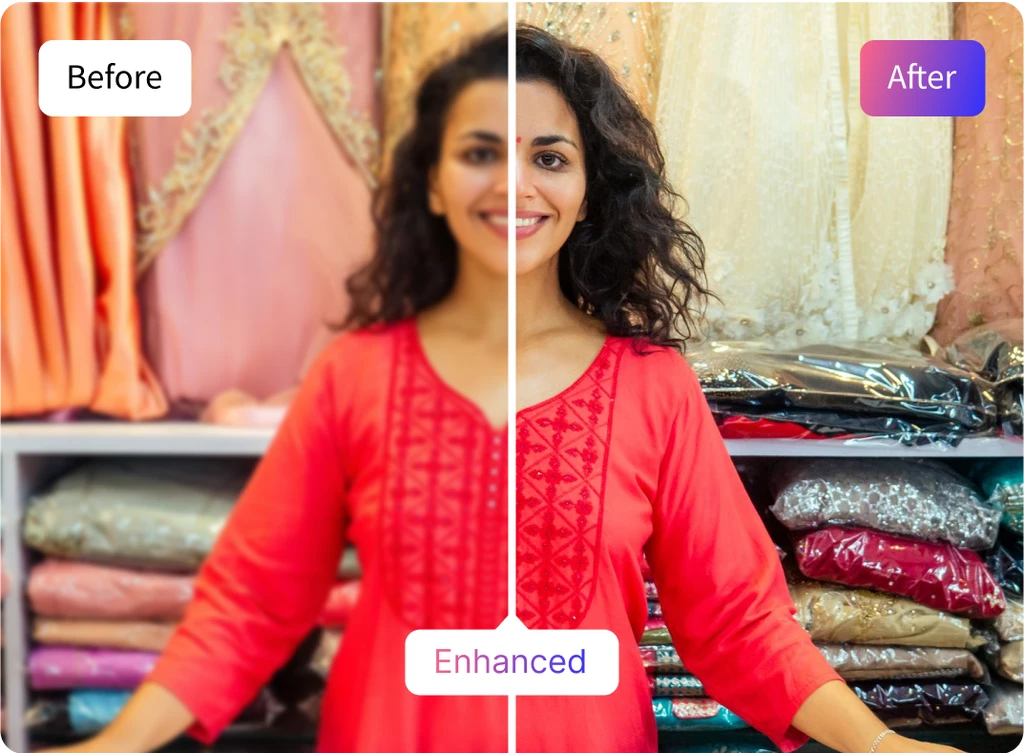
Face Enhance Toggle for Sharper Details
Faces need extra care when photos are pixelated. Turn on the Face Enhance toggle before you unpixelate image to rebuild eyes, skin, and hair while keeping a natural look. Our AI pixelation remover reduces blocky artifacts and restores fine detail, so you can depixelate photo portraits and group shots and download clear, share-ready results in seconds.
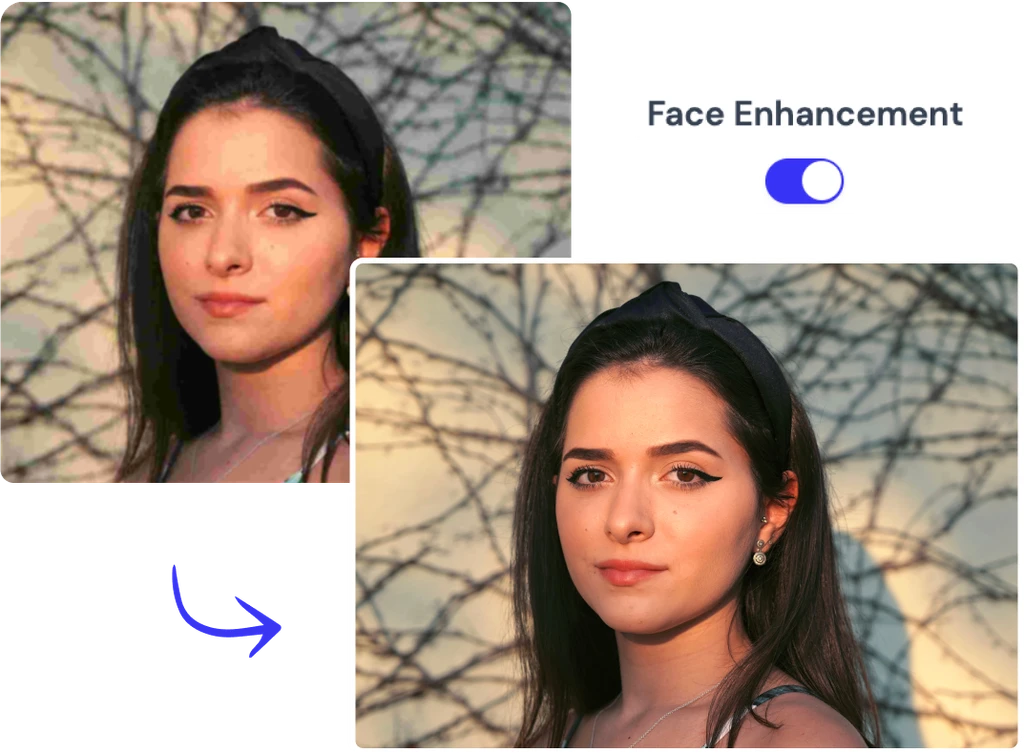
Unpixelate Images with AI
Bring pixelated photos back to life with AI-powered clarity.
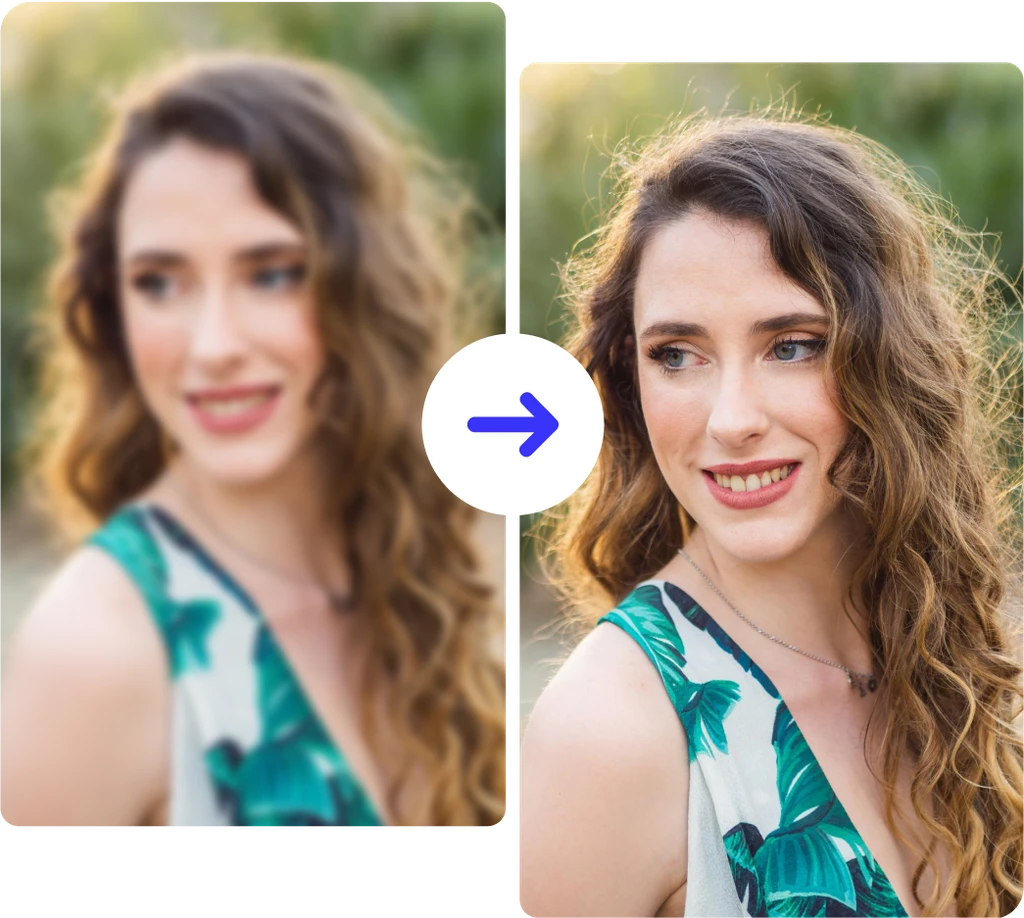
E-commerce Product Photography
Portraits and Headshots
Printing and Enlargements
Social Media and Content
Frequently asked questions
Built by the team behind FreeConvert, trusted by millions worldwide, ClipSnap brings the same secure and reliable experience to AI-powered photo editing.