Remove Text From Image

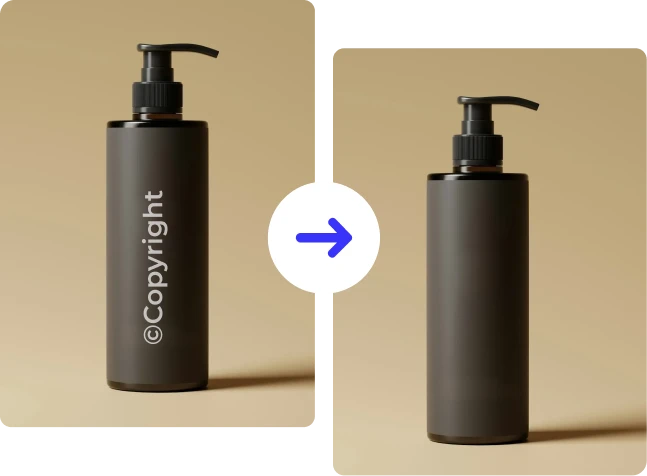


How to remove text from image online
Follow these 3 simple steps to remove unwanted text from any photo instantly.
Upload Your Image
Drag & drop, paste, or select the photo you want to edit. Our image text remover supports JPG, PNG, JPEG, and WEBP formats for fast and secure processing.
Select the Text Area
Highlight or brush over the text, watermark, caption, or unwanted words you want to remove. Our AI automatically detects edges and surrounding textures.
Remove and Download
Click remove and let the AI fill the selected area naturally. Download your clean, text-free image instantly in high quality.
Clean and Natural Text Removal for Any Image
Erase text, restore backgrounds, and keep your images looking original and professional.
Features of ClipSnap Image Text Remover
AI-Powered Text Removal
Our advanced AI analyzes surrounding pixels and intelligently removes text while preserving image quality and natural details.
Seamless Background Reconstruction
The tool automatically fills removed areas using context-aware generative AI so there are no visible marks or distortions.
Remove Watermarks and Captions
Erase unwanted overlays, subtitles, dates, and small watermarks cleanly without affecting the rest of the image.
Precision Edge Detection
Smart edge detection ensures clean removal even when text overlaps complex textures or detailed backgrounds.
High-Quality Results
Maintain sharp resolution, accurate colors, and natural textures after removing text.
Beginner-Friendly Interface
No design experience required. Simply select the area and let the AI text remover handle the rest.
Works Online
Remove text from image online directly in your browser on desktop or mobile devices.
Fast and Secure Processing
Images are processed securely and automatically deleted after editing to protect your privacy.
Remove Unwanted Text From Photos Instantly
Text overlays, watermarks, timestamps, and captions can distract from the main subject of your image. With ClipSnap's AI image text remover, you can remove text from a photo in seconds. The AI analyzes the surrounding colors, textures, and lighting to naturally recreate the background. No cloning tools or complicated editing are needed, just clean and seamless results.
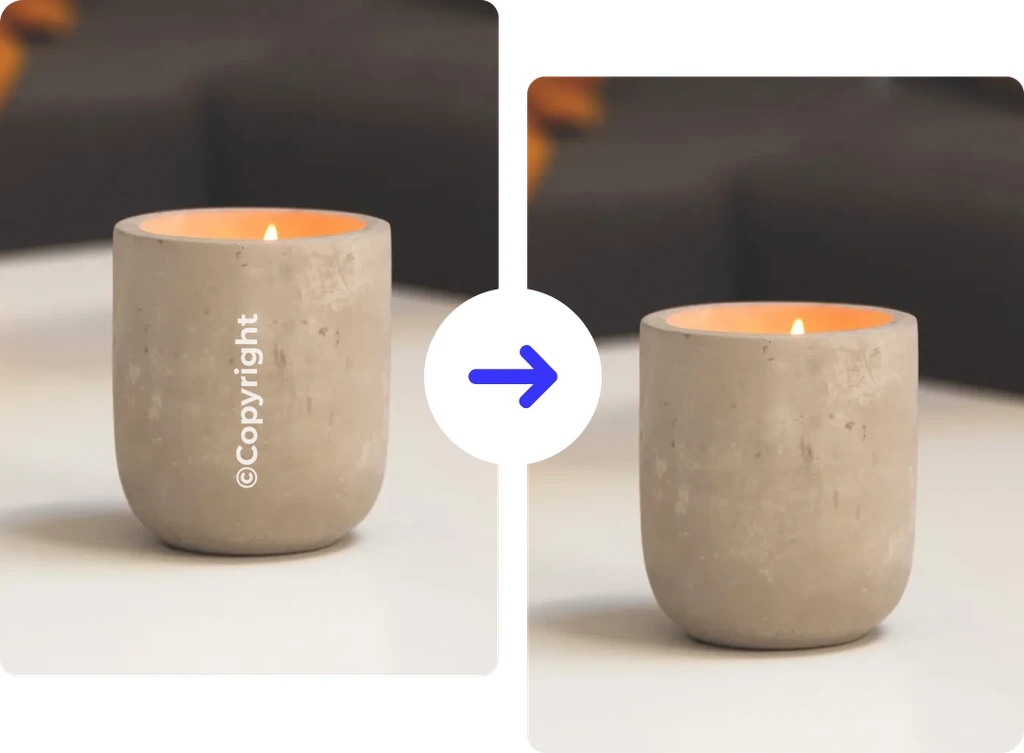
Remove Text From Image Online Without Photoshop
Traditional editing tools need manual cloning and precise masking to remove text. ClipSnap replaces that process with automated AI. Simply upload your image, highlight the text, and let the tool erase it while keeping everything looking consistent. It is quick, precise, and perfect for social media images, marketing graphics, and product photos.
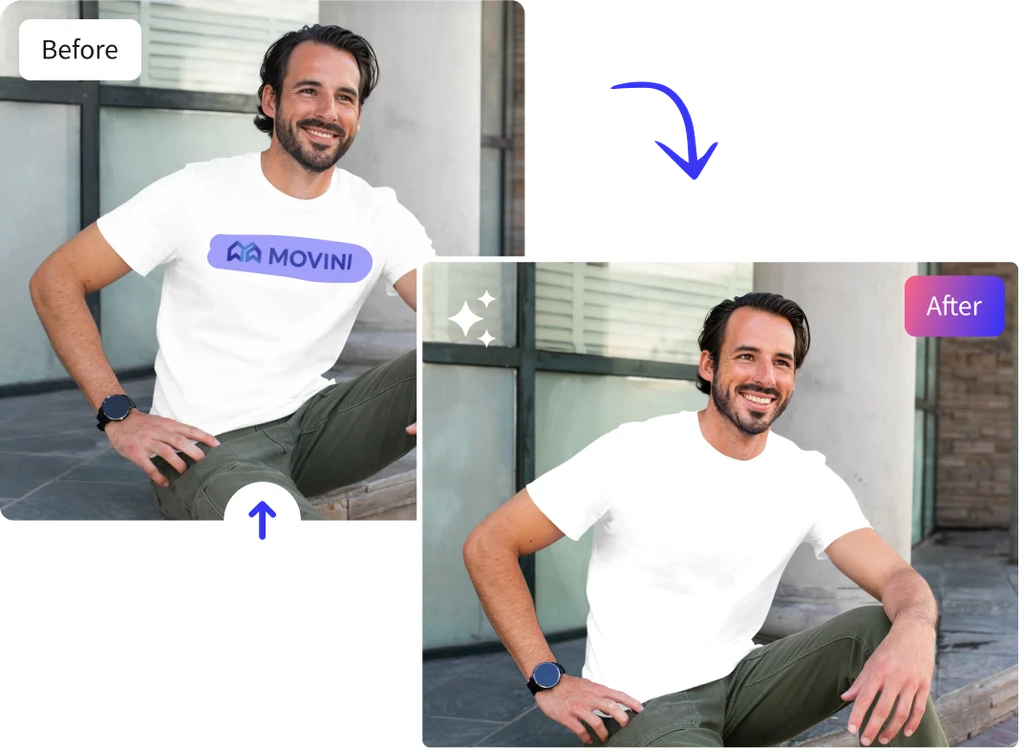
Restore Clean Visuals for Marketing and Social Media
Whether you are cleaning up screenshots, removing subtitles, or erasing old promotional text, our text remover from image helps you create distraction-free visuals. Keep your photos looking professional and polished without stretching, cropping, or damaging the original composition.

AI Text Remover for Professional and Creative Projects
From e-commerce sellers updating product images to designers refining layouts, ClipSnap's remove text from image online tool fits any workflow. Clean up photos for Shopify listings, Instagram posts, LinkedIn banners, ads, or presentations. Produce sharp, natural-looking images without visible editing traces.
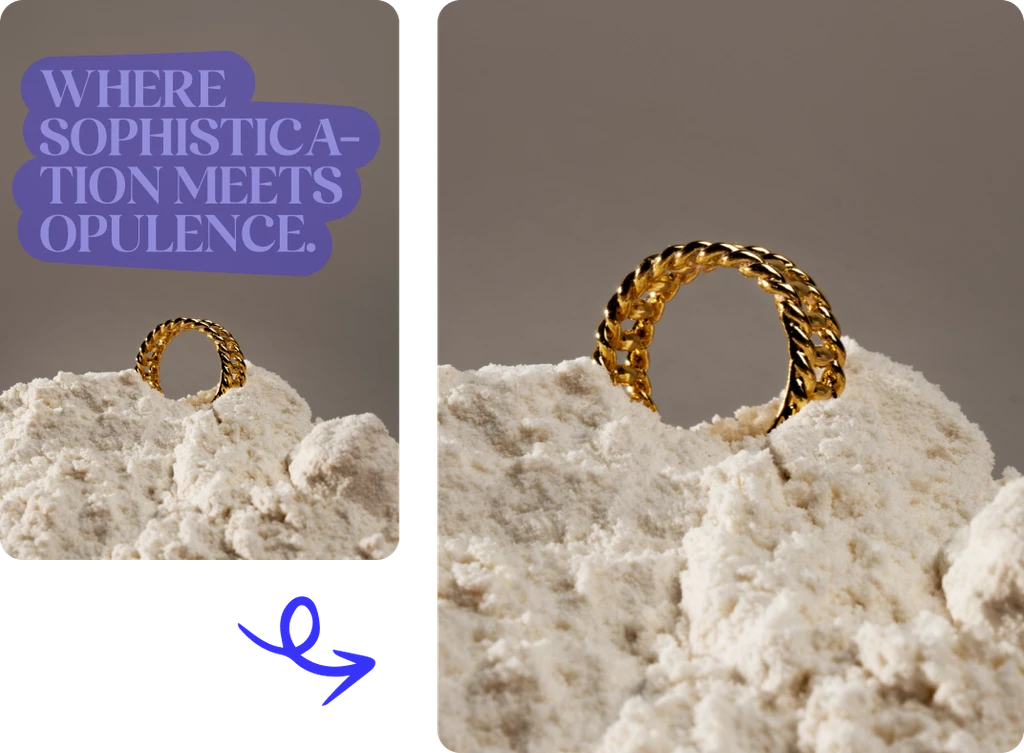
Image Text Remover Use Cases
Remove text, watermarks, and unwanted words for professional-quality visuals.
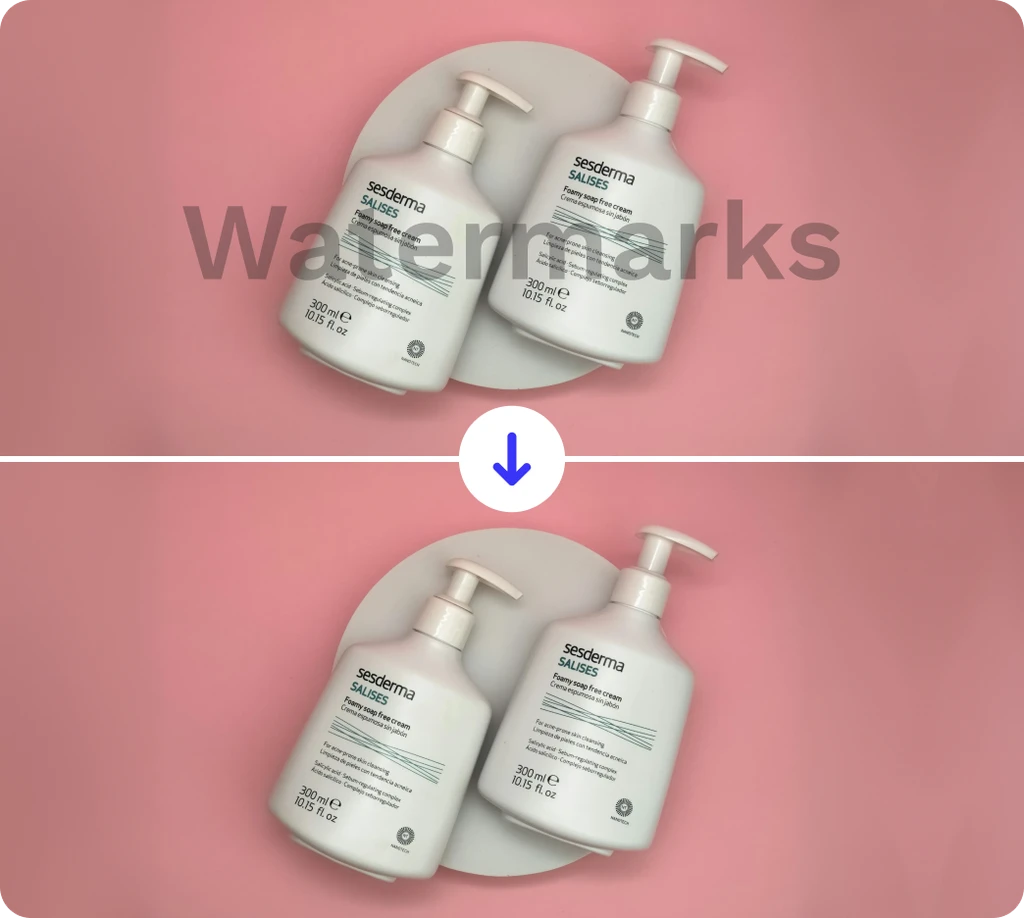
E-commerce Product Images
Social Media & Content Creation
Marketing & Ad Creatives
Screenshots & Documents
Frequently Asked Questions
Built by the team behind FreeConvert, trusted by millions worldwide, ClipSnap brings the same secure and reliable experience to AI-powered photo editing.