Photo Restoration in Seconds
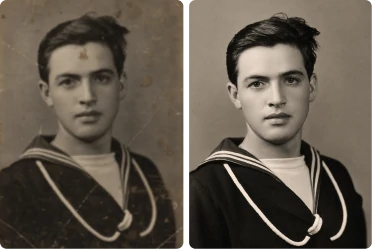
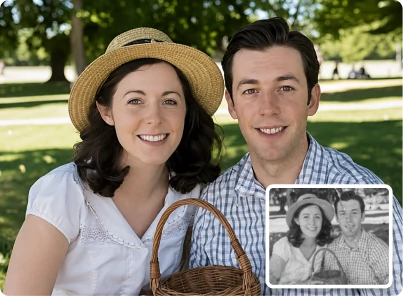
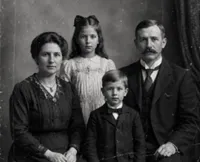
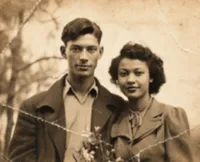

How to restore old photos online
Restore old photos in seconds with ClipSnap. No software, no complicated steps, just upload and go.
Upload Your Photo
Drag, drop, or select the photo you want to fix. ClipSnap's photo restoration tool supports JPG, JPEG, PNG, and WEBP formats.
Set Colorize and Click Restore
Your photo opens with Colorize turned on by default. Leave it on for natural color, or turn it off to keep the original black and white or sepia look. Then click Restore to fix scratches, tears, and fading in one pass.
Download Your Restored Photo
Download your restored photo right away. No sign up, no watermark, and no waiting.
Seamless photo restoration for every memory
See how old photo restoration brings different kinds of photos back to life.
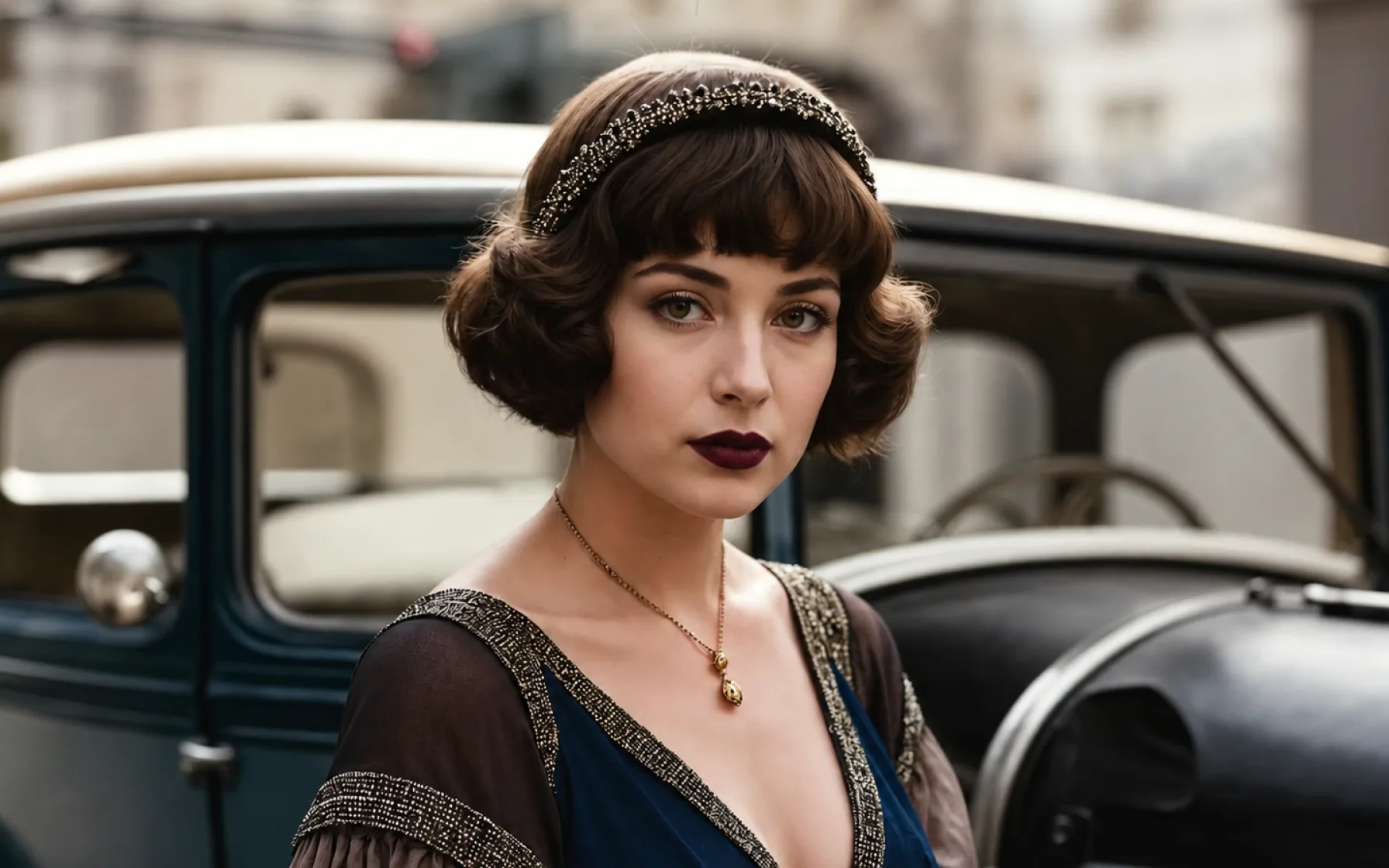
Features of ClipSnap Photo Restoration
Automatic Scratch and Tear Repair
Detects and repairs scratches, cracks, and tears in one pass, without manual editing.
Fading and Color Correction
Brings back natural color and contrast in photos that have faded or turned yellow.
Colorize Toggle
Add natural color to black and white photos, or turn it off to keep the original look.
Whole Photo Restoration
Repairs the background, clothing, and scene along with the face, not just one part.
Fast Results
Get your restored photo back in seconds, with no long wait or extra steps.
Free to Use
Restore your old photos without paying anything or creating an account.
No Sign Up Required
Upload your photo and start restoring it right away, with nothing to set up.
Works on Any Device
Use this tool on your phone, tablet, or computer, with nothing to install.
Restore Old Photos Online for Free
Old photo restoration should not cost money or require an account. Upload your photo, let the AI repair it, and download the result right away. No hidden fees and no watermark on your finished photo.
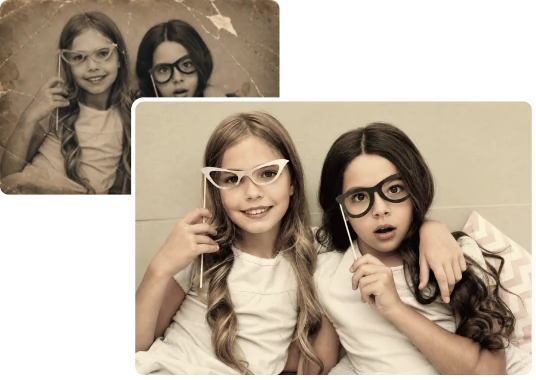
Fix Scratches, Tears, and Fading with AI
Most damaged photos need more than one kind of fix. ClipSnap's photo restoration tool repairs physical damage like scratches and tears, and corrects fading and color in the same step, so you do not need extra tools.
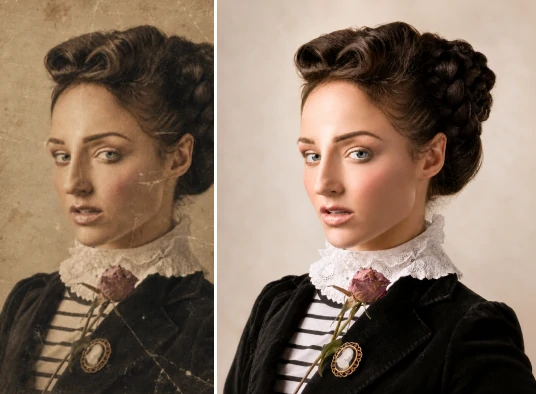
Add Color to Black and White Photos
Want to see an old black and white photo in color? Turn on the colorize toggle and get natural looking color added automatically. Prefer to keep the original black and white or sepia look? Turn it off and the photo stays as it was.
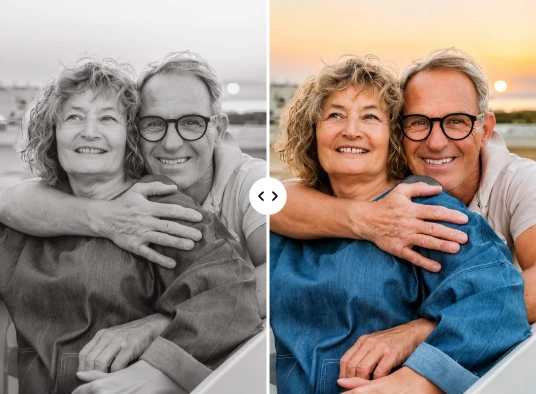
Bring Back Family Photos and Memories
A damaged photo of a parent, grandparent, or a moment you cannot get back deserves a careful fix. ClipSnap repairs the whole photo while keeping the people in it looking like themselves, so your memories stay real.
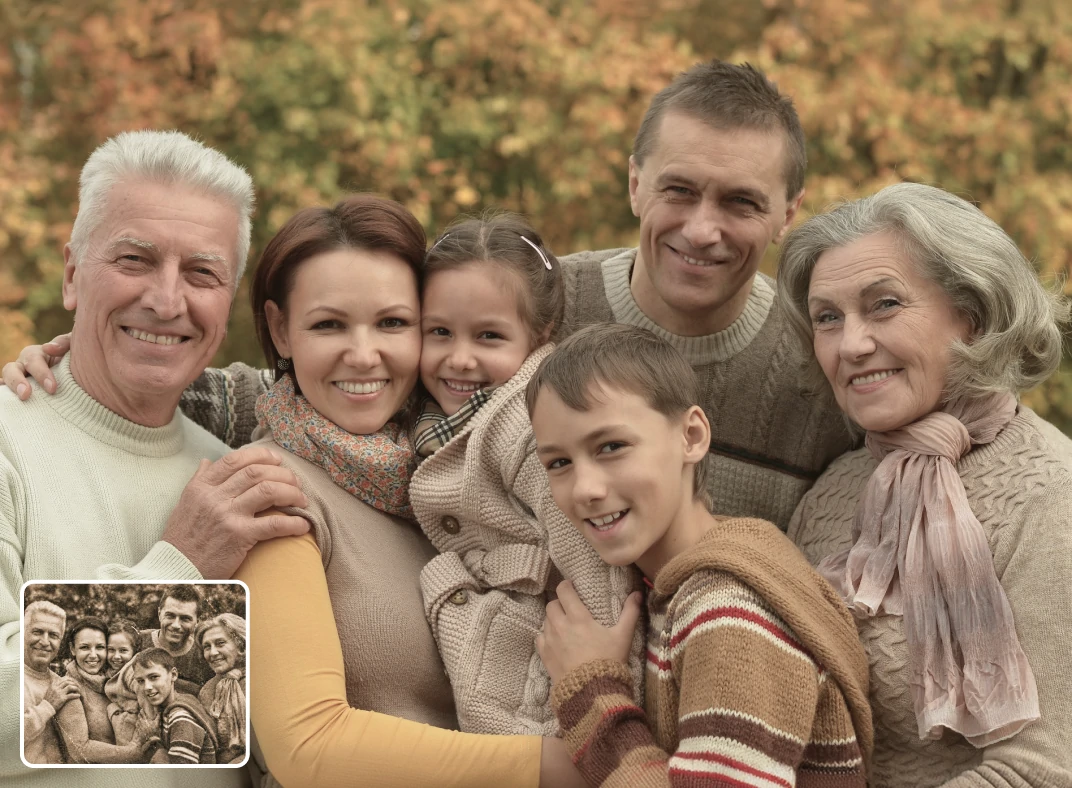
Photo Restoration Use Cases
Restore old photos for any memory worth keeping.
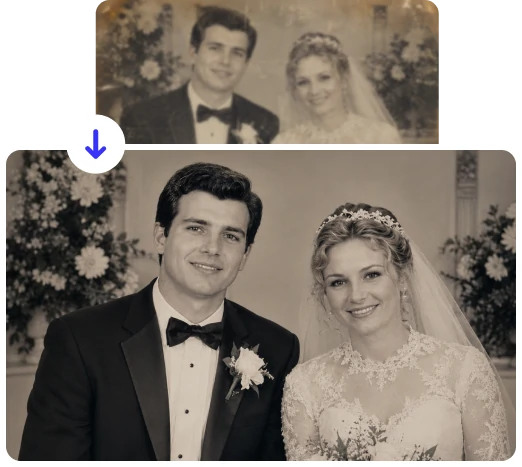
Family Photo Albums
Print-to-Digital Restoration
Memorial and Tribute Photos
Wedding and Vintage Photo Restoration
Frequently Asked Questions
Built by the team behind FreeConvert, trusted by millions worldwide, ClipSnap brings the same secure and reliable experience to AI-powered photo editing.