AI Image Extender
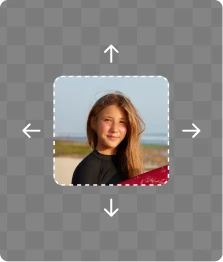



How to expand an image using AI
Follow these 3 simple steps to uncrop and extend images naturally using AI.
Upload Your Image
Upload a JPG, PNG, JPEG, or WEBP image. ClipSnap's AI Image Extender analyzes the pixels, lighting, and textures to understand the original scene before expansion.
Choose Aspect Ratio or Size
Select a preset aspect ratio like 1:1, 16:9, or 9:16, or enter custom dimensions. Lock proportions or adjust freely to match social media, ads, or design layouts.
Expand and Download
Click Expand to let the AI extend your image beyond its borders. Compare before-and-after results, then download a high-quality, expanded image instantly.
Seamless AI Image Expansion for Any Use
Extend images naturally for social media, marketing, photography, and design without visible seams.
Features of ClipSnap AI Image Extender
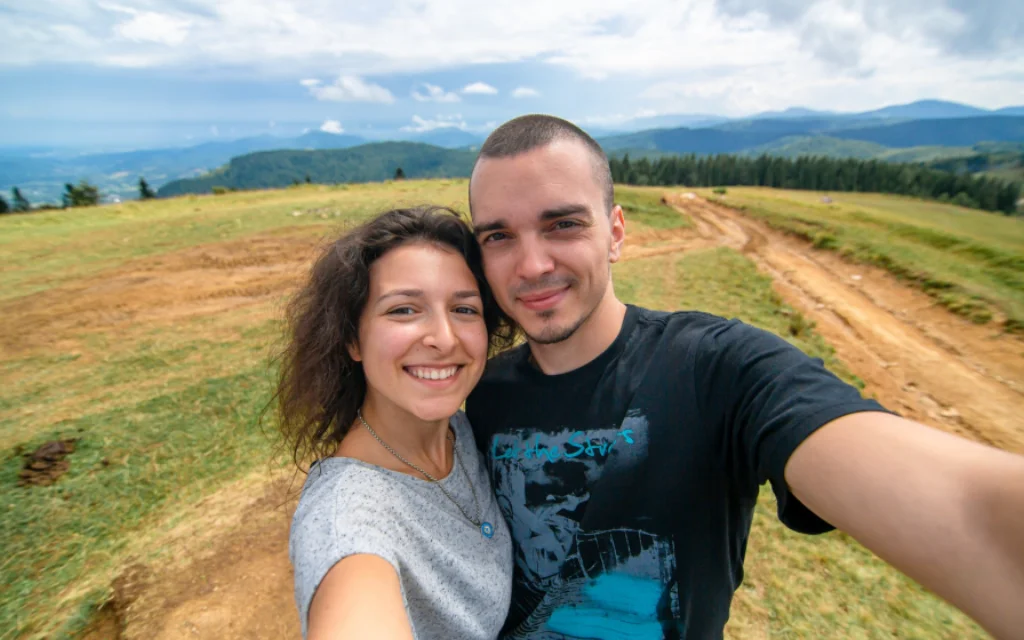
Generative AI Outpainting
Powered by advanced neural networks, the AI imagines what exists beyond the original frame and extends images with natural-looking results.
Uncrop Images Without Quality Loss
Recover missing areas and fix tight crops while preserving sharpness, resolution, and visual continuity.
Multiple Aspect Ratios Supported
Resize images to popular formats like 1:1, 16:9, 9:16, and custom dimensions for Instagram, TikTok, LinkedIn, and more.
Seamless Blending & Texture Synthesis
AI-generated pixels blend smoothly with the original image, maintaining lighting, shadows, and background textures.
Compare Before and After
Preview side-by-side results to clearly see how the image has been expanded before downloading.
Undo and Redo Controls
Refine your expansion easily with undo and redo options as you experiment with different sizes.
High-Quality PNG Export
Download expanded images in high-quality PNG format, ready for design, marketing, or publishing.
Works Online on Any Device
No software needed. Use the AI Image Extender directly in your browser on desktop or mobile.
Expand Images Naturally with Generative AI
Traditional photo editing tools depend on manual cloning and guesswork. ClipSnap's AI Image Extender uses Generative AI and outpainting techniques to smartly expand images. By analyzing pixels, textures, and lighting, the AI creates new image areas that look visually consistent and natural. This makes it easy to uncrop photos, restore missing edges, and improve composition without complicated editing.
Fix Cropped Photos and Aspect Ratio Mismatches
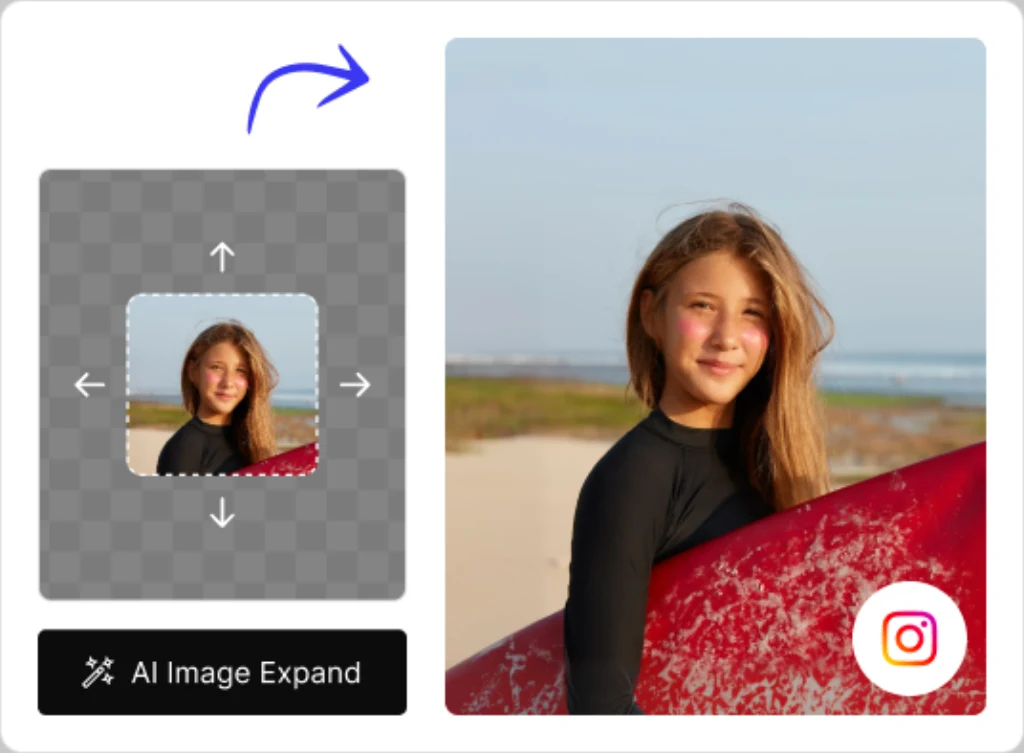
Images often do not fit modern formats. A vertical photo may need to become a horizontal banner, or a square image may be necessary for Instagram. With ClipSnap, you can convert images between aspect ratios easily. The AI automatically fills empty space, allowing you to change portrait photos into landscape photos without stretching or distortion.
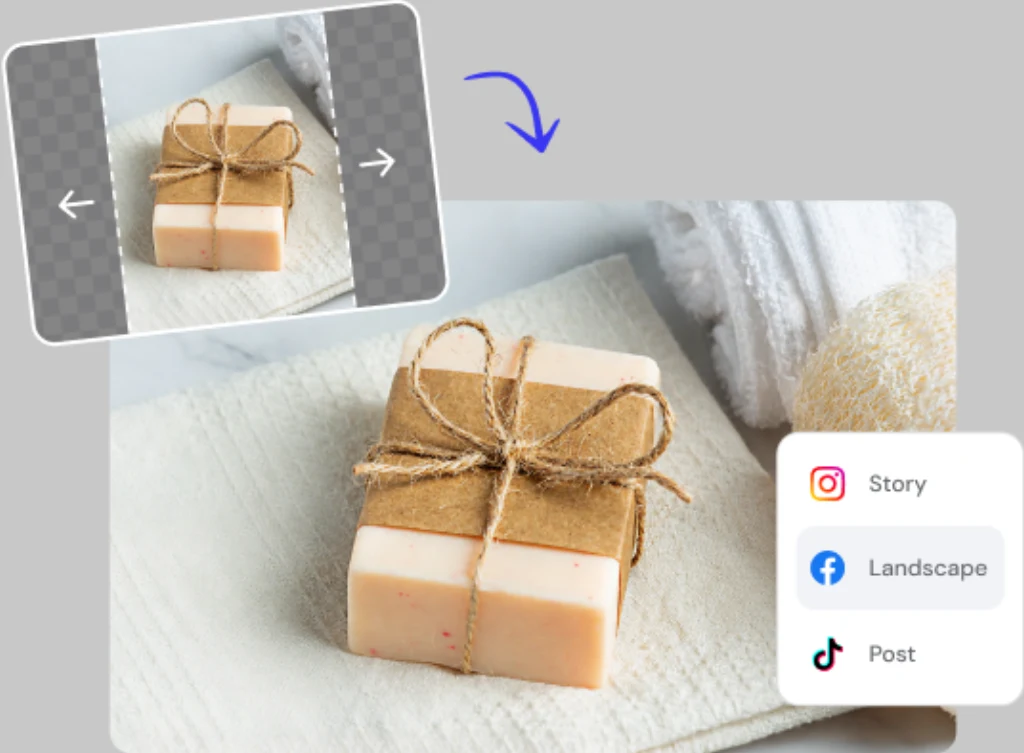
Create Space for Design, Text, and Visual Storytelling
Sometimes an image needs more space. Whether you are adding text, adjusting layouts, or creating posters, the AI Image Extender helps you generate clean white space and balanced compositions. Extend backgrounds naturally while keeping the original subject intact and visually centered.
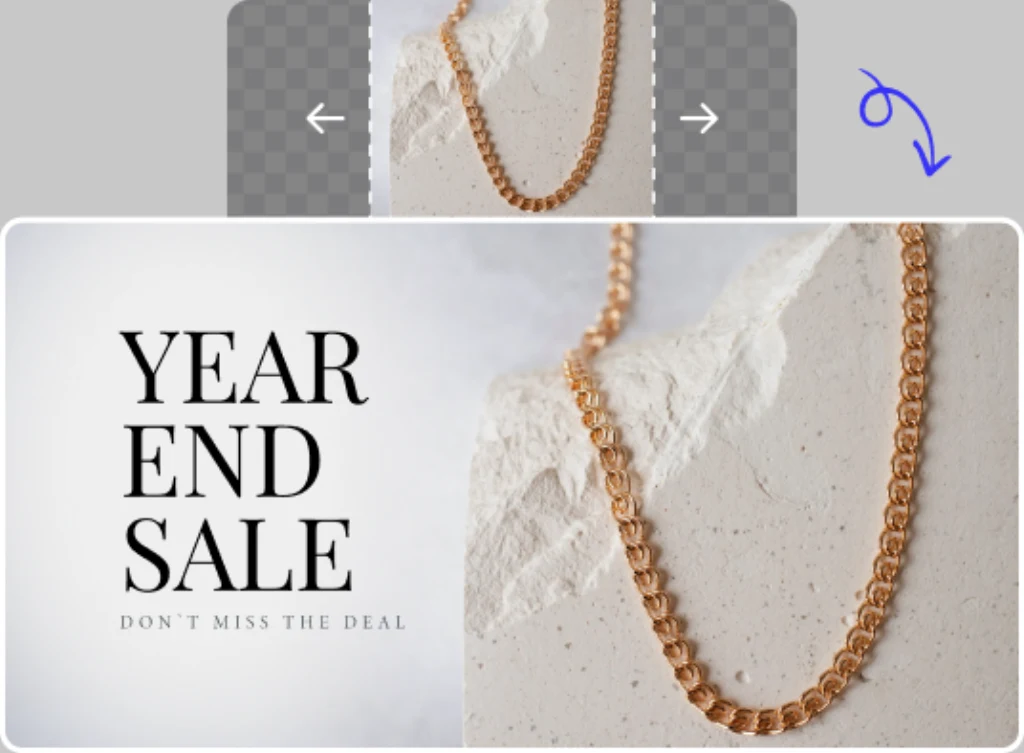
AI Image Expansion for Creative and Professional Workflows
From photographers fixing framing issues to marketers preparing ad designs, ClipSnap's AI Image Extender supports real-world workflows. Expand landscapes, correct portrait crops, prepare hero images for e-commerce, or design campaign banners. The tool replaces outdated manual editing with fast, automated AI expansion, saving time and providing professional results.
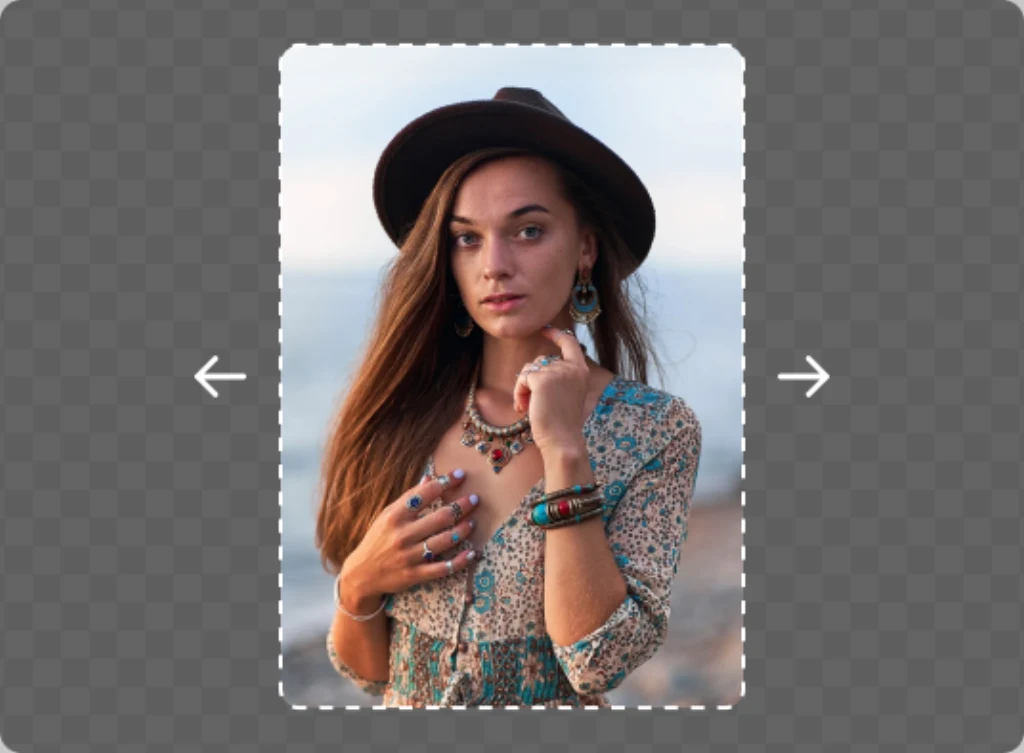
AI Image Extender Use Cases
Uncrop and expand images for social media, marketing, photography, and design.
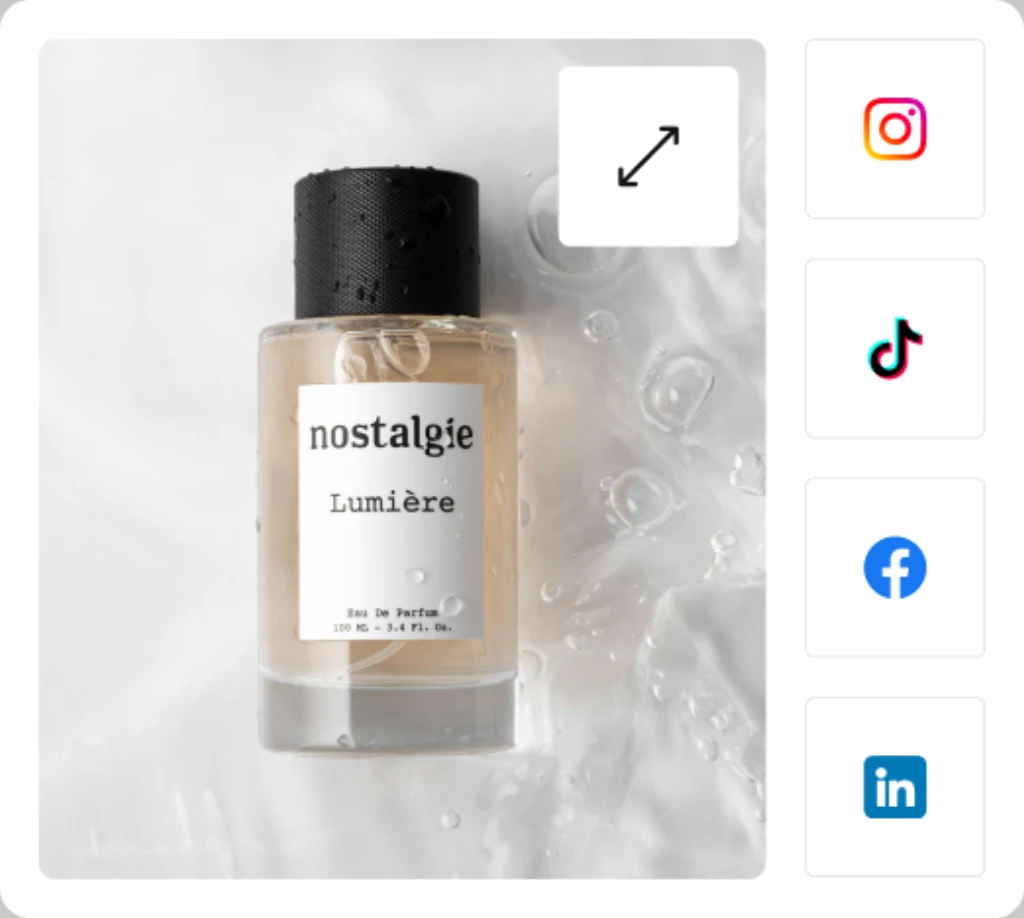
Social Media & Ads
E-commerce Product Images
Photography & Portrait Correction
Design, Posters & Banners
Frequently Asked Questions
Built by the team behind FreeConvert, trusted by millions worldwide, ClipSnap brings the same secure and reliable experience to AI-powered photo editing.