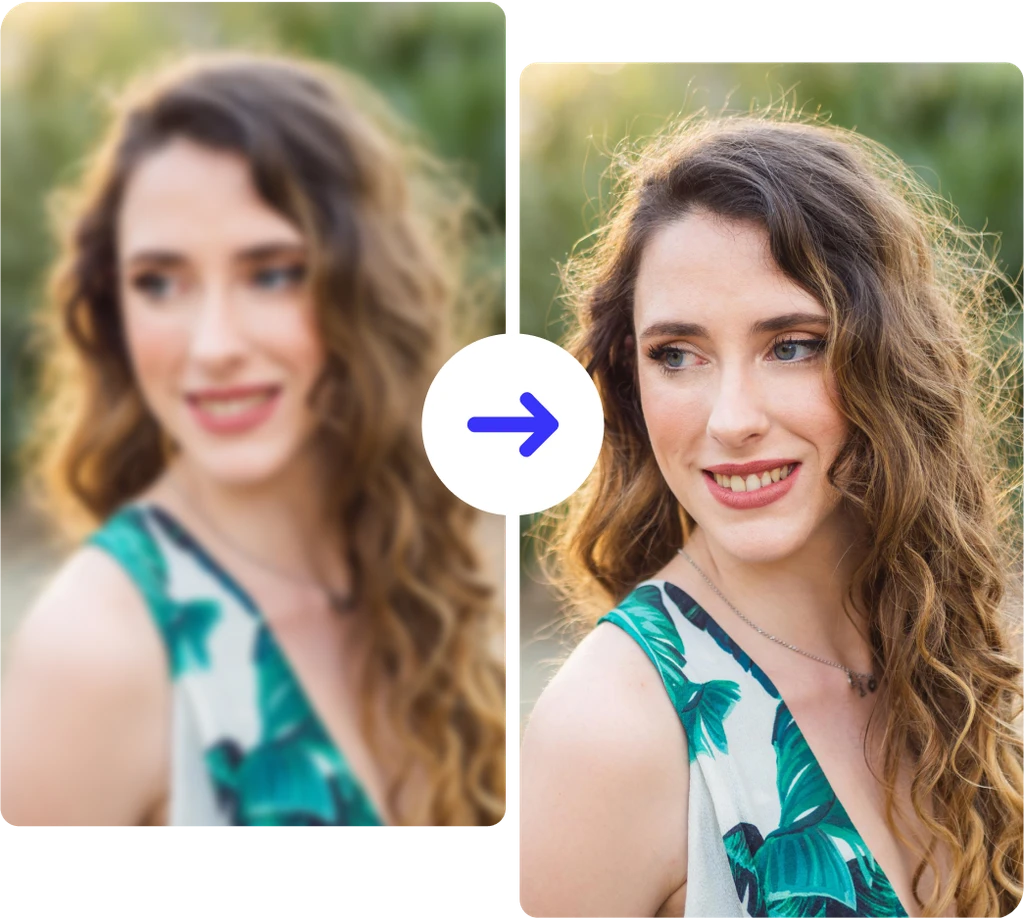
Unblur Images Online Free
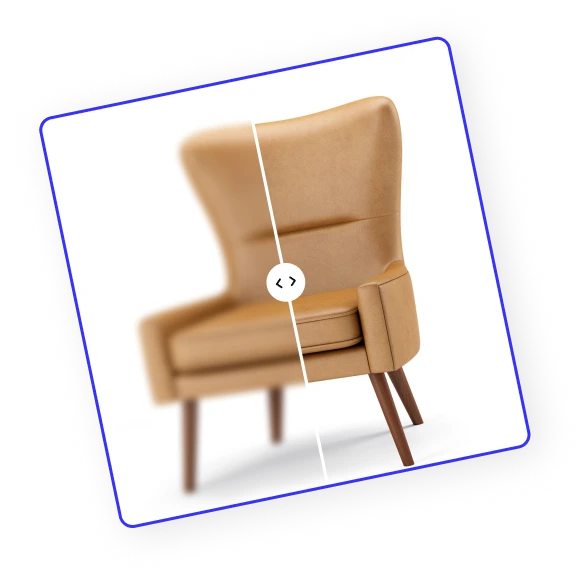
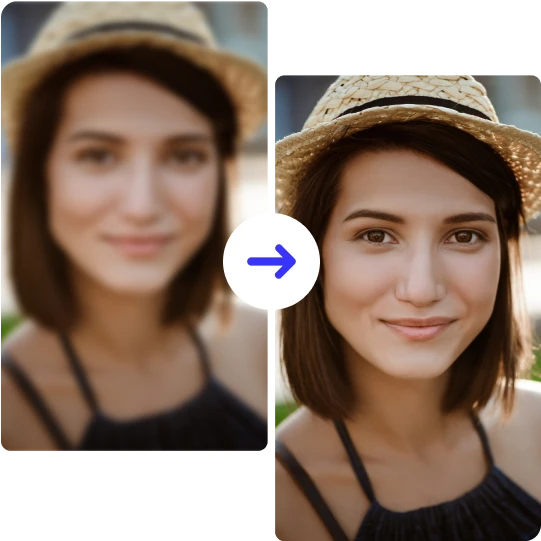



How to unblur an image?
Follow these 3 simple steps to unblur your photos online for free.
Upload Your Image
Drag & drop, choose a file, or paste from your clipboard to upload. ClipSnap supports JPG, PNG, and WEBP formats for quick access.
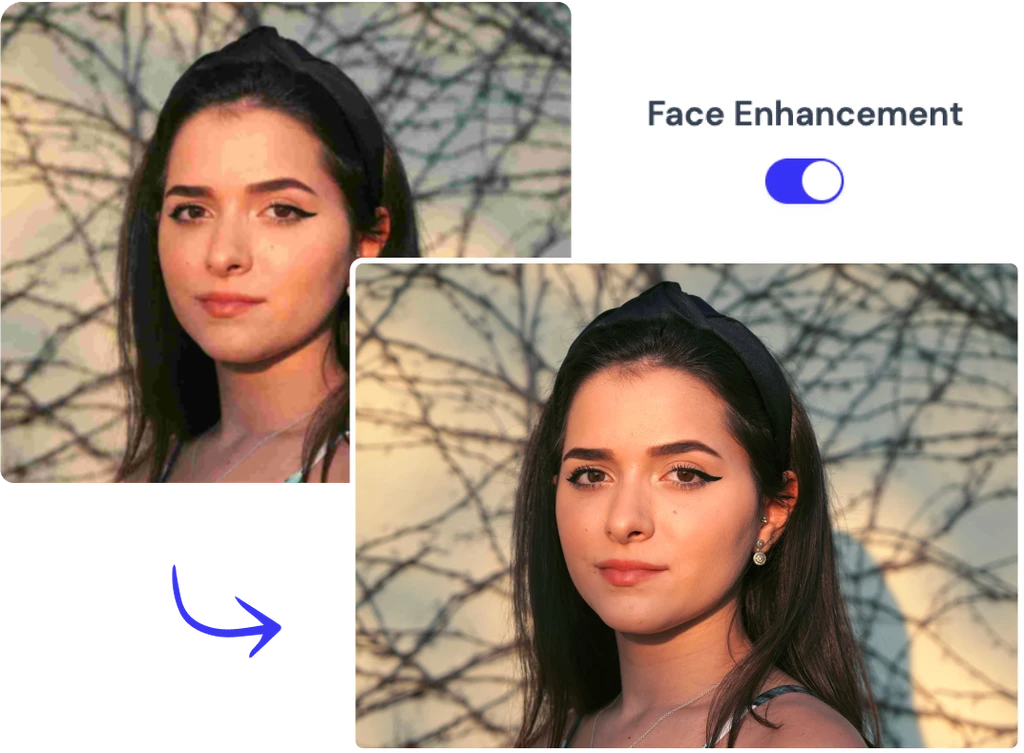
Unblur with AI (Optional Face Enhance)
Click Unblur to sharpen your photo instantly. For pictures with people, turn on Face Enhance to restore clear and natural-looking facial details.
Download Your Result
Save your unblurred image in high resolution, perfect for printing, sharing on social media, or adding to creative projects online.
Remove blur from photo online free
Make blurry photos clear online for free and download high-resolution results ready for printing or social media.
Why ClipSnap to Remove Blur from Photos?
One Click AI Unblur
Unblur photo in seconds with a single click. The AI blur remover restores clarity while keeping faces and text natural.
Face Enhancement for Portraits
Switch on Face Enhance to unblur image details like eyes and skin. Perfect for selfies and family photos.
High Quality Output
Remove blur from image online and download sharp, print-ready results at full resolution.
Works in Your Browser
Unblur pictures online free with drag and drop or clipboard paste right in your browser. Start fast, no software to install.
Sharp Text and Products
Photo unblur makes labels, documents, and product edges clear and readable for eCommerce and marketing shots.
Free to Start
Try unblur image online free and see results before you commit. Fast, reliable, and built for everyday photos.
Natural Results without Artifacts
AI photo unblur removes blur from the image while keeping skin tones, textures, and colors natural. Get clear photos without halos or harsh edges.
Mobile and Desktop Friendly
Unblur pictures online free on any device. Use your browser on iPhone, Android, Mac, or Windows to unblur images and fix blurry photos in seconds.
Sharpen Blurry Photos in Seconds
Blurry photos are frustrating, especially when the moment cannot be redone. Camera shake, low light, or motion can soften edges and blur faces or text. The quickest way is to unblur image online with AI. ClipSnap’s AI blur remover restores clarity and detail in a click, so you can unblur photo for social, products, and documents.
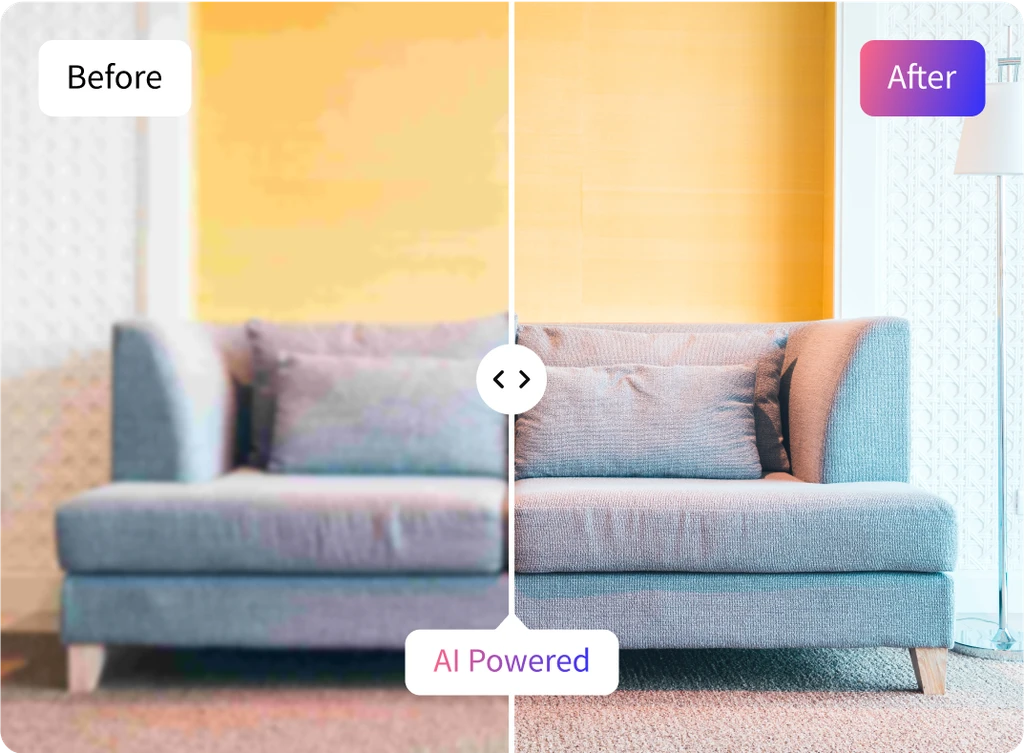
Unblur Images for Clear Product Shots
Product photos often turn soft under warehouse lighting. Handheld shots, background autofocus, reflections, and marketplace compression blur edges and hide labels. That softness costs clicks and buyer trust. The quickest path is to unblur product photos online with AI. ClipSnap restores clean lines and readable text so you can publish clear, high-resolution listings without reshoots.
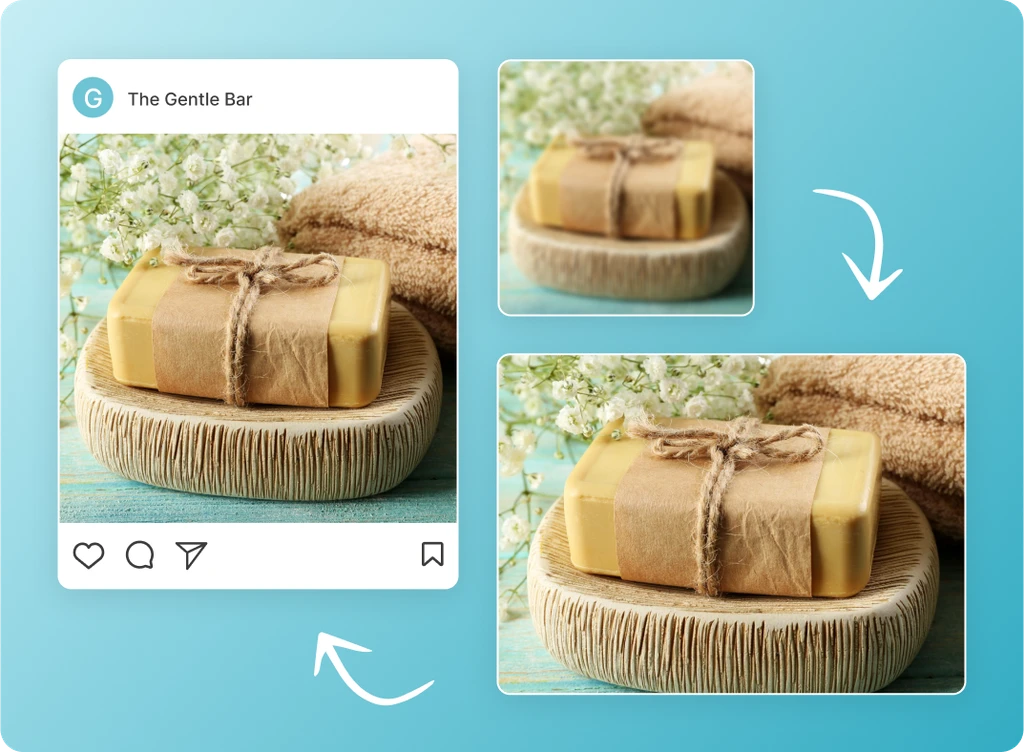
Clear blurry image with high precision
Unblur image online to bring back clear details when motion blur or poor focus softens your shot. Our AI blur remover automatically detects and removes blur from photos, restoring natural sharpness and enhancing image resolution. It is a photo editor for blurry shots, perfect to unblur photo from vacations, events, portraits, or pixelated landscapes in seconds.
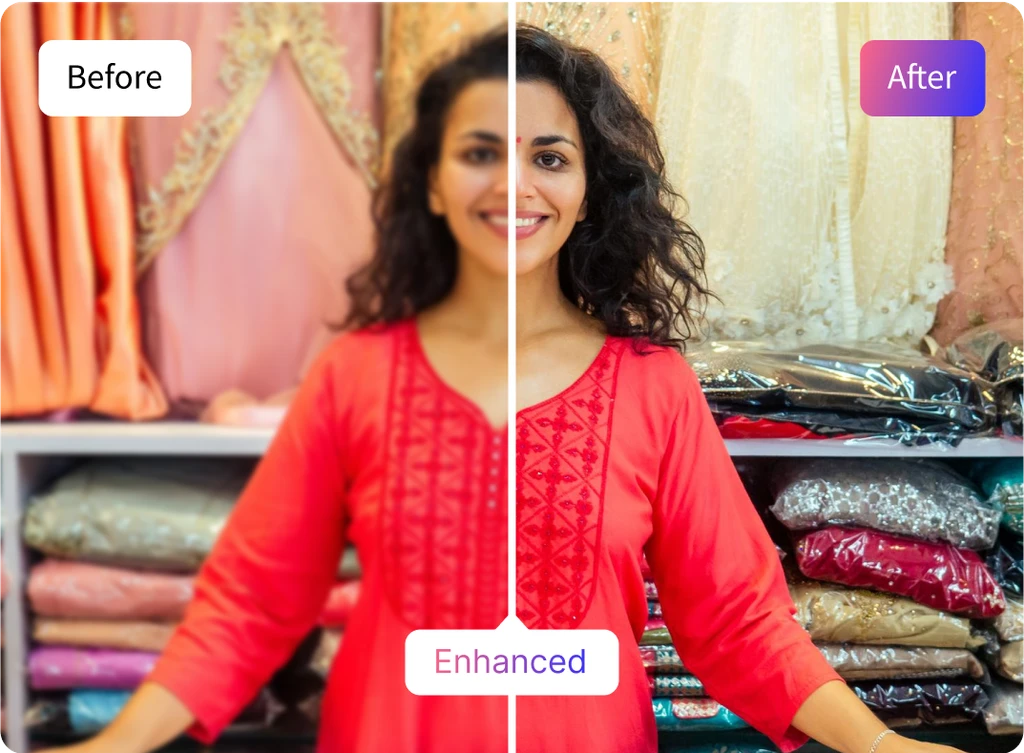
Face Enhance Toggle for Sharper Details
Faces need extra care when photos are soft. Turn on the Face Enhance toggle before you unblur image to sharpen eyes, skin, and hair while keeping a natural look. Our AI blur remover reduces noise and restores fine detail, so you can unblur photo portraits and group shots and download clear, share-ready results in seconds.
Unblur Images with AI
Bring blurry photos back to life with AI-powered clarity.