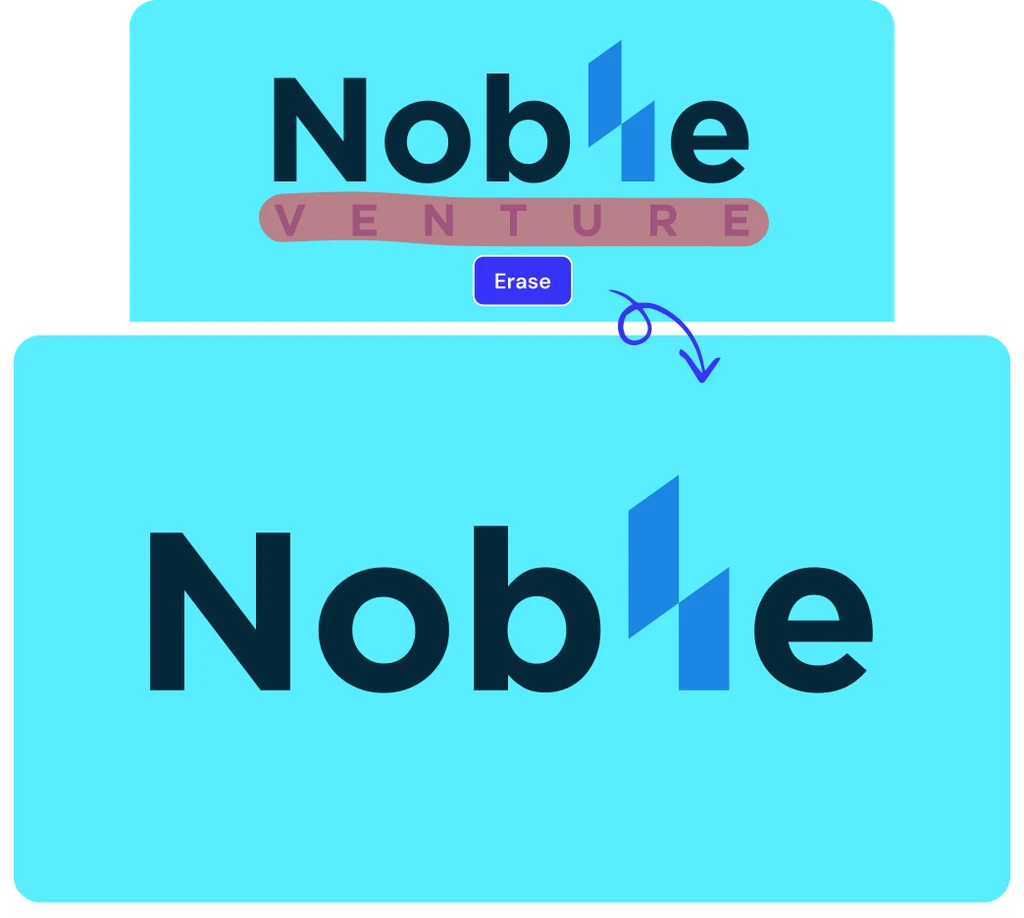
Magic Eraser - Clean up photos



How to Erase Objects from a Photo
Follow these three simple steps to instantly clean up your photos with our photo eraser.
Upload Your Photo
Select or drop your image into ClipSnap. Supports JPG, PNG, and WEBP at full resolution.
Brush to Erase
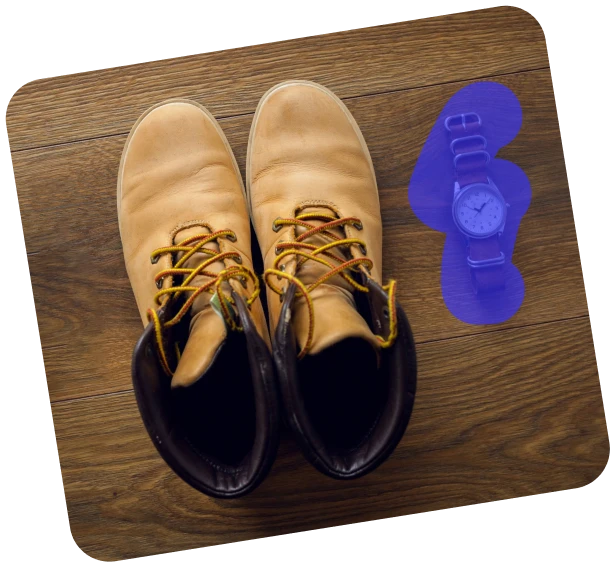
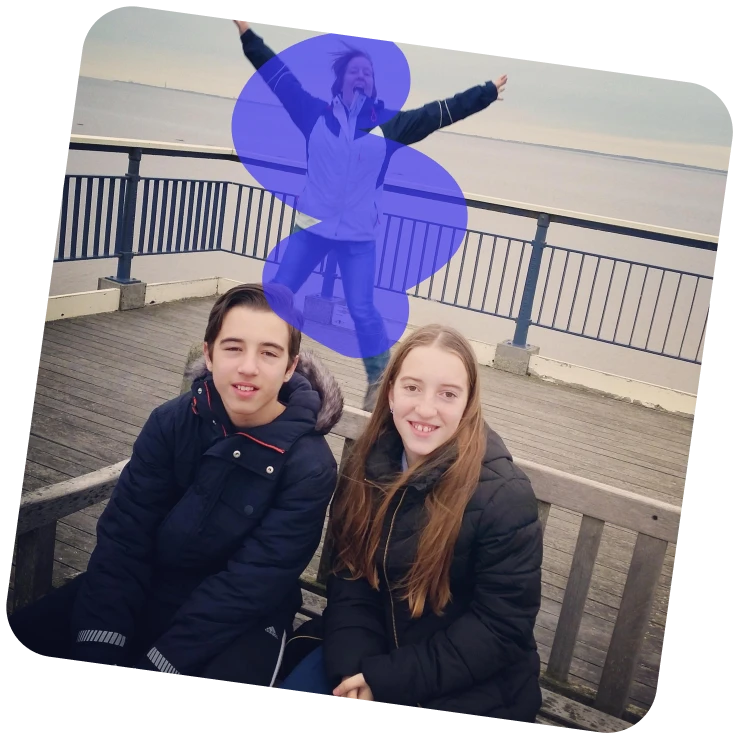
Paint over unwanted objects, people, or text. Adjust the brush size for better accuracy.
Apply and Download
Click Erase to allow AI to remove unwanted objects. Download your cleaned image or keep editing.
What You Can Erase with Magic Eraser
Easily clean up photos by removing people, clutter, text, or distractions.

Features of ClipSnap Magic Eraser
AI Object Removal
Automatically erase objects, people, and text using advanced AI Eraser technology.
Realistic Edge Blending
AI blends lighting, color, and texture smoothly to produce clean, natural-looking edges in every edit.
Free and Fast
Easily remove unwanted parts instantly and freely, with no watermarks or restrictions.
Multiple Object Erasing
Select and delete multiple objects simultaneously for quicker, smoother, and more efficient image editing.
Adjustable Brush
Refine your erasing with precise brush size control for smooth, accurate, and detailed editing.
Works on All Devices
Use Magic Eraser on any device, whether desktop or mobile, with no installation required.
Multi-Format Support
Upload JPG, PNG, or WEBP files and export high-quality PNG results.
One-Click Retouch
Smooths, fills, and restores erased areas automatically for seamless, high-quality visual results.
Clean Photos in Seconds
ClipSnap AI Eraser makes photo cleanup simple. Just upload, brush, and erase. AI takes care of the rest.
Ideal for Products and Portraits
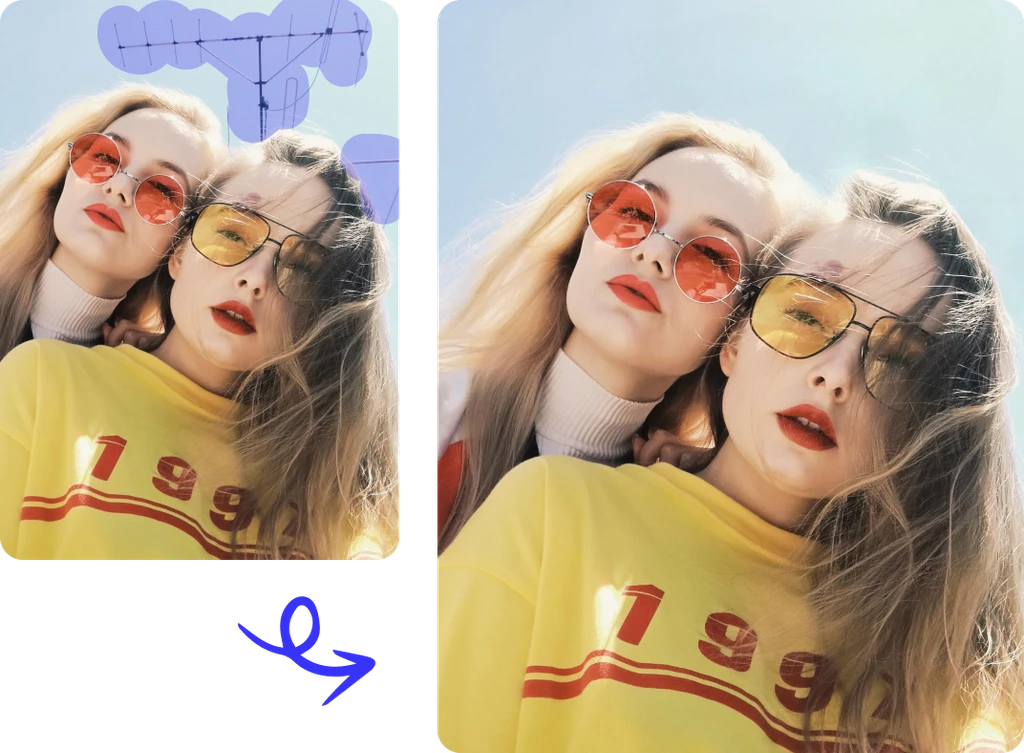
Remove dust, props, or strangers from your photos using the photo eraser. Create cleaner product listings and portrait shots ready for any platform.
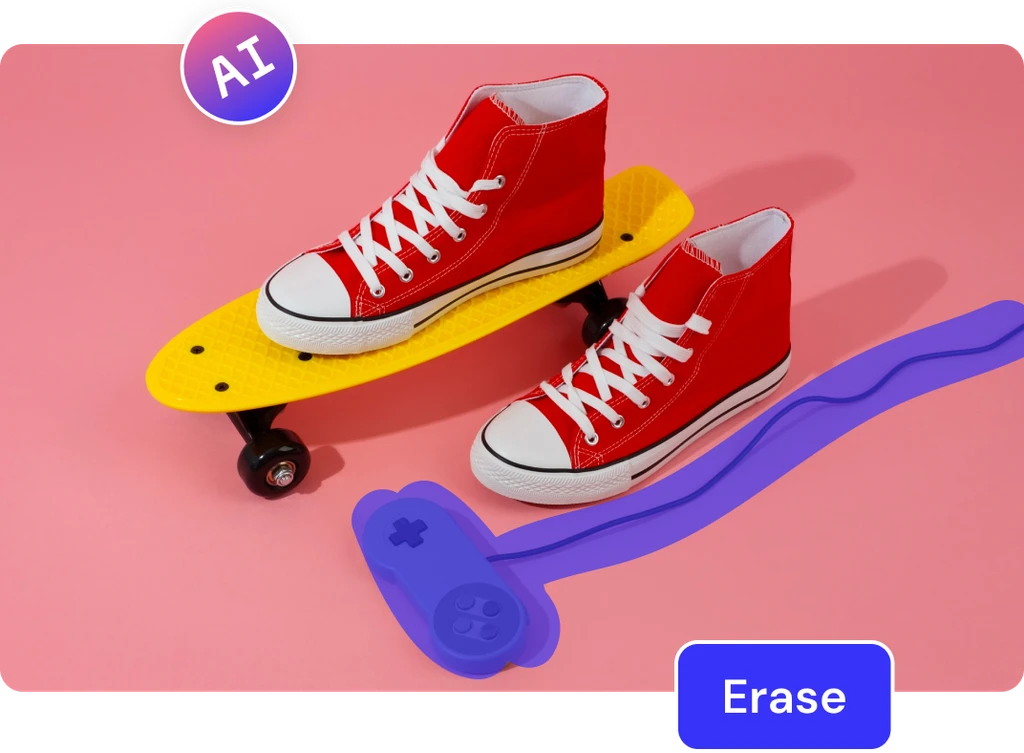
Smart AI for Perfect Fills
ClipSnap uses advanced AI to restore erased areas with accurate color and texture, making your photo look untouched and professional.
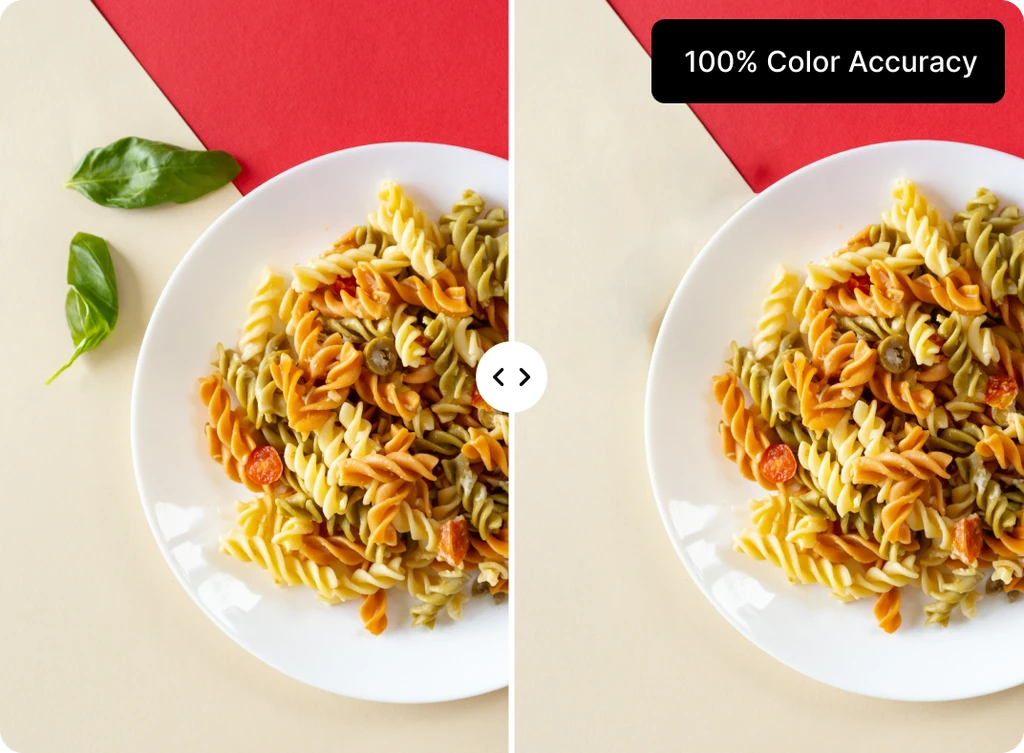
Simple for Everyone
No editing skills required. Magic Eraser's user-friendly design helps anyone quickly create clear, distraction-free photos.
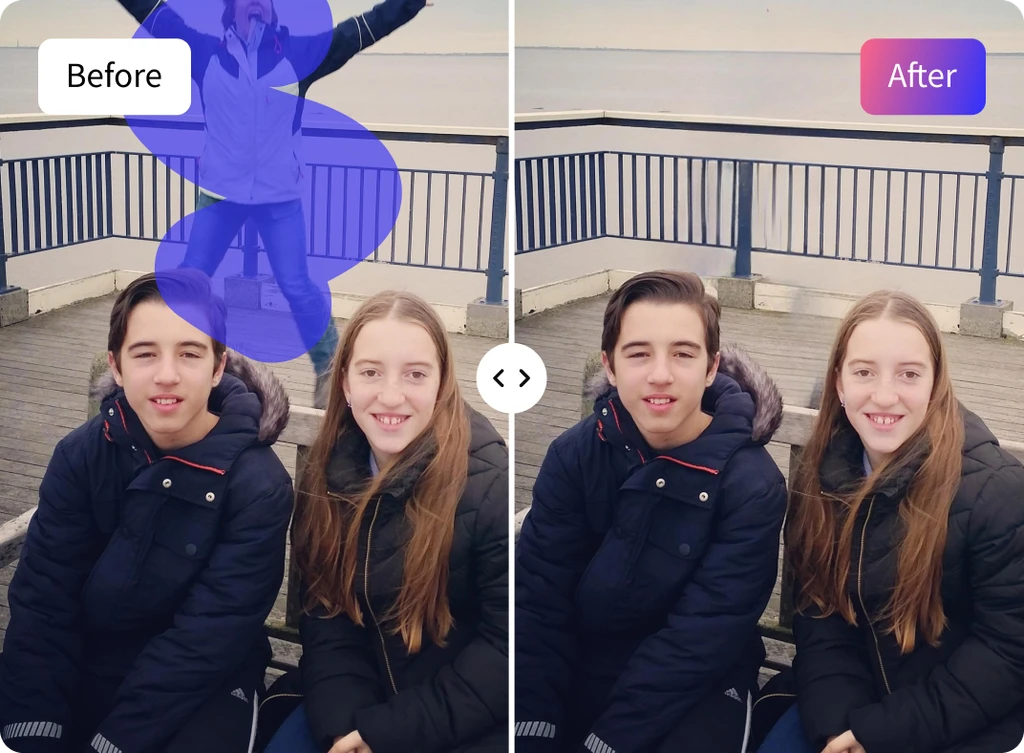
Magic Eraser Use Cases
Effective methods to clean up your photos using AI.