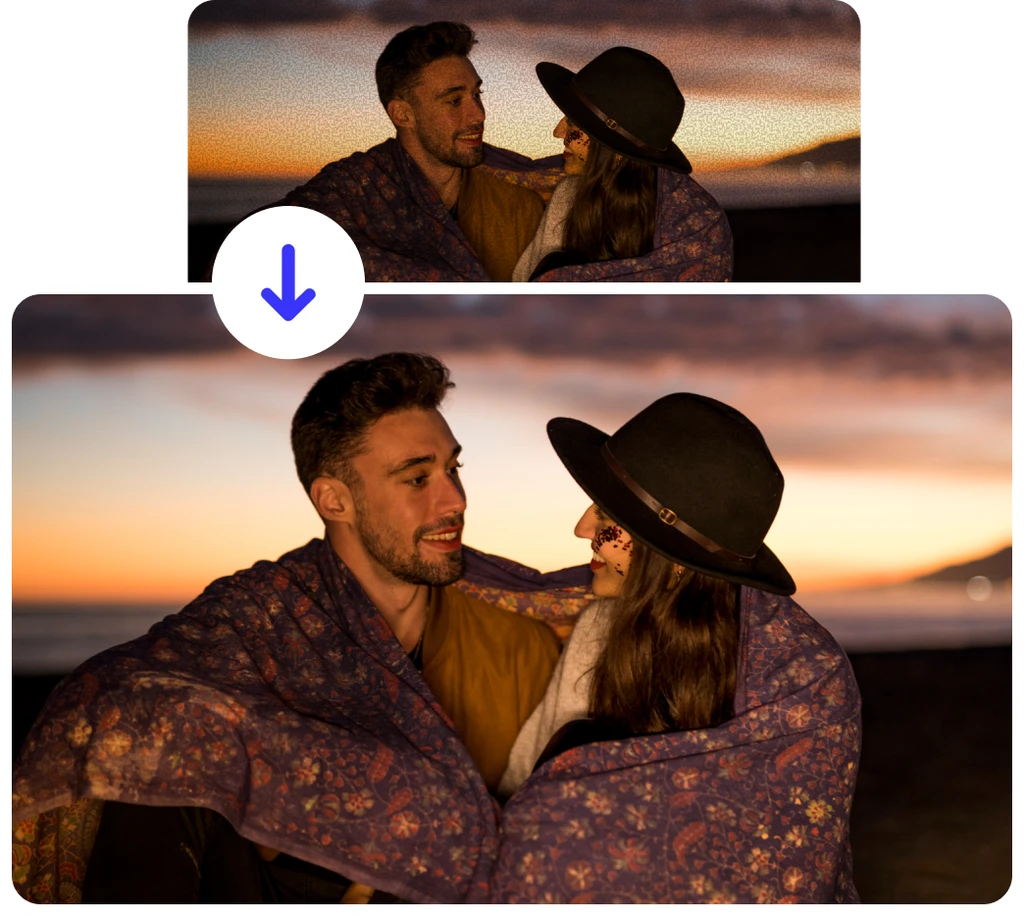
Free AI Image Denoiser

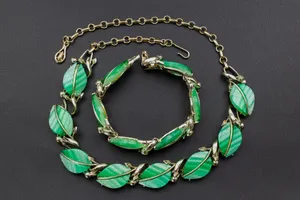
How to Denoise Image Online?
Clean up your noisy or grainy photos instantly with ClipSnap's AI Image Denoiser.
Upload your Image
Click 'Upload Image' and select a JPG, WEBP, or PNG file from your device. You can also drag and drop your photo into the browser for faster access.
One-Click Denoising in Editor
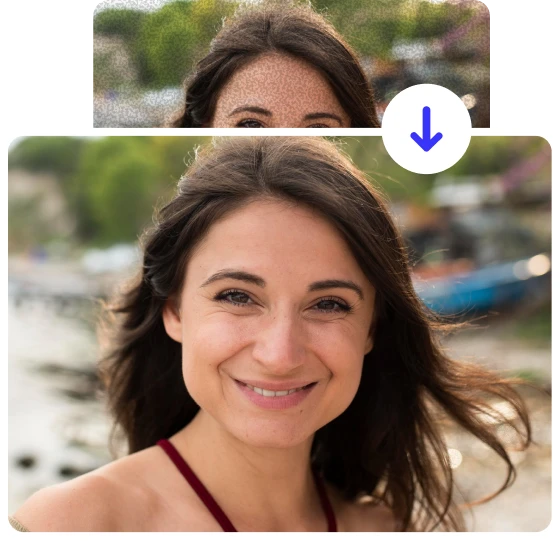
Once the image loads in the editor, turn on Face Enhancement for portraits and click Denoise to instantly clean noise and grain.
Preview and Download
Use the Compare option to view the before-and-after results, then click Download to save your denoised, high-quality image instantly.
Professional Denoising for Any Image
Make every photo look polished, clear, and professionally refined with ClipSnap Denoiser.

Professional Choice in Image Denoising
AI Image Noise Reduction
Fix grainy image problems with smart AI image noise reduction that preserves edges, textures, and natural color.
Real-Time Comparison Preview
See instant before and after results as you denoise your photo, letting you compare changes in real time.
One Click Denoise
Denoise your image effortlessly with one click using AI processing optimized for portraits, products, and low-light scenes.
Time-Saving noise reduction
Instantly denoise photos with one click. No complex steps, just upload and get a clean image in seconds.
Web Based and Fast
No heavy noise reduction software to install. Use image noise reduction online in your browser on any device.
Beginner-Friendly Interface
Easy for anyone to use with a clear layout, no learning curve, and an intuitive design that’s simple to handle and understand.
Commercial Use Allowed
Use your images freely for personal branding, business content, or commercial design projects.
Free and Online
Experience professional noise reduction that keeps your images clear and detailed free on your browser.
Best AI Image Denoiser for Removing Noise and Grain
In photography, sometimes images end up with unwanted noise or grain, especially in low light or high ISO shots. These flaws can make photos look rough and reduce clarity. ClipSnap's AI image denoiser expertly removes digital noise and grain while keeping natural texture and detail. It provides smooth, polished results and saves hours of manual editing.
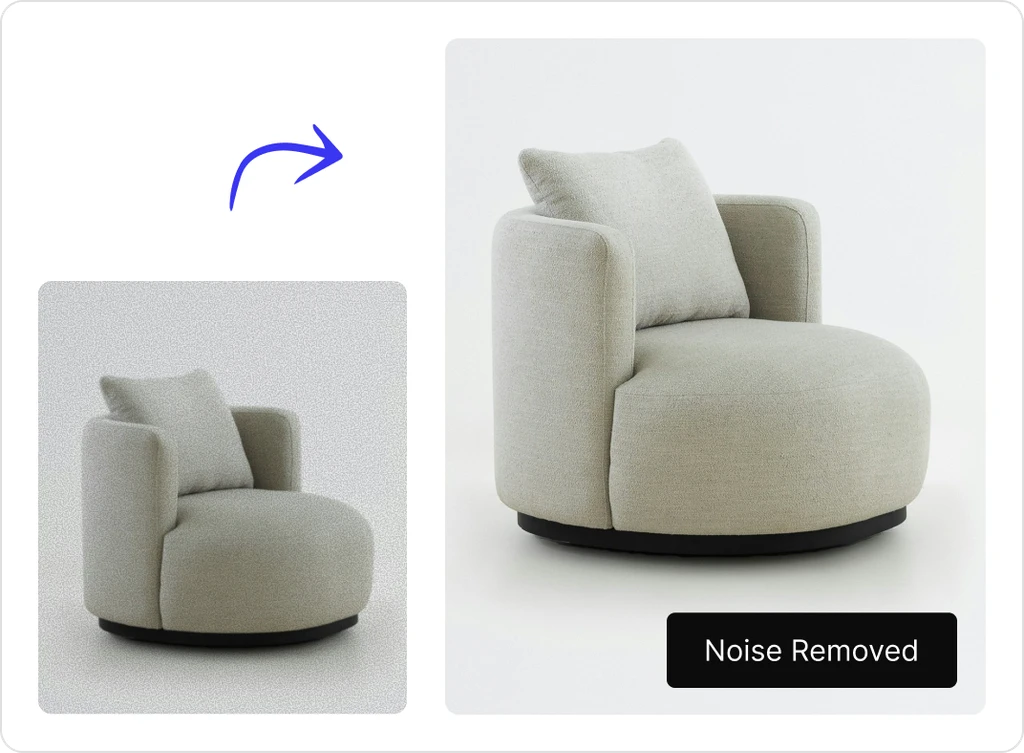
Perfect Wildlife Shots with AI Denoising
Wildlife photographers often face heavy noise when shooting in low light or from long distances with high ISO settings. These conditions create visible grain and loss of detail in fur, feathers, and backgrounds. ClipSnap's denoiser solves this by intelligently reducing noise while keeping fine textures natural, helping you capture crisp, lifelike wildlife photos every time.
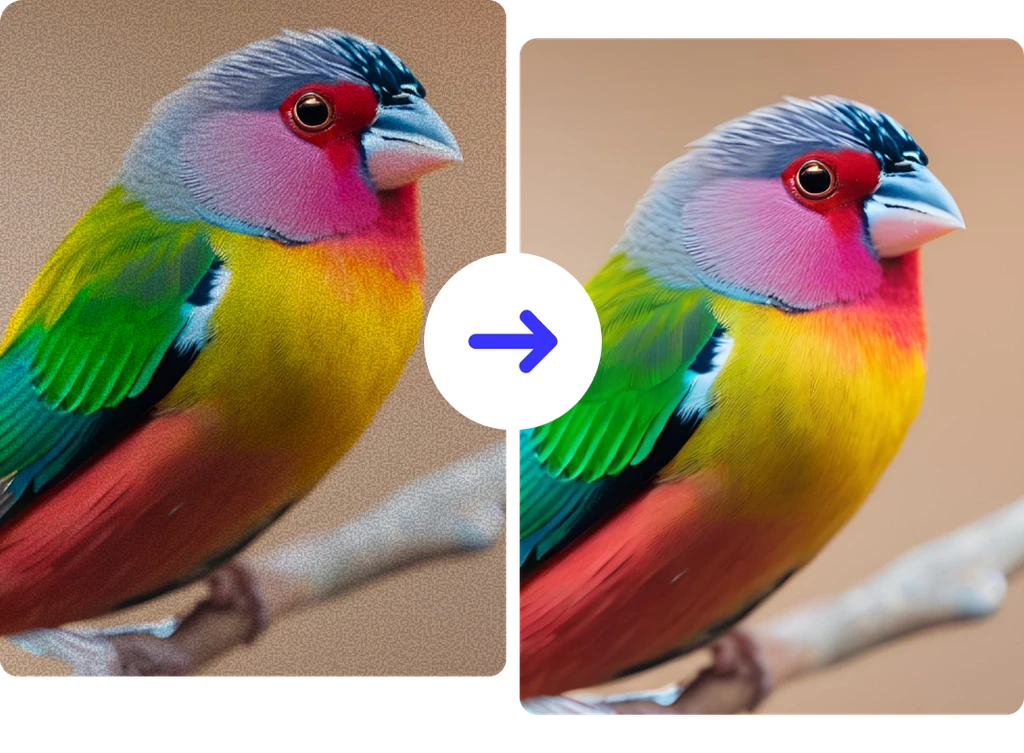
Flawless Product Photos for E-Commerce
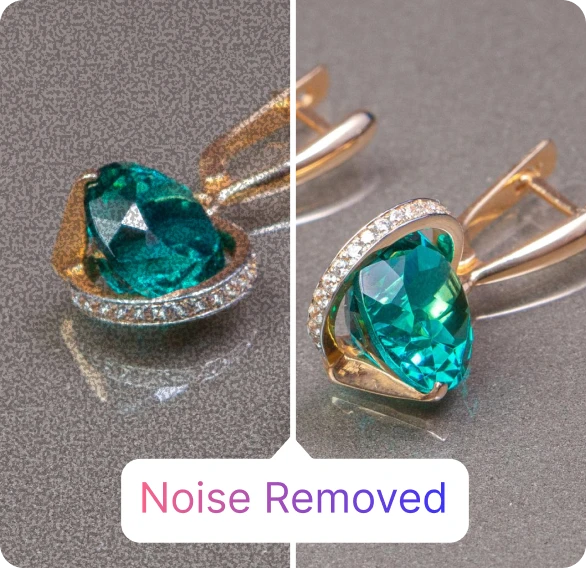
Product photos often become noisy in low light, on smartphones, or with uneven lighting. Cropping, zooming, or compression can make textures appear rough and unclear. ClipSnap's AI image denoiser removes this unwanted noise, restoring sharpness and detail so your products look clean, professional, and ready to attract attention online.
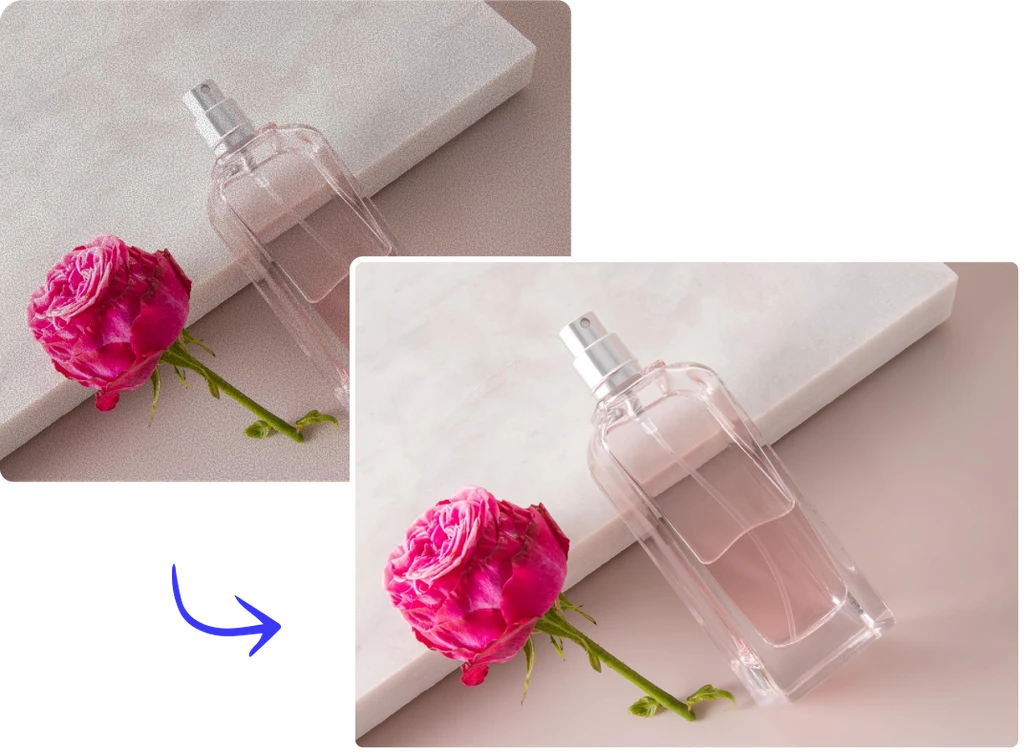
Face Enhancement Mode for Portrait Denoising
Our AI image denoiser features a Face Enhancement mode that elevates portrait denoising. Activate this setting to not only reduce noise but also improve facial clarity, smooth skin tones, and maintain natural textures. It smartly balances softness and detail, making sure every portrait looks beautifully refined, realistic, and suitable for professional use or online sharing.
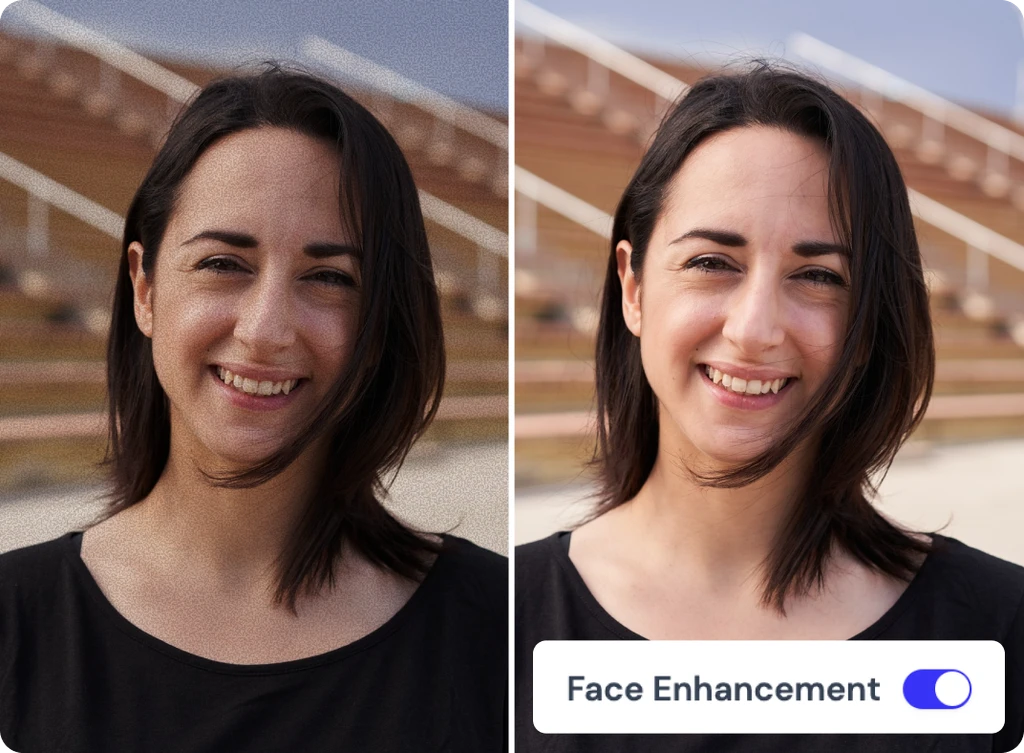
Image Denoiser Use Cases
Create clean and detailed photos with our AI image denoiser for any purpose, from portraits to products and wildlife photography.