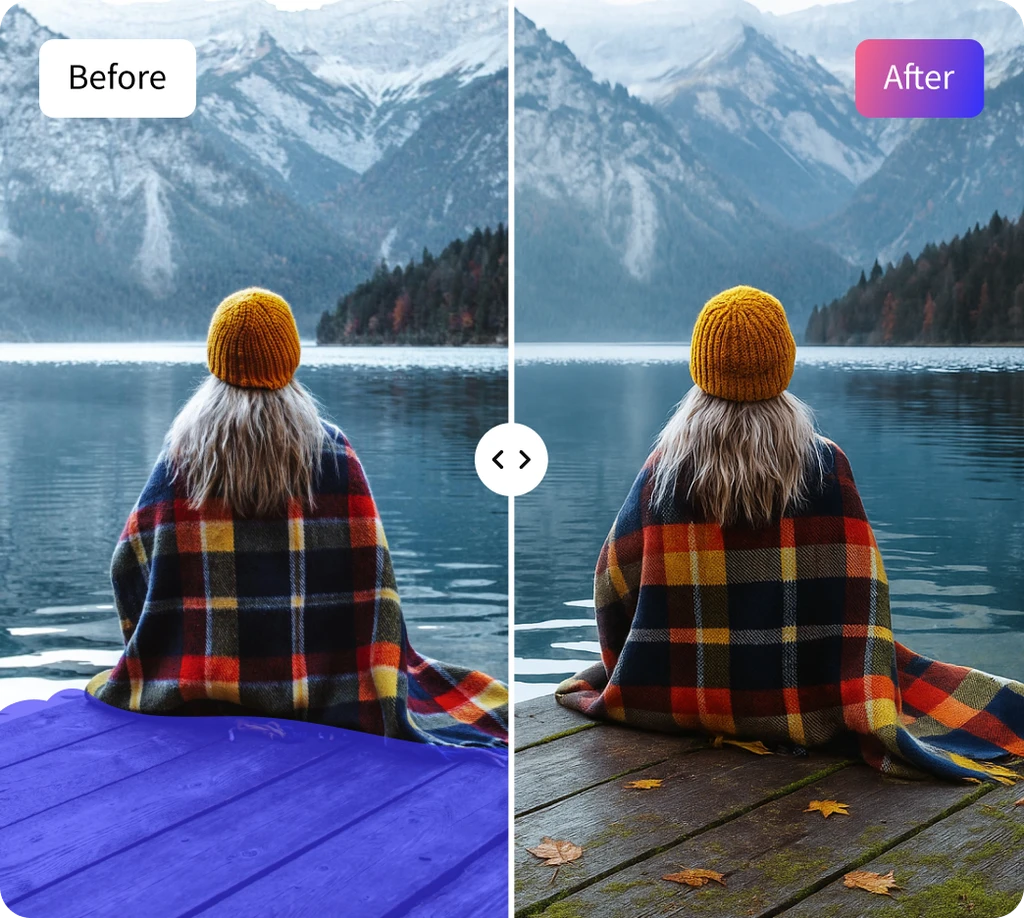
AI Generative Fill
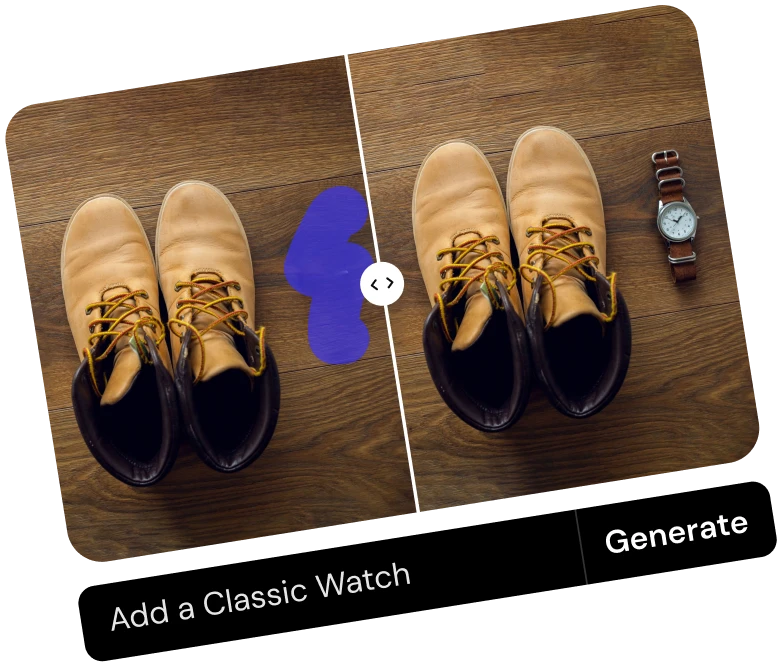
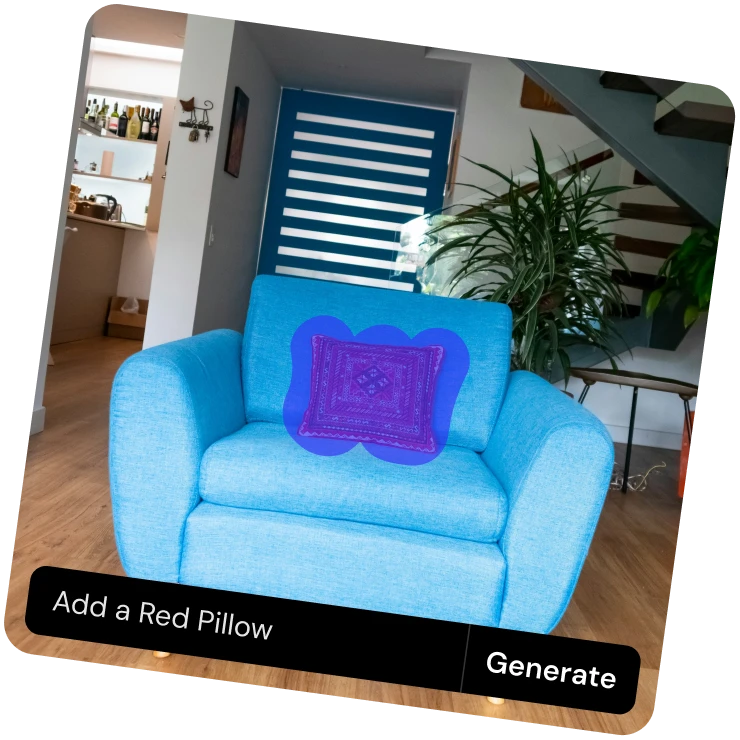



How to Use AI Generative Fill
Follow these three quick steps to add or replace objects using AI.
Upload Your Image
Drop, paste, or select your photo using the file picker to get started. Supports JPG, JPEG, PNG, and WEBP formats for quick and easy uploads.
Highlight an Area
Highlight the area you want to edit. Adjust the brush size for precision or mark multiple spots if necessary.
Describe and Generate
The prompt box appears automatically. Type what you want to appear in the selected area, then press Enter or click Generate. The AI will fill or replace the marked area instantly based on your prompt.
What You Can Do with Generative Fill
Add new objects, replace unwanted ones, or extend your image in seconds.

Features of ClipSnap Generative Fill
AI Object Replacement
Seamlessly remove and replace unwanted elements while keeping lighting and texture consistent.
Create with Simple Prompts
Type what you want, for example, "add a coffee cup," and the AI will generate it naturally within your image.
Replace or Transform Backgrounds
The AI understands your image's perspective, lighting, and tone for perfect composition.
Smart Context Awareness
The AI understands depth and color to blend new content perfectly into your scene.
Free and Browser-Based
No downloads or installs needed. Use ClipSnap Generative Fill free, fast, and watermark-free.
Works on Any Device
Fully compatible with desktop and mobile browsers across iOS, Android, Mac, and Windows.
Easy and User-Friendly Interface
Enjoy a simple, intuitive design that makes editing effortless for beginners and fast for professionals.
Commercial Use Allowed
Use your generative fill creations for personal, creative, business, or commercial projects with complete flexibility.
Experience the Magic of AI Image Generative Fill Online
Discover how easy editing can be with ClipSnap's AI Image Generative Fill. You can add objects to photos, replace objects in photos online, or completely redesign your scenes in seconds. The AI object replacer blends new elements seamlessly, maintaining perspective, color, and detail. Whether you are updating a product photo, changing a background, or adding creative touches, the Generative Fill tool makes editing effortless. Simply highlight the area, describe your idea, and let AI transform your image into a professional masterpiece.
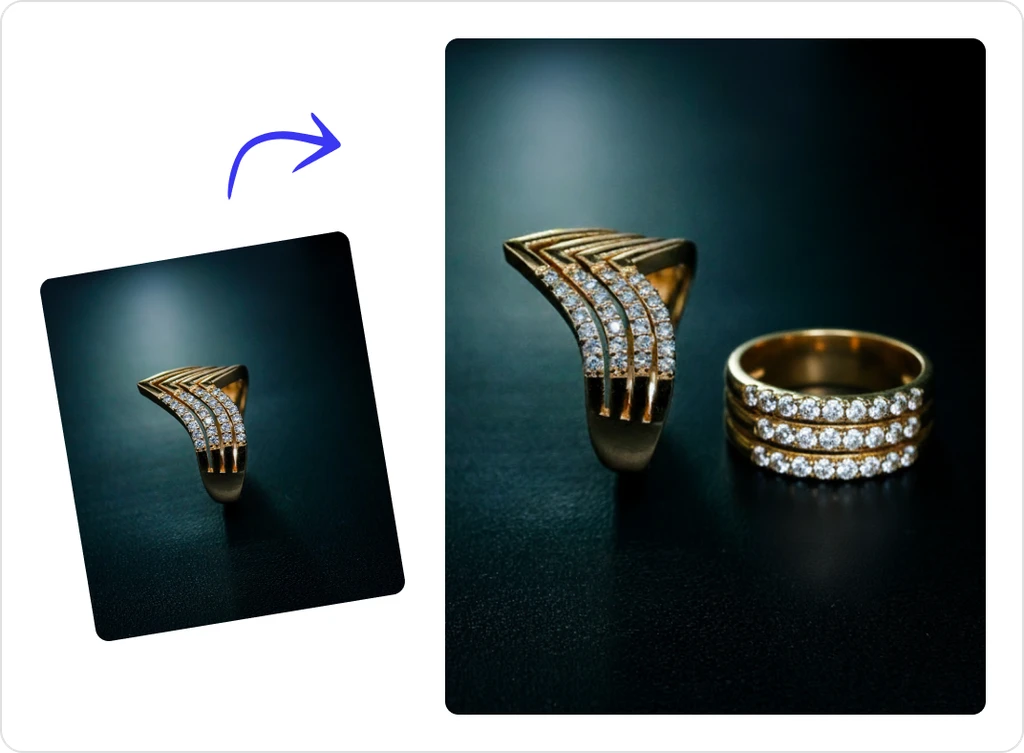
Insert Objects with AI Replace and Fill Tool
Adding new elements to your photos is simple with ClipSnap's AI Generative Fill. Just highlight the area where you want to add or replace an object, describe it, and the AI will blend your new element naturally into the image. Whether it's adding décor to an interior, props to a product shot, or details to a landscape, the AI image fill tool ensures accurate lighting, shadows, and tone. You can also remove unwanted people or distractions for a clean, polished finish in seconds.
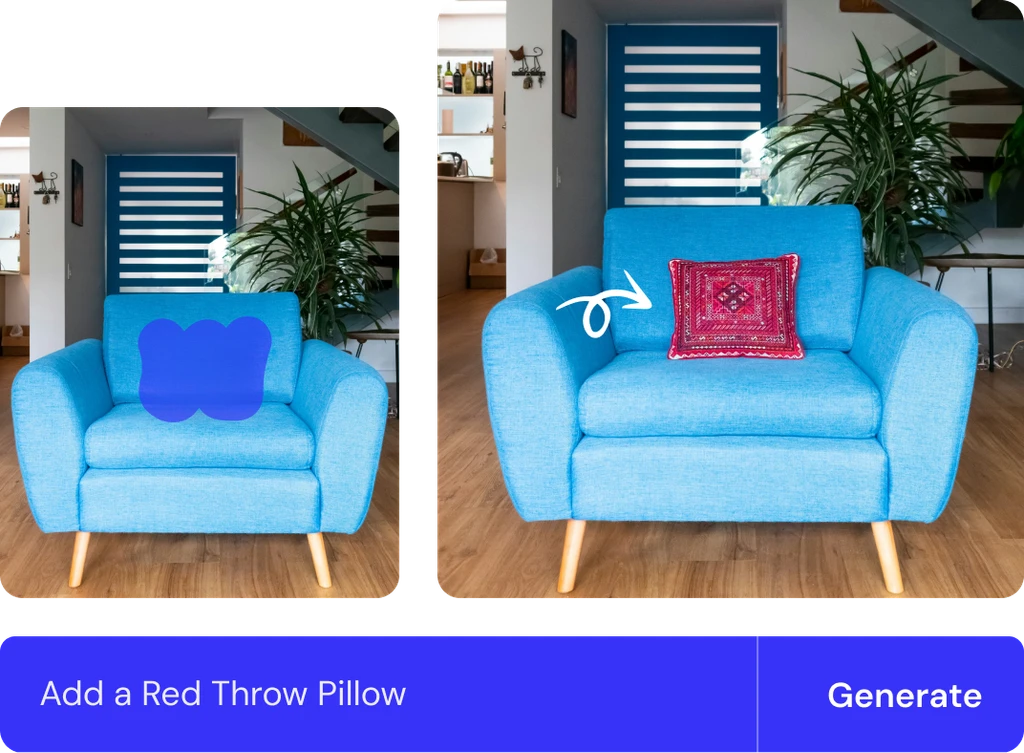
Cut Out and Replace Unwanted Elements with AI Object Replacer
Clean your photos instantly with ClipSnap's AI object replacer. Select the areas you want to fix, from stray objects to unwanted shadows, and let AI intelligently restore or refine them. The AI image generative fill feature includes erase facilitation, allowing you to easily remove or replace objects as needed. Achieve balanced, natural-looking results without manual editing — perfect for professional or personal photos.
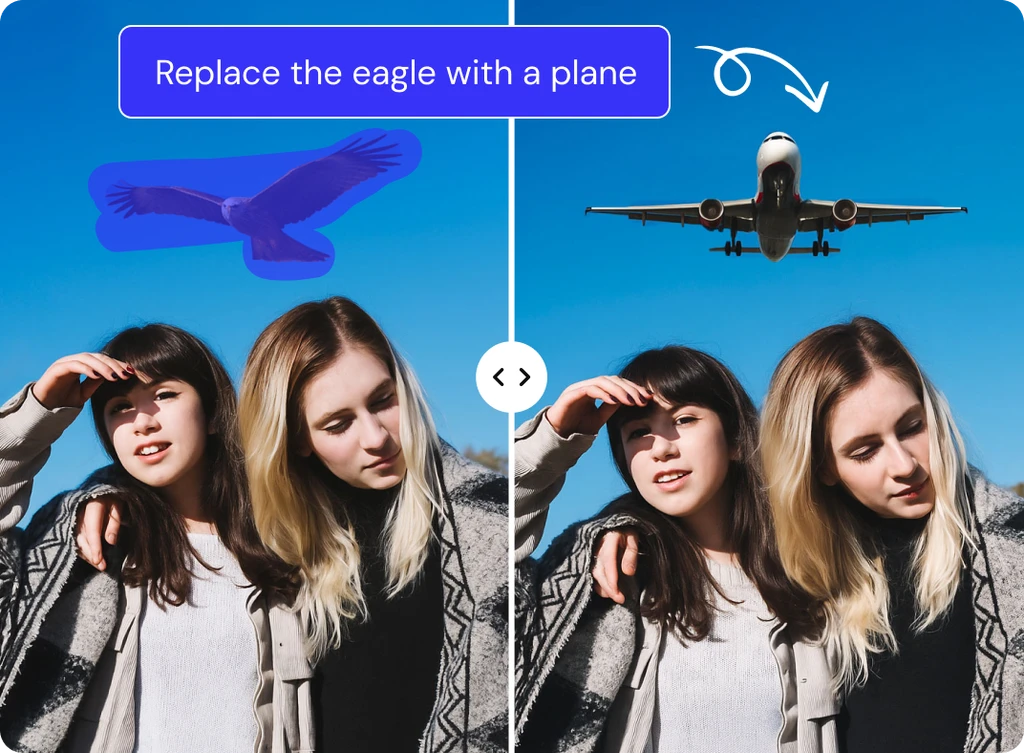
Create High-Quality Images in Less Time with AI Object Replacement
Bring your ideas to life faster using ClipSnap's AI object replacement tool. Whether you are updating product shots, improving real estate photos, or designing visuals for social media, AI handles the details for you. It understands lighting, perspective, and context to produce authentic, high-quality results ready for use. Instead of spending hours editing, you can create professional, creative images in minutes — ideal for marketers, photographers, and everyday users.
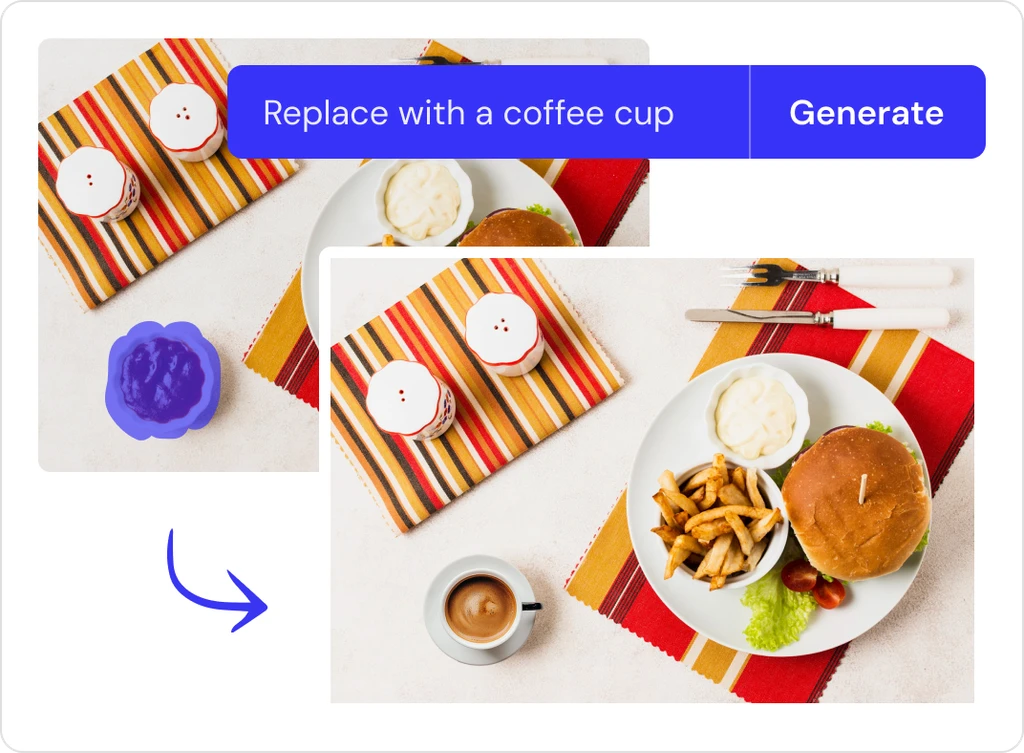
Generative Fill Use Cases
See how AI Generative Fill Free tool helps you add, replace, and refine objects across different image types.