Blur Background Online



How to Blur the Background of a Picture?
Follow these simple steps to blur the background of a photo instantly using ClipSnap.
Upload Your Photo
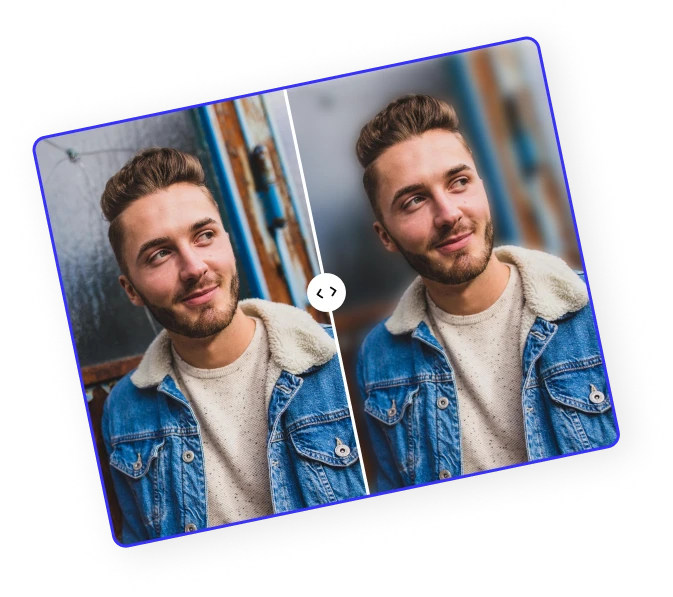
Click Upload, then paste or drag and drop your photo into ClipSnap. The AI immediately detects your subject and applies an automatic background blur.
Adjust Blur Strength
Use the blur slider to adjust the intensity of the blur. Every adjustment updates instantly, allowing you to preview results in real time.
Download Your Image
Once you are happy with your blurred background, instantly download the full quality image and get it ready to share or use anywhere.
Instantly Blur Backgrounds with AI
Upload your image, watch AI automatically blur the background, and easily fine-tune the blur strength for perfect results every time.
Powerful AI Blur Background Tool to Perfectly Create a Blurry Background
AI Background Blur
ClipSnap's smart AI instantly detects your subject and applies a smooth blur background that gives photos a professional touch.
Real Time Blur Adjustment
Change the blur strength anytime with the slider. Each move updates the blurry background instantly on your image.
Natural Blur Effect
Enjoy a realistic blur effect that adds soft focus while keeping your main subject perfectly sharp.
Automatic Background Blur
No manual work required. The tool automatically applies background blur the moment you upload your photo.
High Quality Blur Photo Background
Download your blur photo background in full resolution for crisp, studio-quality results.
Perfect for Portraits and Products
Create blurred backgrounds for selfies, group photos, and product shots to add instant depth and focus.
AI Blur for iPhone and Desktop Photos
Easily blur images from your phone or computer. Works just like blur background iPhone portrait mode but faster.
Free Online Background Blur Tool
Try the blur background online feature for free, directly in your browser with no signup or software needed.
AI Smart Blur Focus
ClipSnap's AI Blur Background feature goes beyond simple blurring. It automatically detects your subject and applies intelligent focus control, keeping your main area sharp while softly blending everything else. Whether you want to blur photo backgrounds, blur a picture for social media, or blur the background on your iPhone, the tool gives you precision and speed in every click.
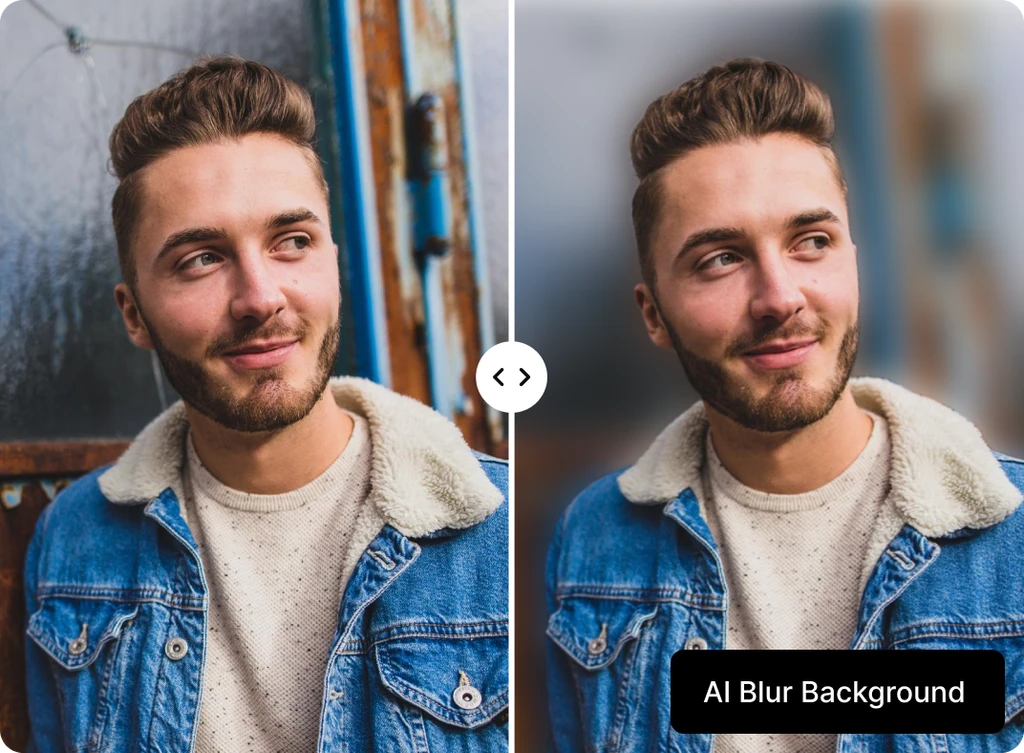
Professional Blur Background Quality
Turn any ordinary photo into a professional-looking image with natural background blur. Our AI Blur Background tool adds a smooth, cinematic blur that hides distractions, protects privacy, and draws attention to your subject. Perfect for portraits, lifestyle shots, or ecommerce images, it creates that clean blurred background effect seen in high-end photography.
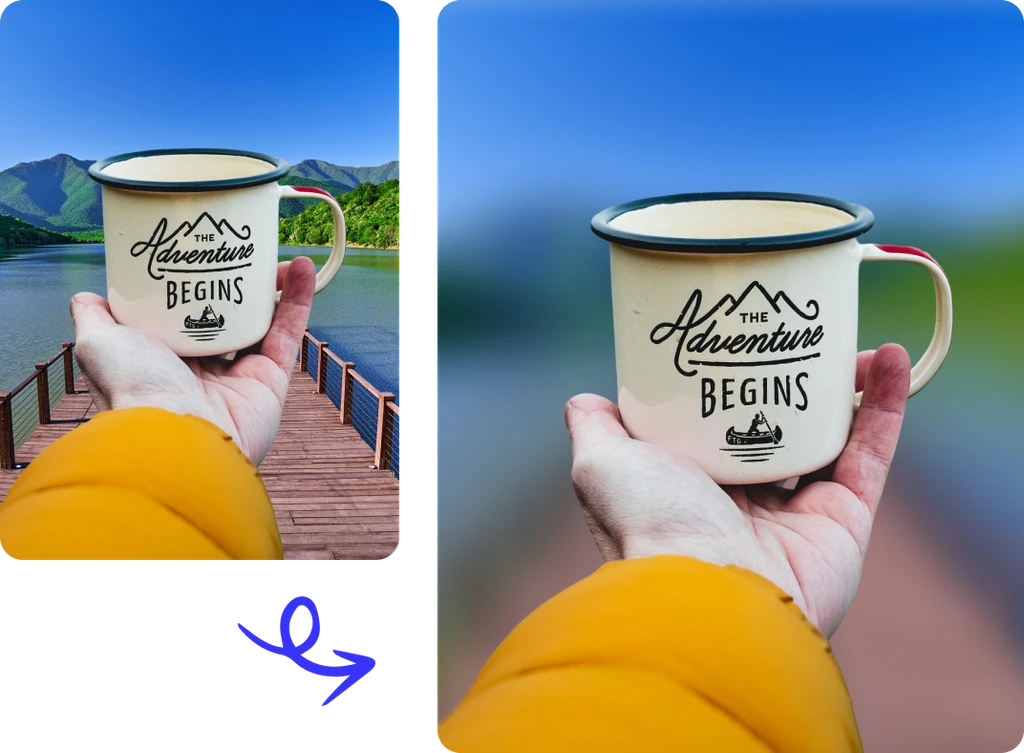
Adjust Blur Background Instantly
Take full control of your blurry background with the live adjustment slider. Change the blur strength to match your vision, from subtle soft focus to a bold, deep background blur. Each movement updates instantly so you can preview results in real time and find the perfect balance for your photo.
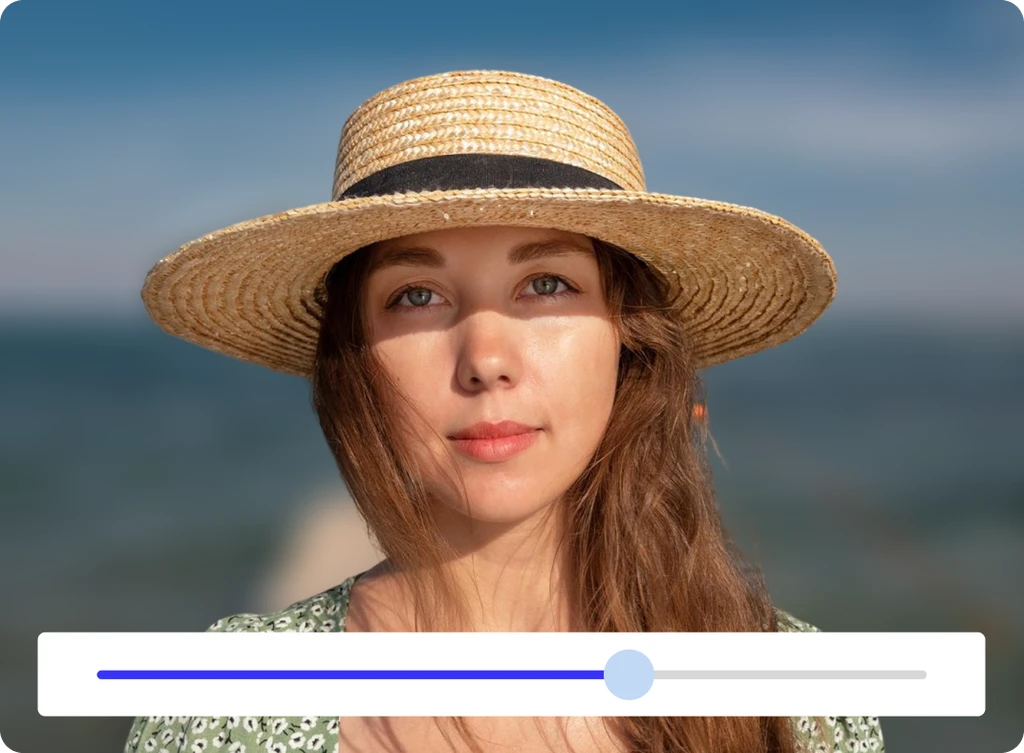
AI Blur Background Online Free
ClipSnap's online background blur is powered by fast AI that runs right in your browser. Upload any image and see an instant blur applied automatically. Adjust, preview, and download your blurred photo in seconds. It is simple, free to try, and ideal for anyone who wants quick professional results without the need for complex editing software.
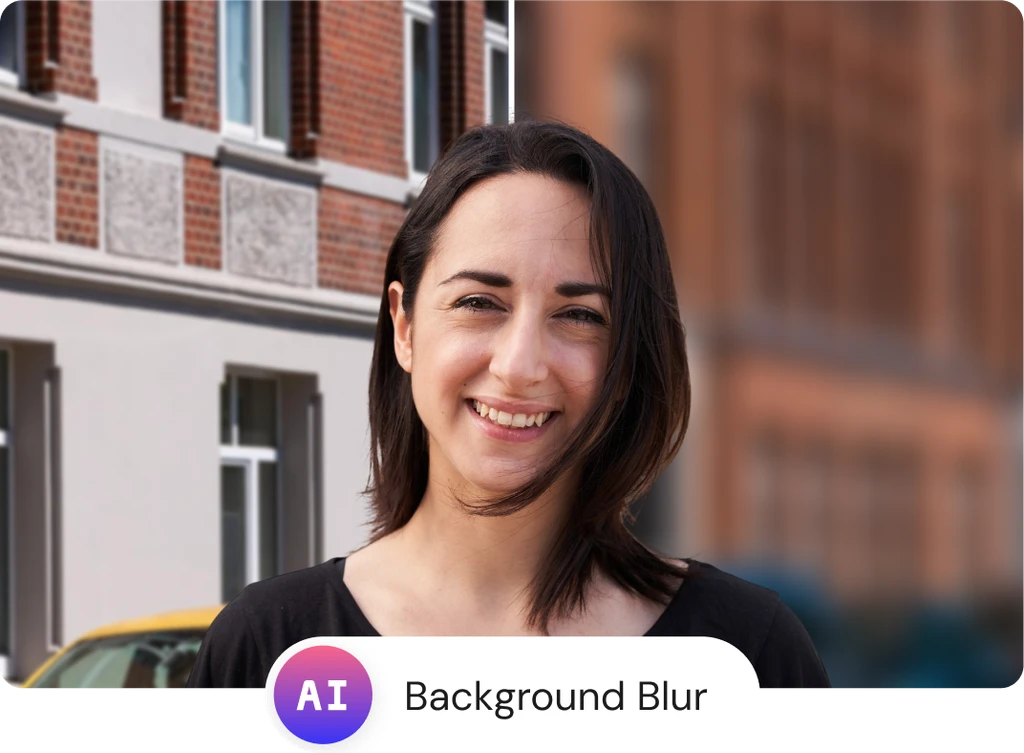
Blur Background Use Cases
Create focused and professional images with our AI Blur Background tool for every purpose.