Background Remover





How to remove background from image
Follow these 3 easy steps to remove background from any photo and create transparent or solid-color backgrounds instantly and for free.
Upload Your Image
Drag & drop, Paste or select the photo you want to edit. ClipSnap’s background remover supports JPG, PNG, JPEG, and WEBP formats. For best results, choose an image with a clear subject.
Remove Background Automatically
Our advanced AI background remover instantly detects the subject and removes the background with no manual editing required. Whether you want to remove the background, extract an object, or erase clutter, it gets the job done in seconds.
Download and Use Your Image
Download your image with a transparent background (PNG) or replace it with any solid background color like white, black, or custom. Perfect for product photos, profile pictures, or graphic design.
Seamless editing for any image
High Quality Background Removal for Any Image

Features of ClipSnap Background Remover
Multiple Background Options
Choose transparent, white, or custom colors to match your project needs.
Remove Background in Seconds
Upload your image and instantly remove the background with AI precision.
Precision Edge Detection
Advanced AI detects fine edges like hair or fur for professional quality results.
Fast and Reliable
Enjoy quick background removal with consistent, high-quality results every time.
High-Quality Cutouts
Get clean, detailed edges that keep your subject sharp and professional.
Commercial Use Allowed
Use your background-free images for personal, business, or commercial projects.
Beginner-Friendly Interface
Simple to use for anyone with a clear layout and no learning curve.
Works on Any Device
Compatible with desktop and mobile browsers across iOS, Android, Mac, and Windows.
Remove Background from Photos Online - Fast & Free
Manual background removal takes time, and most people do not have complex editing tools. If you are updating product visuals, creating content, or building ads, a clean background helps the subject stand out. With ClipSnap it is instant: upload an image and our AI removes the background in one click. Download a transparent PNG, a white background, or a precise cutout in seconds. It is fast, reliable, and designed to save time with zero learning curve.
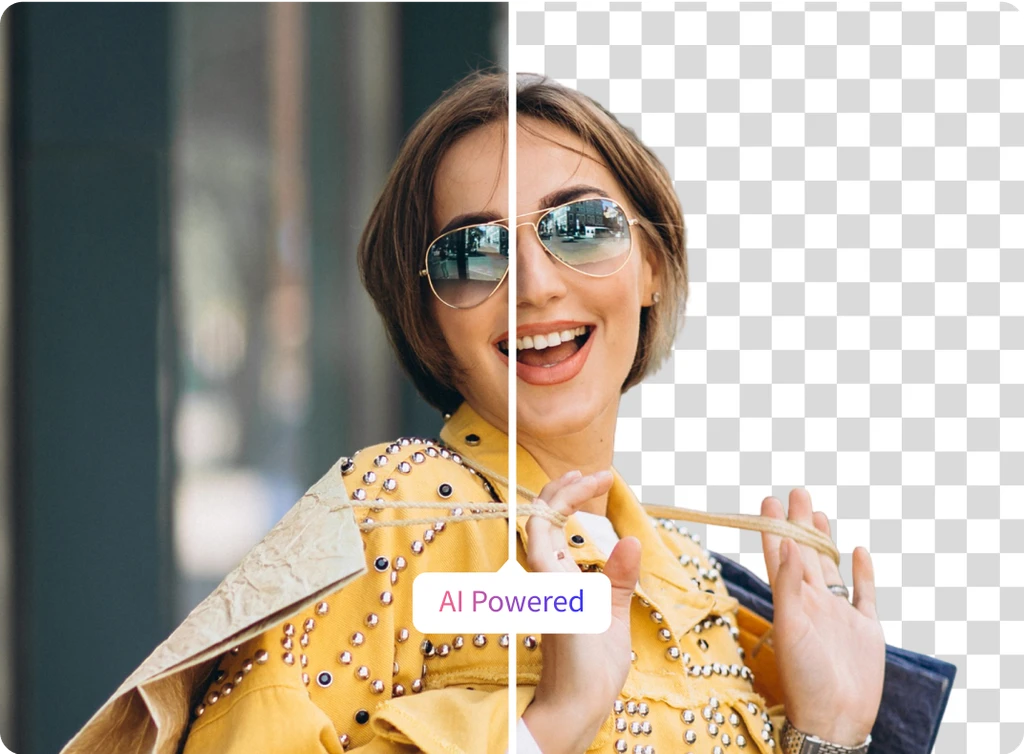
Create Transparent Backgrounds in Seconds
Every image has a job to do, whether it is a product listing, a social post, or a presentation slide, but a busy background weakens the message. With ClipSnap’s free online background remover, you can remove background from any photo and export a clean transparent PNG in seconds. Just upload and let our AI isolate the subject with pixel level precision. No tools or design skills needed. You will get a sharp, distraction free cutout ready for product showcases, marketing visuals, profile pictures, and creative projects.
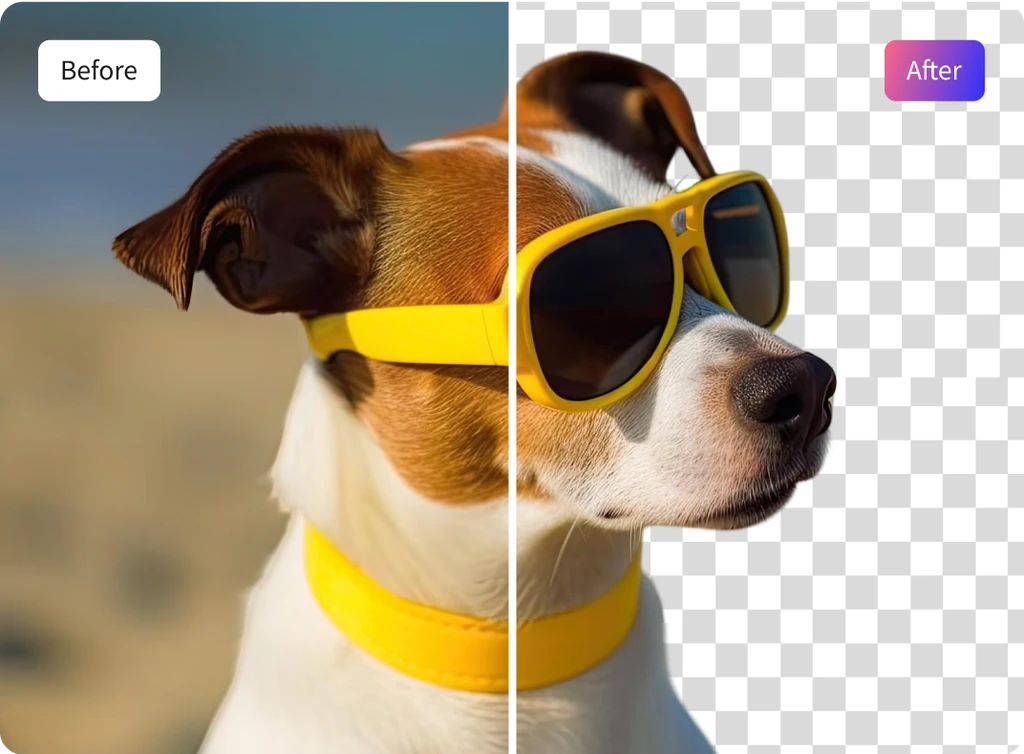
Add a Background Color in One Click
A transparent background is great, but sometimes you need more. Whether you are creating a graphic, preparing content, or aligning with your brand, the right background color can make all the difference. With ClipSnap, adding that color takes only one click. You can explore the full color wheel, use the picker to select a color from your image, or choose from an automatically extracted palette. It is quick, flexible, and designed to give you full control without any extra effort.

Remove Background and Transform Product Photos in Seconds
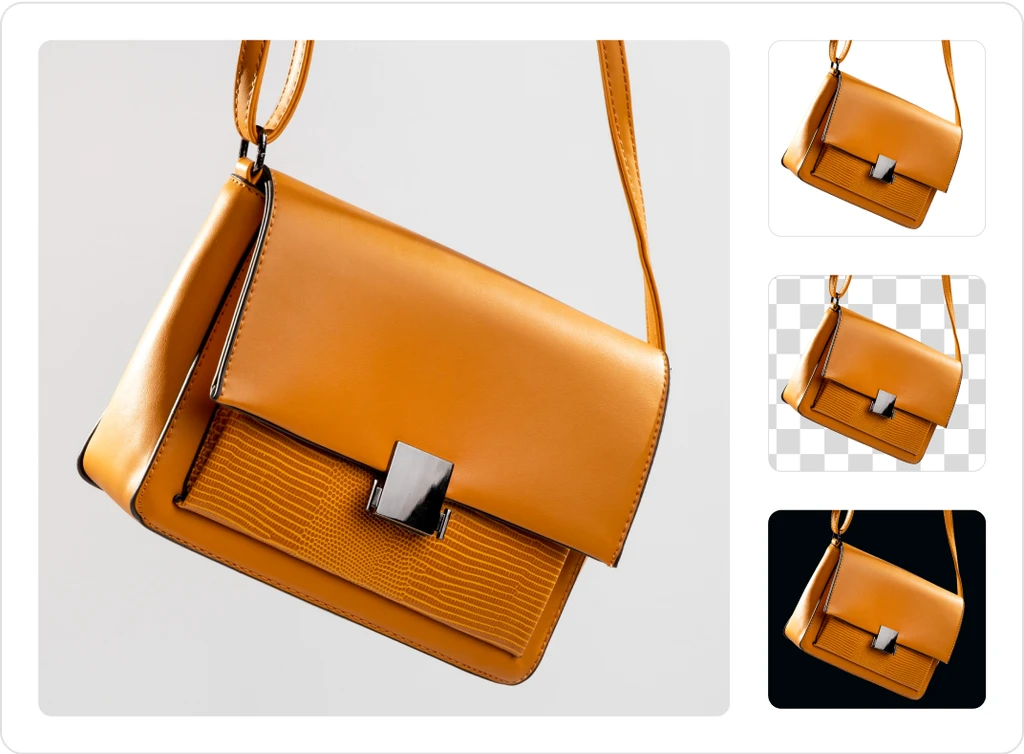
Not every product photo turns out as planned. Background clutter, uneven lighting, and inconsistent setups pull attention away from what matters your product. With ClipSnap, you can remove background distractions in seconds. Once the background is gone, your product looks clean and professional. Keep a transparent PNG, switch to a white background, or choose a solid color that matches your brand. No editing experience required. Just upload, remove background automatically, and present crisp, focused images with zero hassle.
Background Remover Use Cases
Create clean and polished images with our background remover for everyday use.